About this app
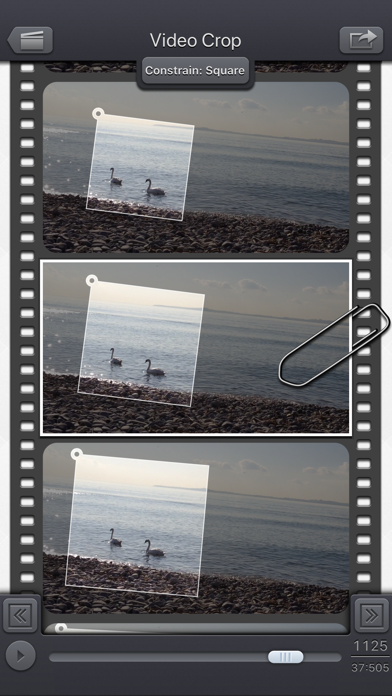
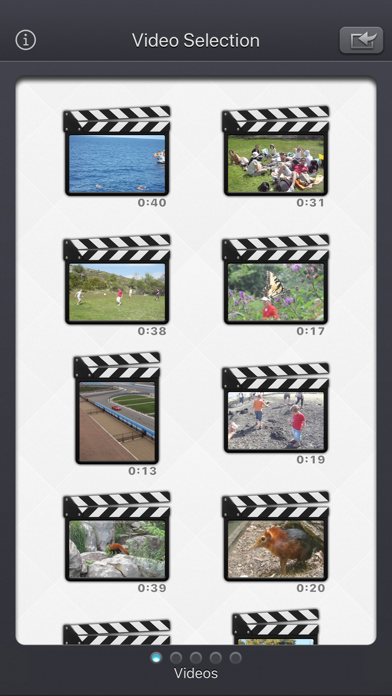
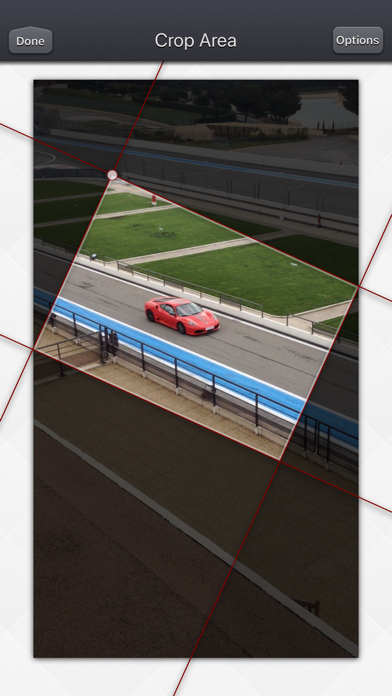
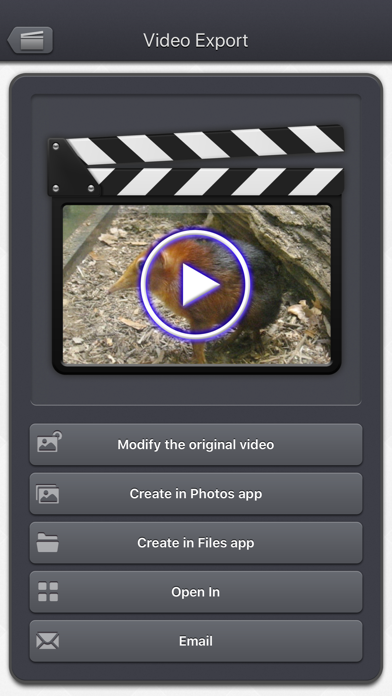
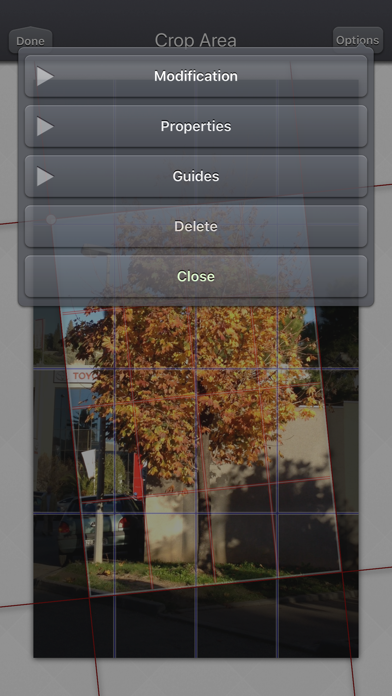
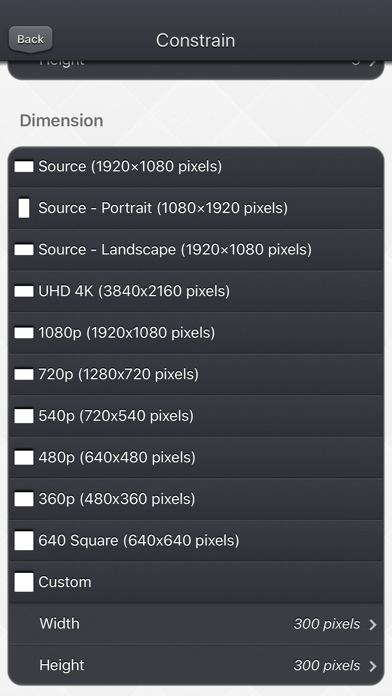
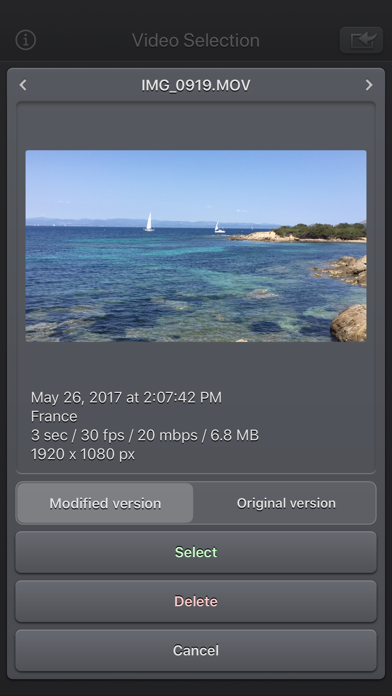
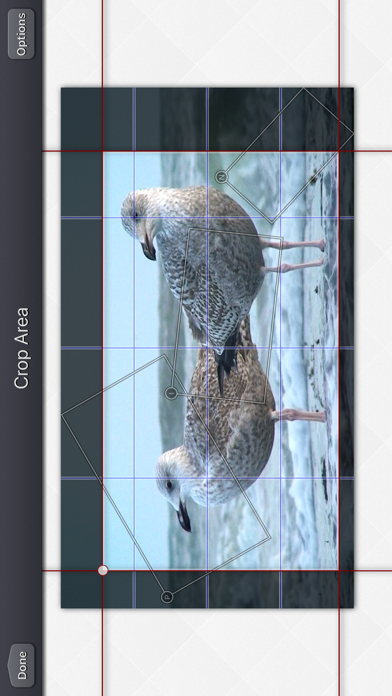
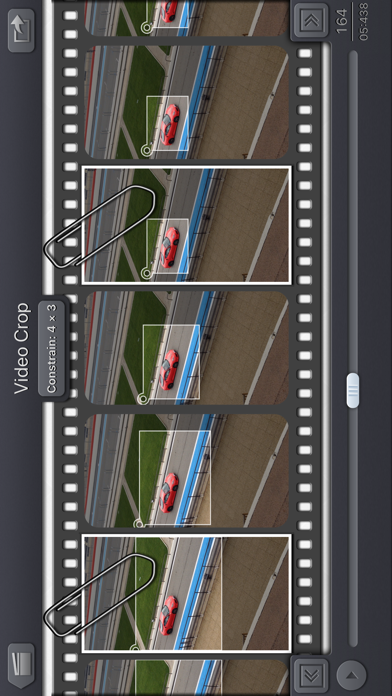
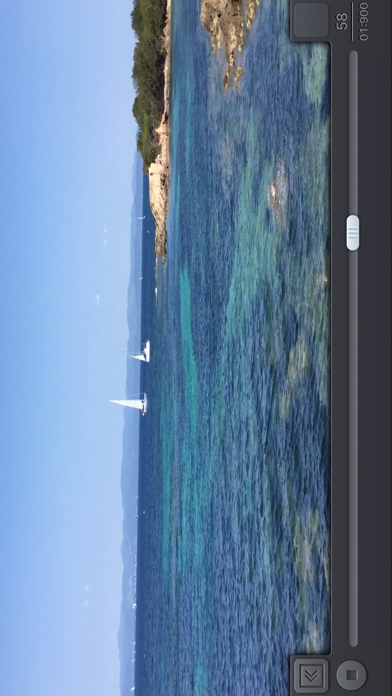
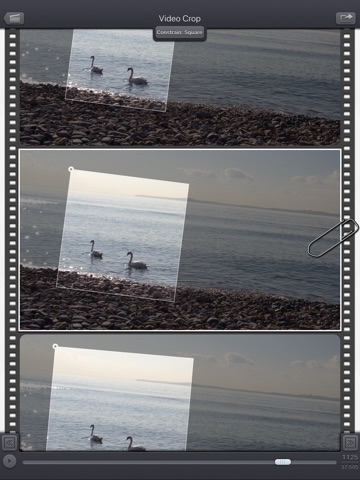
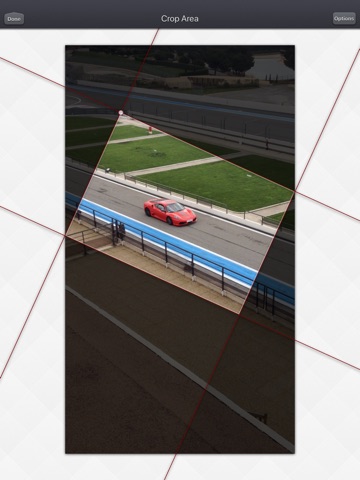
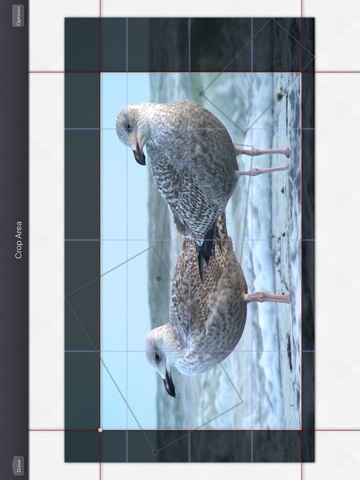
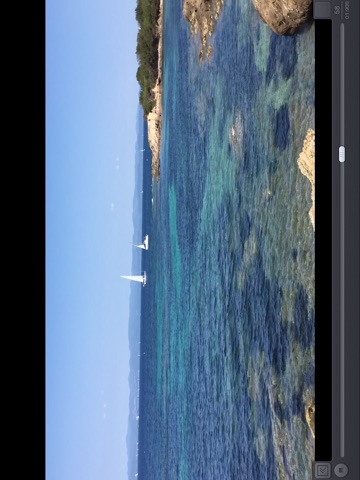
Video Crop & Zoom - HD allows you to crop your videos in an easy and precise way. Why would you do that? • You want to remove a person or an object from a video. Crop your video to make this part invisible. • You need to straighten a video in order to fix the horizon. • You have recorded a video with a portrait orientation and you would like to change it to a landscape orientation. • You want to add small effects to your video, like a zoom-in to someone's face, shortly followed by a zoom-out to a larger general view. • You want to keep the best of your video only, cropping the main part of it, and removing the superfluous. • You want to crop your video with a specific constrain (square, 4x3, 16x9 , ...) or some precise dimension (580p, 1080p, ...) before sending it to your TV or your favourite social service. The Input video can be imported from your device in several ways. The modified version (if there is one) or the original version of the video are both available. The camera can be used directly to record a video if needed. You can also connect your device to your computer in order to drag and drop specific videos (Files feature). The output video can be exported in several ways. Create a new video in the Photo app or in the Files app. Directly modify the input video by adding an edited version. Share the video to another application. An animated and original user interface allows you to crop (and zoom and rotate), if necessary, every frame of the video independently. An interpolation will be done automatically between each of your modifications, in order to scale and move progressively the crop area. Those cropped areas can be defined by using some simple gestures, but in case some high precision is needed, you can directly change the values (in pixels for the size and position, in degrees for the angle). Some optional visual guides, like configurable grids, and contextual information, can be displayed to help you track your target. This application can run, on your iPhone and your iPad, as a standalone application, a Photo Extension, or as an Action Extension (from the compatible applications like the Photo app). Portrait and Landscape orientations are supported in all screens. Dark mode of iOS13 is supported. You will find the original and intuitive user interface, common to all our videos applications. These applications have been featured many times by Apple and various websites.
Latest release
What’s New
• Improved support for HDR videos. • Fixed Live Photo imports from the system media picker on the video selection screen. • You can now adjust the selected photos and videos when full Photos access has not been granted.
Audience growth
Ratings growth
Momentum comes from crawler snapshots for the tracked storefront. “Viral growth signal” means unusually fast recent rating gains; it is an indicator, not download data.
Price tracking
Price intelligence
- First observed Aug 10, 2026 · 5:12 PM $1.99
Screenshots