About this app
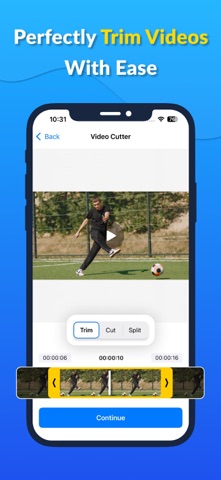
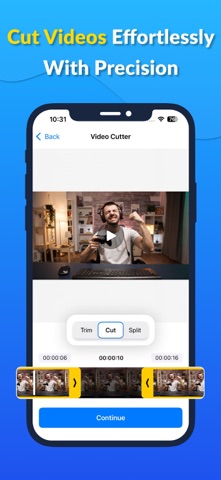
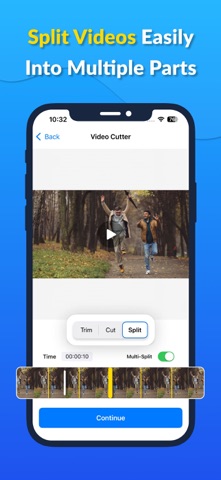
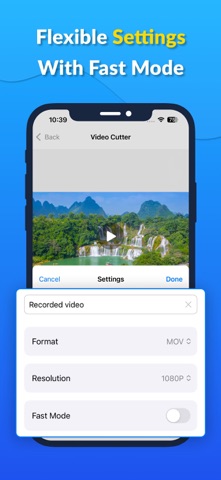
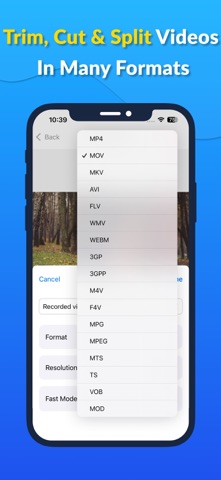
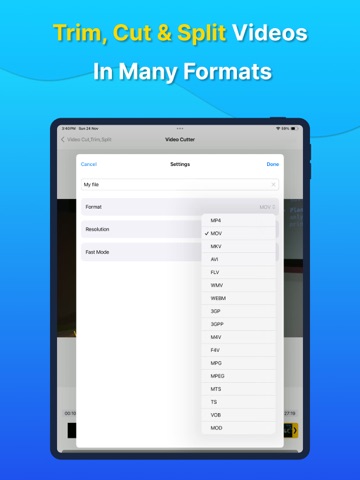
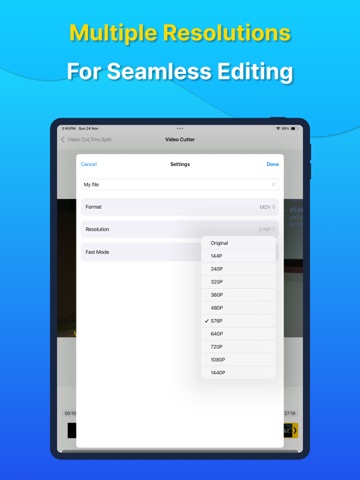
Video Cutter: Trim & Split Video is a fast, easy-to-use video cutter and video trimmer that lets you cut videos, trim clips, and crop videos in seconds. Whether you want to edit videos, trim video length, or split videos into smaller clips, this app makes video editing simple and precise. With our video crop app, you can crop video to remove unwanted parts, adjust the frame, or focus on the perfect scene. It’s a complete solution for anyone looking to cut video, trim, or edit video clips effortlessly. Trim Videos Easily Use the video trimmer to trim your videos and remove unwanted sections. Perfect for creating short clips for social media or personal sharing. Split & Cut Videos Break your videos into multiple segments using the video cutter. Quickly cut videos, create highlights, or split long videos into shareable clips. By this app, users can split multiple clips at a glance, making batch editing simple and fast. Crop Videos with Precision Our video cropper and video crop app features allow you to crop video to focus on what matters most. Adjust the size and frame for any project. Fast & Easy Video Editing No complicated software needed — just select the section you want to cut video, trim, or edit video, and save instantly. Ideal for quick edits on the go. High-Quality Export Export trimmed, cut, and cropped videos without losing quality. Keep your clips sharp and ready to share with friends or on social media. Key Features Video cutter & trimmer Cut videos & edit video clips Trim video length precisely Split multiple clips at a glance Video cropper & crop video app Split videos into multiple clips High-quality export for all videos Simple and user-friendly interface Perfect For Social media short clips Quick video edits Cutting unwanted video parts Trimming long recordings Cropping video for highlights Privacy Policy: https://docs.google.com/document/d/1ynFVHiRCZ10givyaSNHIFzHVmVesftraZjp5hiwr5UE/edit?usp=sharing Terms of Use: https://docs.google.com/document/d/19_65tUXAMNYfKjdYOSVzXfcO-2wrK-5GEJ1jLJ1TN_Y/edit?usp=sharing
Latest release
What’s New
+ Bug Fixes + UI Improvements + Stability Enhancements
Audience growth
Ratings growth
Baseline captured. Growth appears after the crawler observes a changed rating count.
Momentum comes from crawler snapshots for the tracked storefront. “Viral growth signal” means unusually fast recent rating gains; it is an indicator, not download data.
Price tracking
Price intelligence
First snapshot captured. The trend line starts after the next crawler price observation.
- First observed Aug 16, 2026 · 9:53 PM Free
Screenshots