About this app
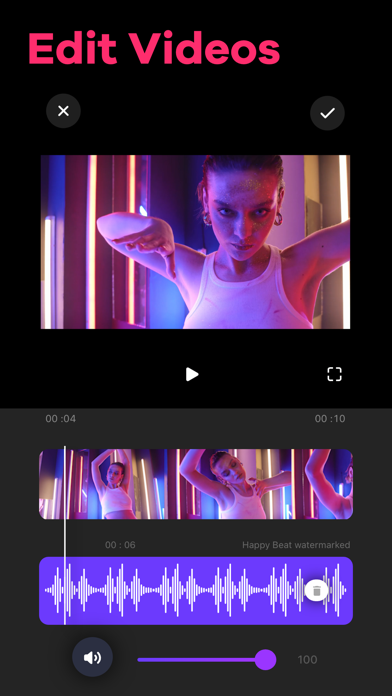
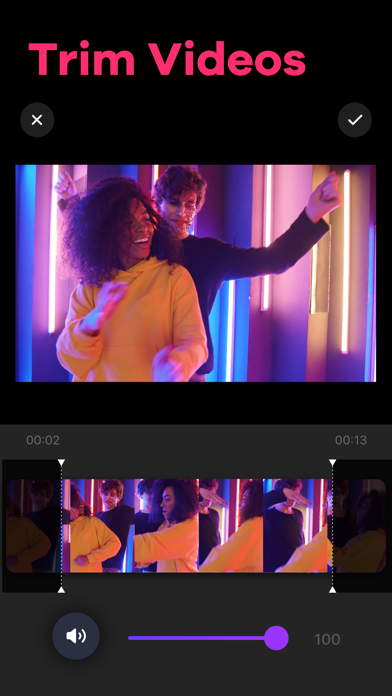
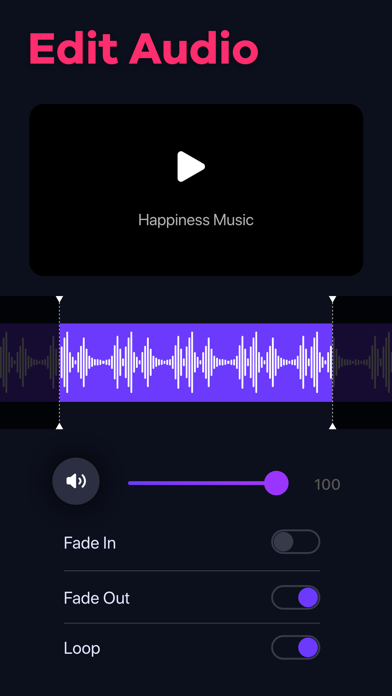
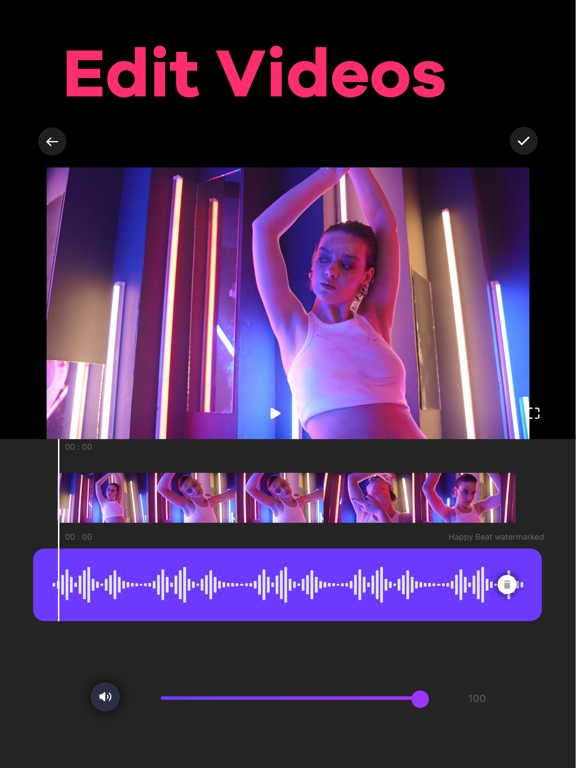
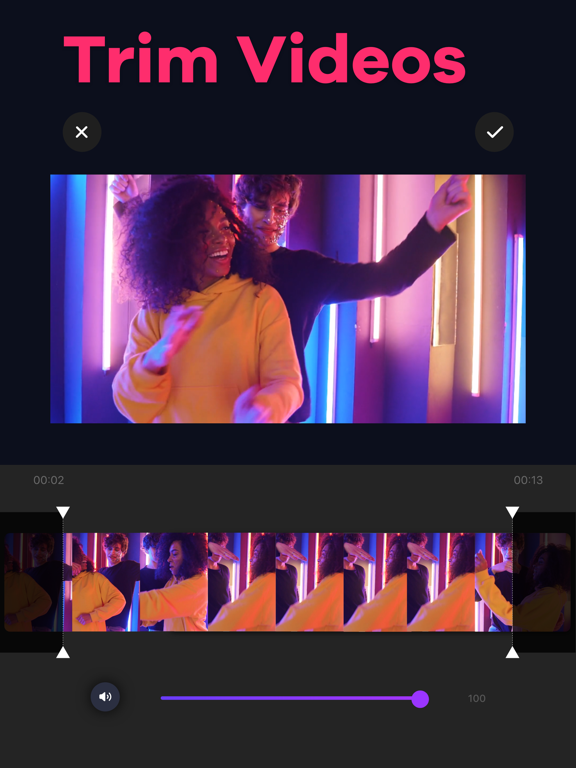
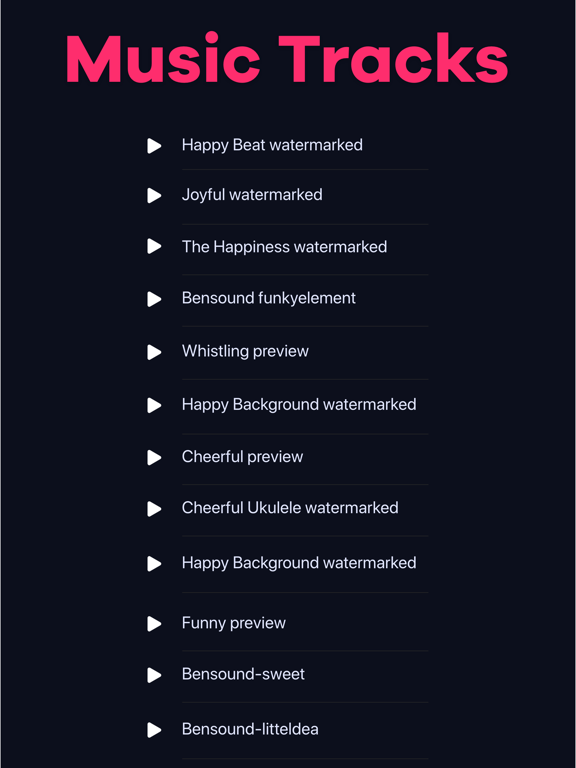
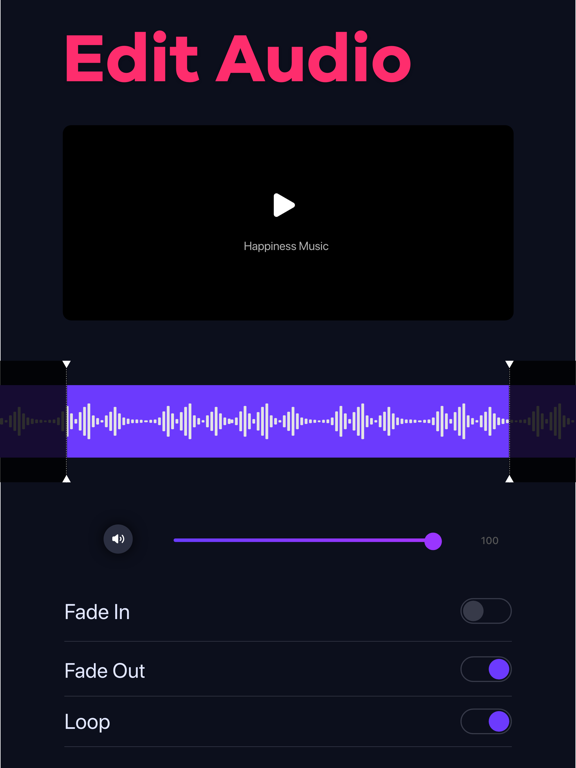
Video Editor app for iPhone and iPad simplifies the entire process of adding music to your videos. Grab videos directly from your camera or gallery and cut out unwanted moments using the video trimmer feature. You can add tracks to any videos by recording the audio yourself or choosing songs from iTunes Music. Key Features of Video Editor: - Trim videos in just a few steps - 3 ways to add music to videos: in-app tracks, iTunes Music, and by recording your own audios - Trim audio tracks as necessary after adding - Adjust volume, loop audio, use fade-in, and fade-out option - Share on social media platforms like Instagram, Facebook, etc. - No watermark Terms of Use: https://www.twinbit.net/tc/addmusic/terms.php Privacy Policy: https://www.twinbit.net/tc/addmusic/privacy.php Disclaimer: This app is free to download, but you will be required to make a one-time purchase to access the app's full functionality.
Latest release
What’s New
[Fixes] • Fixed an issue that caused the app to crash while selecting videos.
Audience growth
Ratings growth
Baseline captured. Growth appears after the crawler observes a changed rating count.
Momentum comes from crawler snapshots for the tracked storefront. “Viral growth signal” means unusually fast recent rating gains; it is an indicator, not download data.
Price tracking
Price intelligence
- First observed Aug 15, 2026 · 3:01 AM Free
Screenshots