About this app
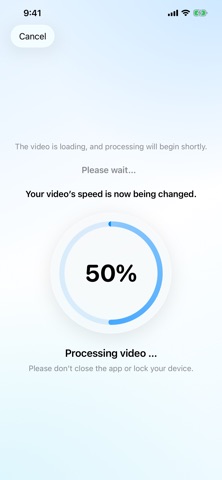
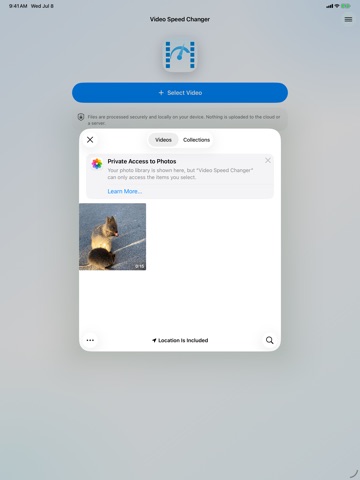
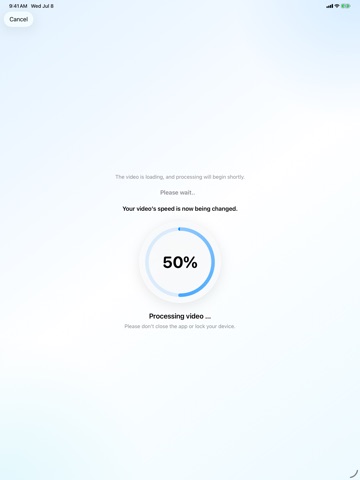
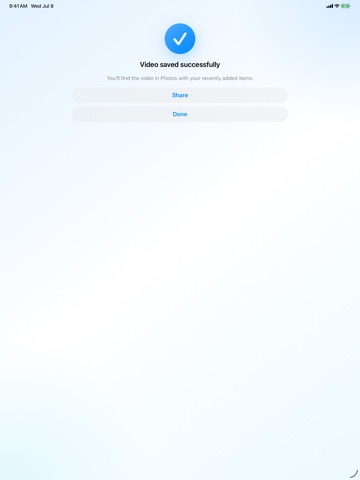
Change the speed of videos. Make them faster or slower. Download the Video Speed Changer app for free now! With this app, you can change the speed of videos and adjust the playback speed. Make your videos faster for timelapse, Timewarp, or Hyperlapse effects, or slow videos down and turn them into slow motion. Just open the video in the app and change the video speed in a few simple steps. The app works with videos recorded on iPhone or iPad, and also with videos from external cameras such as drones, action cams, dash cams, or other cameras. Common video formats like MP4 and MOV can be made faster or slower afterward. If you recorded a long clip while driving down a road, for example, you can simply speed up that video and create a time-lapse. Or if you have a video of someone that you want to slow down, you can turn it into slow motion later. If you are wondering how to speed up a video, accelerate a video, slow down a video, turn a normal video into a time-lapse, or change the playback speed of a video on iPhone or iPad, the Video Speed Changer iOS app is made for exactly that. Tip: If you want to create a funny video, try this: Record a video of someone speaking in front of the camera. Slow the playback speed down to 0.5x with the app, and it will sound as if the person is drunk. A simple slider and preset buttons make it easy for anyone to create slow motion or time-lapse from an existing video. Just open the app, choose a video from your iPhone or iPad, and drag the slider to the right to make it faster or to the left to slow it down. This lets you change the playback speed of your video without using complicated video editing software. In the editor where you adjust the video speed, there is also a preview feature. You can see the original playback duration of the source video and the new duration after your selected video-speed change. The finished video is saved without a watermark or logo. The original video resolution is preserved: 1080p videos stay 1080p, and 4K videos stay 4K. This lets you change the speed of your video without reducing its resolution or quality. Videos are processed securely and privately, only locally on your own device. There is no upload to the cloud or to external servers. This is ideal if you want to edit videos privately and directly on your iPhone or iPad. The finished changed video can be saved and sent via iMessage, WhatsApp, or other messengers, or shared on social media such as Facebook, Instagram, TikTok, Snapchat, Instagram Reels, YouTube Shorts, Stories, or Status. Download the app for free now! Apple Standard End User License Agreement: https://www.apple.com/legal/internet-services/itunes/dev/stdeula/
Latest release
What’s New
Comprehensive modernization and improvements throughout the app, including a refreshed modern design.
Audience growth
Ratings growth
Momentum comes from crawler snapshots for the tracked storefront. “Viral growth signal” means unusually fast recent rating gains; it is an indicator, not download data.
Price tracking
Price intelligence
- First observed Aug 23, 2026 · 6:21 PM Free
Screenshots