About this app
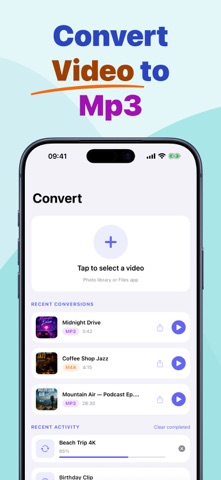
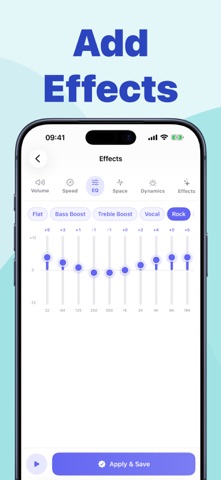
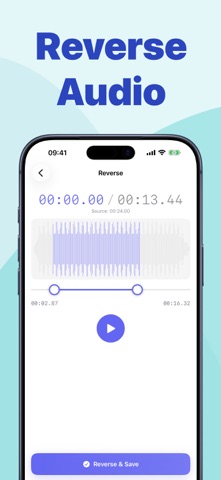
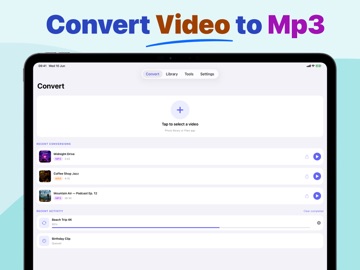
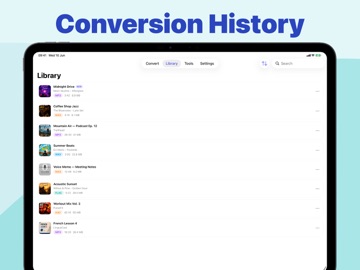
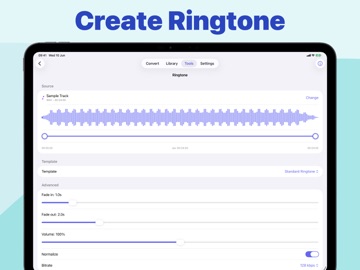
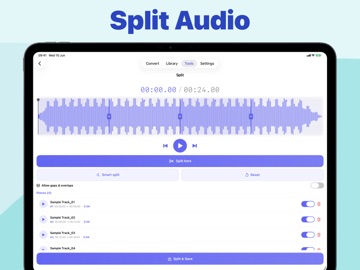
Video to MP3 turns your videos into high-quality audio files in just a few taps. Pick a video from Photos or Files, trim the exact section you need, choose your output format, and save or share the finished audio from your personal library. Whether you are extracting audio from personal videos, creating clips, converting music files, or making custom ringtones, Video to MP3 gives you fast conversion tools with a clean, simple workflow. Features: • Convert video to audio Import videos from your Photo Library or Files app and export the audio in popular formats. • Multiple output formats Create MP3, WAV, M4A, AAC, AIFF, CAF, FLAC, or OGG files with adjustable quality, sample rate, and channel settings. • Trim before converting Select the exact start and end points before export so you only keep the audio you need. • Built-in audio library Play, rename, sort, search, edit tags, share, or delete your converted files from one organized library. • Audio editing tools Trim, split, merge, reverse, batch convert, apply effects, adjust EQ, normalize loudness, change pitch or speed, and more. • Custom ringtones Create ringtone-ready audio files for your device. • Batch conversion Convert multiple audio files at once and save time on repeated tasks. • Vocal and instrumental separation Extract vocals or instrumental-style tracks using fast center-channel processing. • Works on device Your conversions and audio tools run directly on your device for a smooth, private workflow. Video to MP3 is made for quick everyday conversions and deeper audio editing when you need more control. Subscription information: Video to Mp3 Pro is an optional auto-renewing subscription (weekly, yearly and lifetime plans). Payment is charged to your Apple Account at confirmation of purchase. Subscription renews automatically unless canceled at least 24 hours before the end of the current period. You can manage or cancel your subscription anytime in your Apple Account settings. Privacy Policy : https://zeeronstudio.com/privacy/videotomp3.html Terms of Service : https://www.apple.com/legal/internet-services/itunes/dev/stdeula/
Latest release
What’s New
Bug fixes and improvements
Audience growth
Ratings growth
Baseline captured. Growth appears after the crawler observes a changed rating count.
Momentum comes from crawler snapshots for the tracked storefront. “Viral growth signal” means unusually fast recent rating gains; it is an indicator, not download data.
Price tracking
Price intelligence
First snapshot captured. The trend line starts after the next crawler price observation.
- First observed Aug 21, 2026 · 6:39 PM Free
Screenshots