About this app
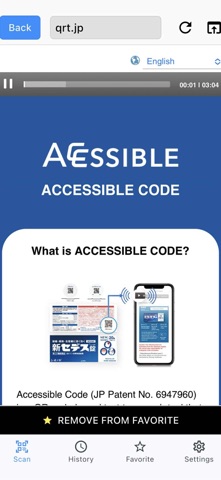
VIP Code Reader is an accessible QR and barcode scanner specially designed and optimized with the needs of visually impaired people (VIPs) in mind. With assistive voice guidance, users can navigate the app using sounds and vibrations, making the app easy for anyone to use. VIPs can easily scan any 2-cm (or larger) code present on printed materials and listen to its content read aloud using VoiceOver technology. Key Features Automatic Scanning & Page Navigation When the app is launched, the camera activates immediately. A radar-like sound helps guide the camera into the correct position, and once a QR code is detected, it is scanned within one second. The app then instantly redirects to the linked page and starts reading it aloud—no tapping required. Voice Notifications No code detected → Every 10 seconds: “No QR code found.” No internet connection → “Unable to connect to the internet.” No data / Scan failed → Notified with an error sound Scan History Previously scanned pages can be reopened from the scan history section. Favorites Save frequently accessed pages for quick access. Accessibility Settings Adjust language, vibration, and radar sound. The app also supports Siri Shortcuts, allowing users to customize the app to fit their needs. Recommended Usage In the case of scanning a QR code on an A4-sized paper, hold your phone 20–30 centimeters away from the paper so the entire sheet fits on the screen. Recommended posture: Sit at a table with the printed sheet placed in front of you Raise the phone just below your chin, parallel to the table, and point it straight down at the sheet This will ensure the most stable and reliable scanning experience. Multilingual Support QR codes generated at 4vip.qrtranslator.com will automatically display their content in the language set on the user’s phone, making the information accessible in multiple languages worldwide.
Latest release
What’s New
Updated UI
Audience growth
Ratings growth
Baseline captured. Growth appears after the crawler observes a changed rating count.
Momentum comes from crawler snapshots for the tracked storefront. “Viral growth signal” means unusually fast recent rating gains; it is an indicator, not download data.
Price tracking
Price intelligence
- First observed Aug 21, 2026 · 3:02 PM Free
Screenshots