About this app
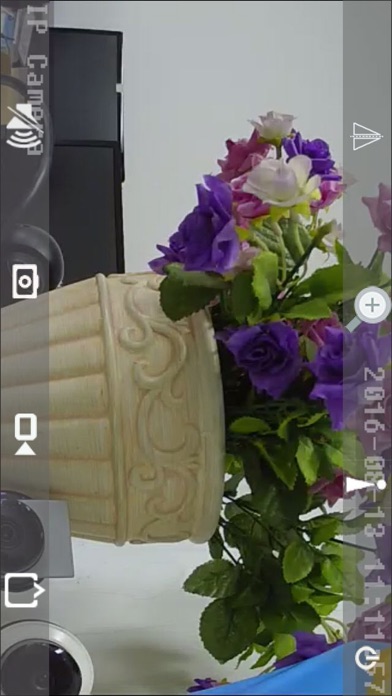
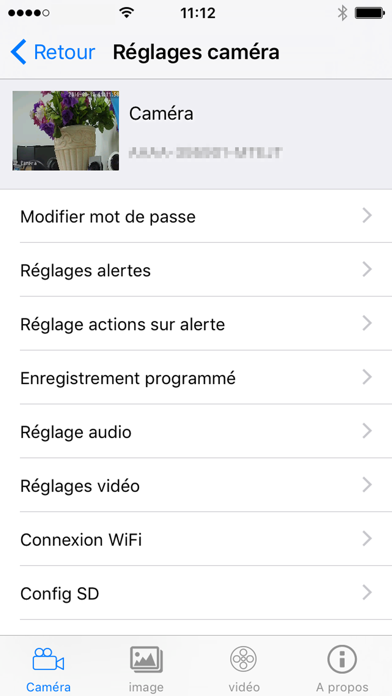
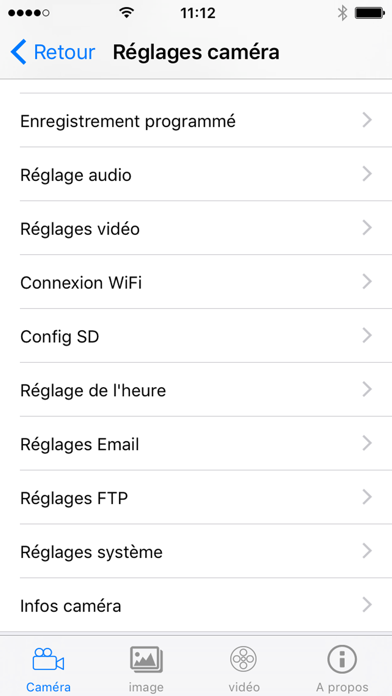
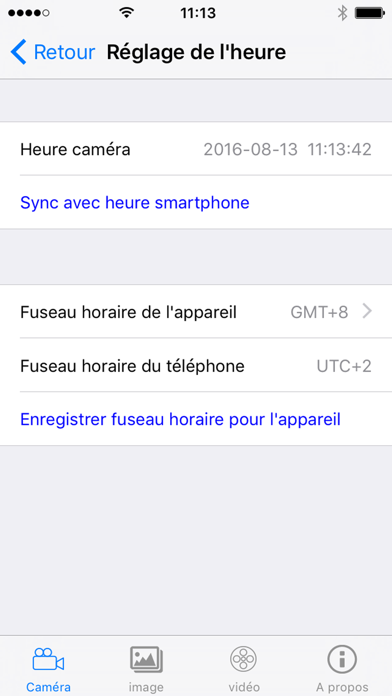
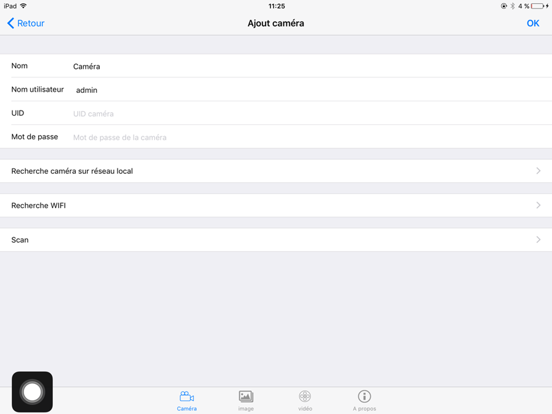
Receive alerts remotely and control if necessary what happens in your home: raise any doubt easily! What is Visia? The Visia application is a simple solution for: - activate your AVIDSEN camera of the corresponding range (association by scanning the QR code present on the camera), - record, play and control multiple cameras simultaneously for simplified management. - manage camera settings (adjust the brightness and sensitivity of motion detection, set up email alerts and schedule recording periods ...) - view remotely to keep an eye on your home. - If the model of your camera is motorized, you can take control of the camera from a distance and control its orientation. - If the model of your camera is equipped with a microphone and a speaker, you can listen and speak through your camera. For which cameras? The Visia application is dedicated to the range of AVIDSEN IP cameras of reference 123284/123287/123288
Latest release
What’s New
iOS 13: bug fixes
Audience growth
Ratings growth
Baseline captured. Growth appears after the crawler observes a changed rating count.
Momentum comes from crawler snapshots for the tracked storefront. “Viral growth signal” means unusually fast recent rating gains; it is an indicator, not download data.
Price tracking
Price intelligence
First snapshot captured. The trend line starts after the next crawler price observation.
- First observed Aug 21, 2026 · 9:20 PM Free
Screenshots