About this app
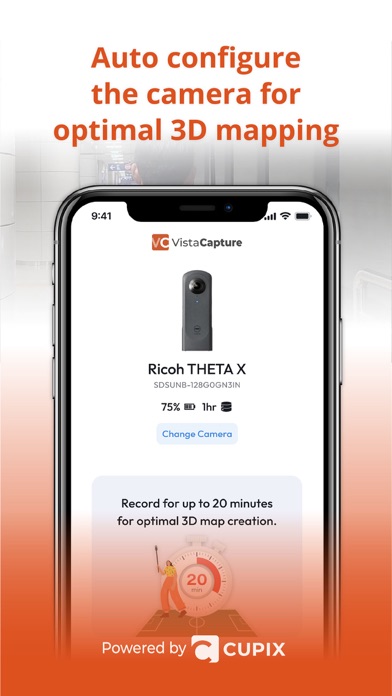
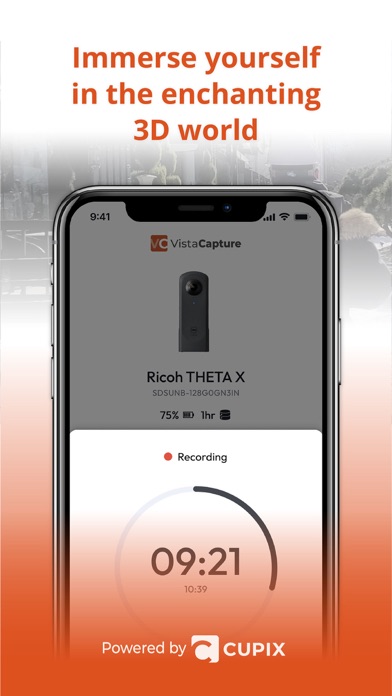
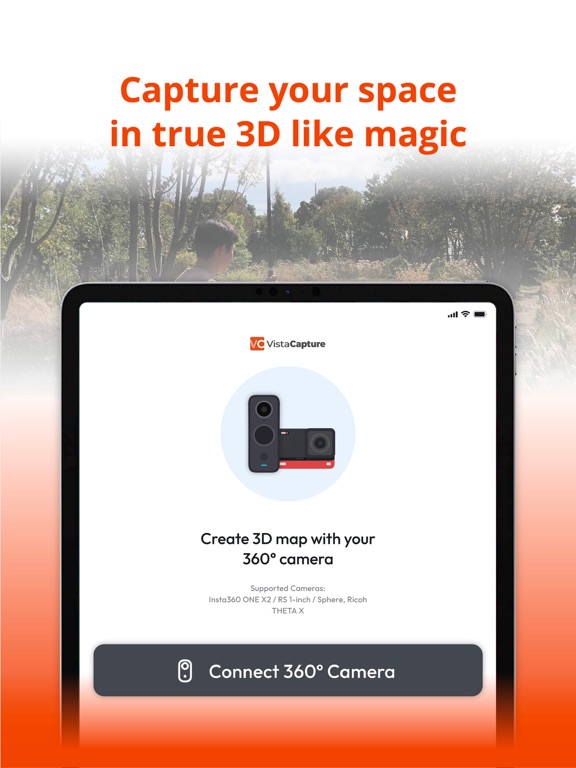
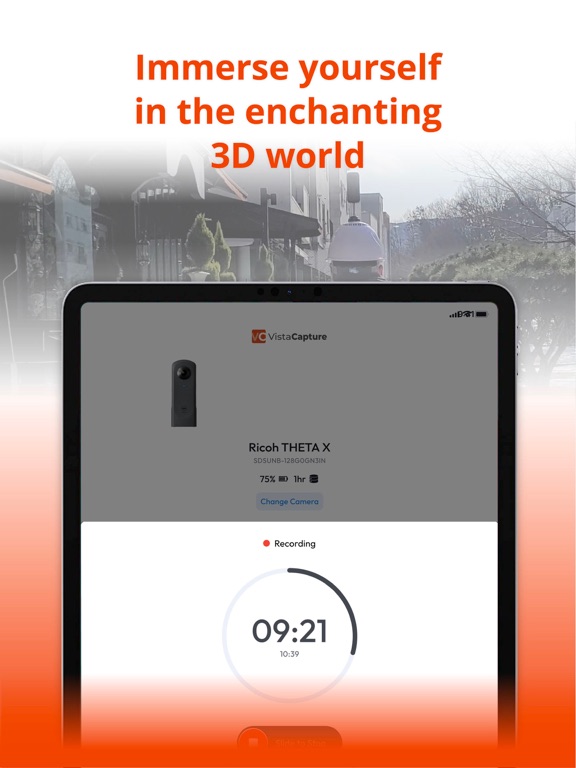
Pair your 360 camera with VistaCapture, and you're ready to create your own 3D map on CupixVista. Simply connect VistaCapture to your 360 camera and press 'Start' the app will automatically configure your camera in seconds and start recording 360 video right away. All you need to do is walk wherever you want to capture. For the best results, we recommend using Insta 360 One X2, X4, X5, One RS 1-inch 360 Edition, and Ricoh Theta X. Why CupixVista? Effortless 3D Documentation. CupixVista is the industry's most user-friendly and cost-effective AI-powered reality capture tool. Using CupixVista, you can become a 3D mapping pro with just 360° video and our AI. No expensive equipment or expertise is required. Even with no prior experience, architects, engineers, surveyors, and hobbyists can create realistic digital dioramas of large spaces on the go using 360° video footage. Learn More: Visit our website at https://www.cupixvista.com/ for more information.
Latest release
What’s New
Bug fixes and performance improvements
Audience growth
Ratings growth
Baseline captured. Growth appears after the crawler observes a changed rating count.
Momentum comes from crawler snapshots for the tracked storefront. “Viral growth signal” means unusually fast recent rating gains; it is an indicator, not download data.
Price tracking
Price intelligence
First snapshot captured. The trend line starts after the next crawler price observation.
- First observed Aug 18, 2026 · 9:05 PM Free
Screenshots