About this app
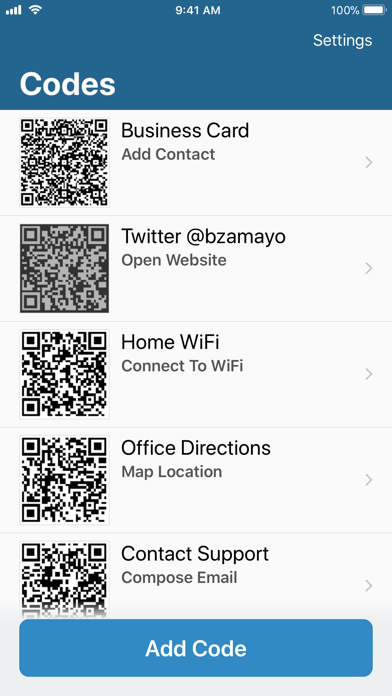
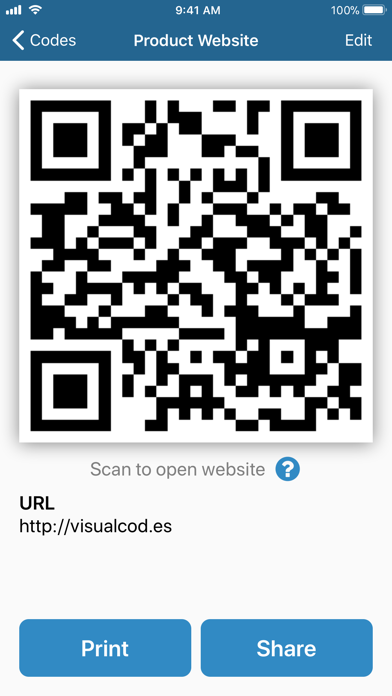
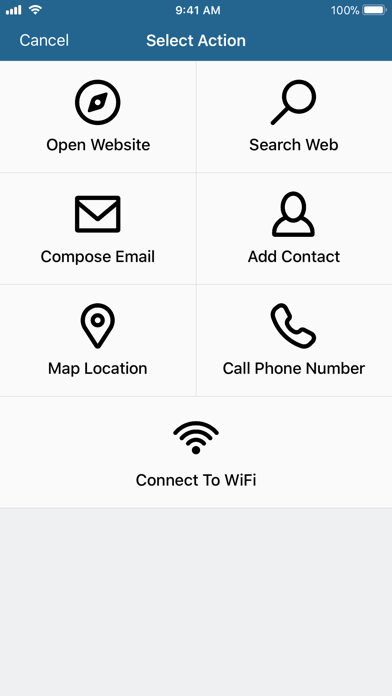
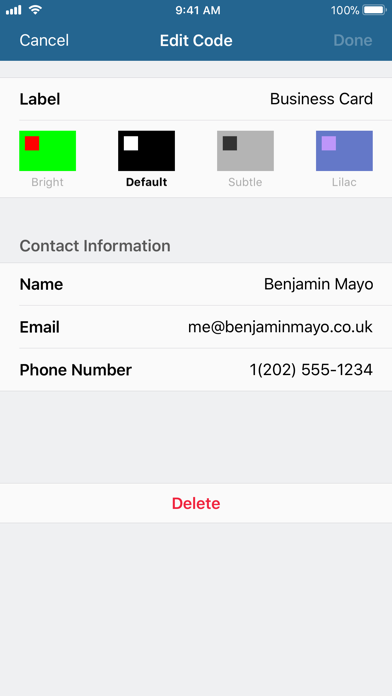
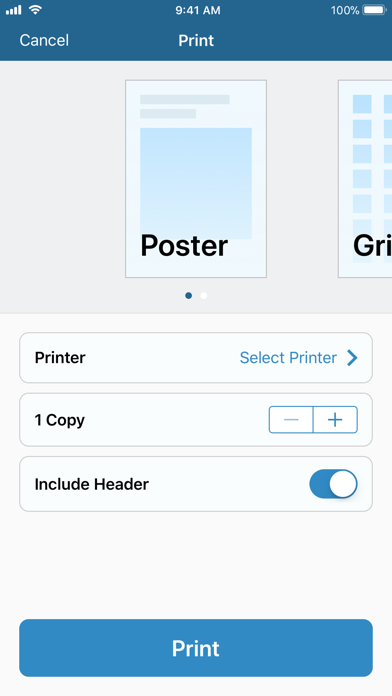
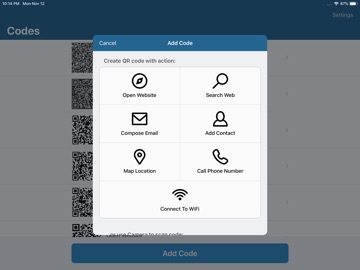
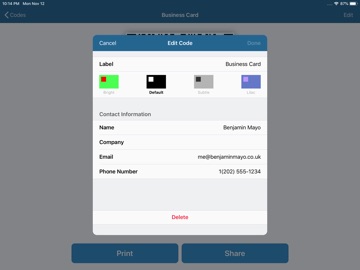
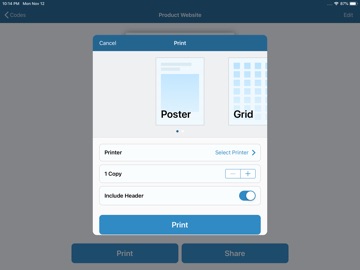
Make QR codes for sharing links, contact info, home WiFi networks and much more. Create a QR code using Visual Codes for others to scan. Scanning a code is easy. Just point the Camera app on an iPhone or iPad running iOS 11. You can even scan a QR code within Visual Codes itself, and save them to your own library. Tap Add Code and select from seven actions: Open Link, Search Web, Compose Email, Add Contact, Map Location, Call Phone Number and Connect to WiFi. Codes are automatically saved to your library, so you can always find them later. Drag and drop to bring your most-used codes to the top of the list. Share and print to send codes to friends. Print as Poster to fill the page with a large code, or use Grid mode to fit multiple codes per sheet. Change up the color palette with four styles; Bright, Default, Subtle and Lilac. Set a Pinned Code to access your favourite QR code without even launching Visual Codes, through Siri. Visual Codes works great, looks great, and takes advantage of the latest iOS 11 technologies. Beautiful large headers. Drag and drop integration. Optimized for iPad with Split View and keyboard shortcuts. Rich VoiceOver and Smart Color Invert support. So much more.
Latest release
What’s New
Compatibility with latest device screen sizes.
Audience growth
Ratings growth
Baseline captured. Growth appears after the crawler observes a changed rating count.
Momentum comes from crawler snapshots for the tracked storefront. “Viral growth signal” means unusually fast recent rating gains; it is an indicator, not download data.
Price tracking
Price intelligence
First snapshot captured. The trend line starts after the next crawler price observation.
- First observed Aug 23, 2026 · 5:06 AM Free
Screenshots