About this app
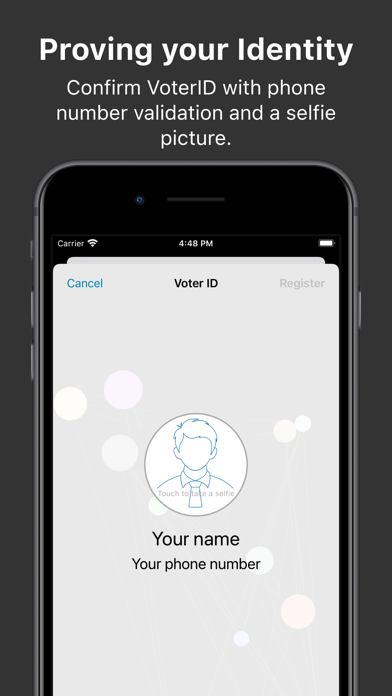
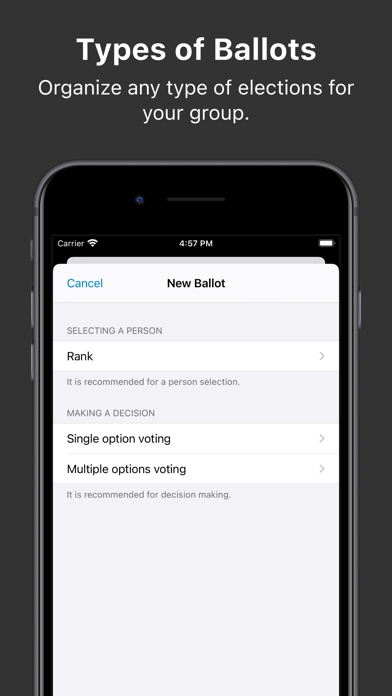
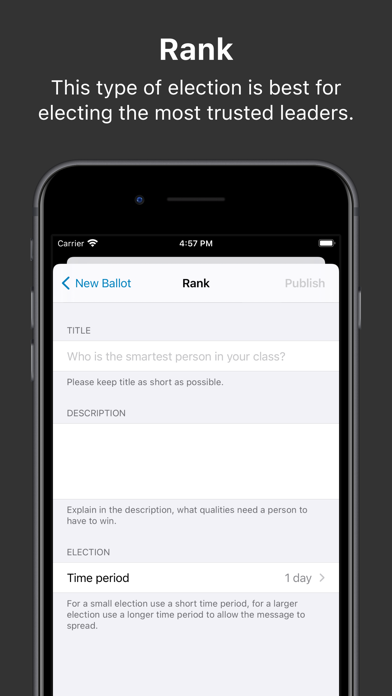
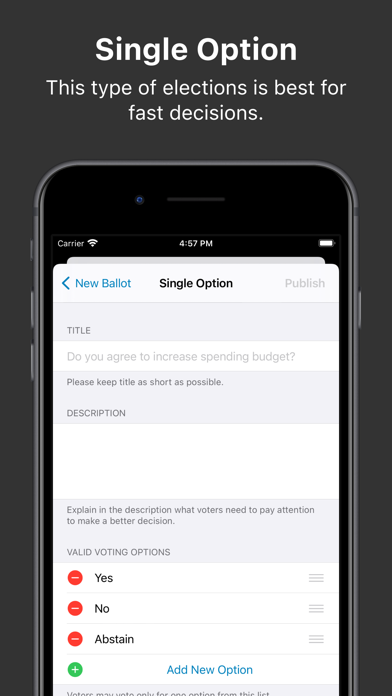
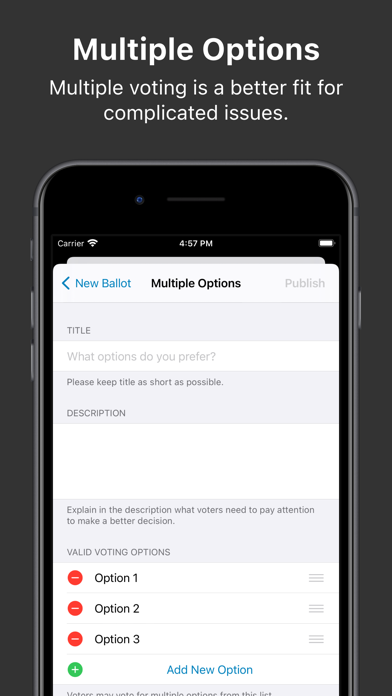
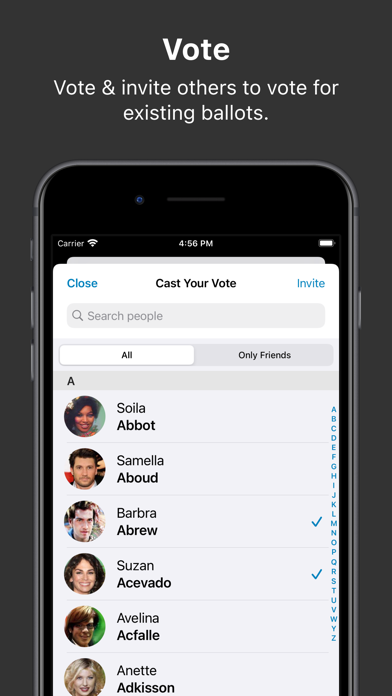
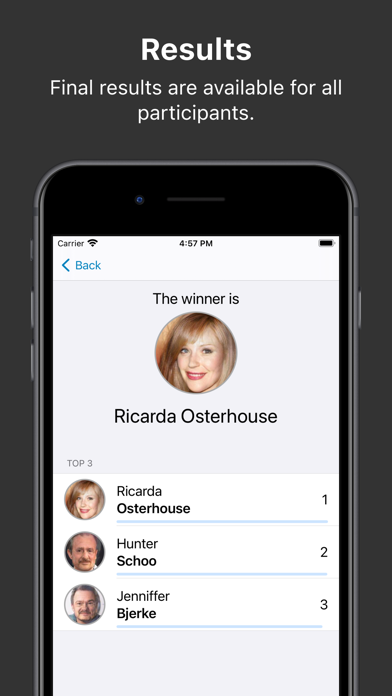
VoteMeApp allows organizations, groups and communities to make decisions online by providing e-voting technology. Election organizers may pick the best type of election that fits their community. We have three types of elections: Single Choice Voting, Multiple Choice Voting, Rank-Choice Voting and Open Voting. Single Choice Voting - This type of elections is best for fast decisions (Yes/No/Abstain) and when your voters are almost equally informed about decisions that they need to make. Multiple Choice Voting - Multiple voting is a better fit for complicated issues where voters need to have more options. We recommend this type of ballot when the voters choices are multiple and the options are not mutually exclusive. Ranked-Choice Voting - Is an electoral selection technique used to provide for all voters the option to rank candidates based upon personal preference: 1st, 2nd, 3rd, and so on, rather than indicating support for only one candidate. Open Voting - This type of election is best for electing the most trusted leaders. There are no candidates per se, like in other kinds of elections. All voters may vote for each other. In the end, we calculate the voting graph, and the person with the most trusted rank becomes the winner. VoteMeApp has been used by: - Professional associations, - Social-political organizations, - Communities of people, - Events and conferences organizers, - Agile corporations, - Students groups. How to run an election 1. Install this app. 2. Confirm VoterID with phone number validation and a selfie picture. 3. Organize any type of elections for your group. 4. Vote & invite others to vote for existing ballots.
Latest release
What’s New
We improved alerts.
Audience growth
Ratings growth
Baseline captured. Growth appears after the crawler observes a changed rating count.
Momentum comes from crawler snapshots for the tracked storefront. “Viral growth signal” means unusually fast recent rating gains; it is an indicator, not download data.
Price tracking
Price intelligence
First snapshot captured. The trend line starts after the next crawler price observation.
- First observed Sep 8, 2026 · 9:50 PM Free
Screenshots