About this app
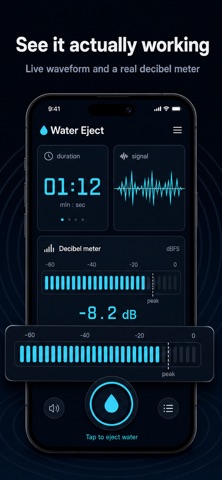
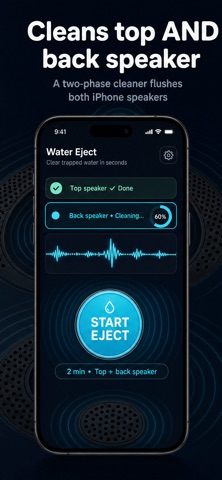
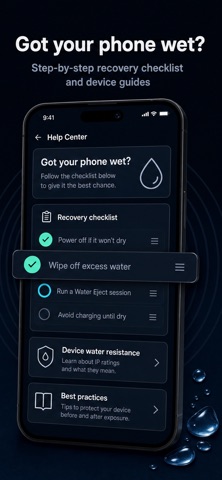
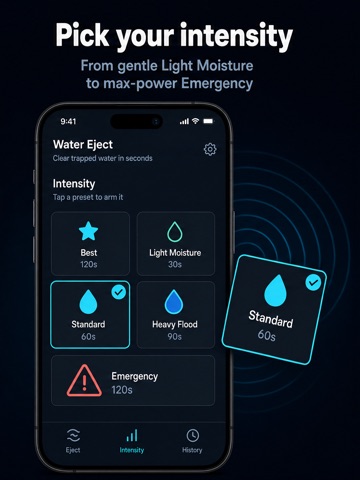
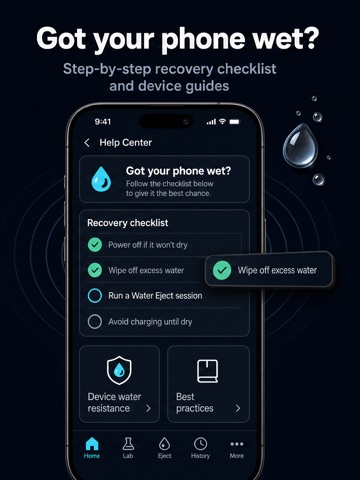
Got your phone wet? Fix muffled speakers in seconds. Water Eject uses proven dual-tone audio to vibrate your speaker membrane and help expel trapped water. One tap, pick an intensity, and let it run. From a quick 30-second burst to a full emergency flush, there is a preset for every situation. ONE-TAP WATER EJECTION Light Moisture, Standard, Heavy Flood, and Emergency presets Best mode runs a two-phase cleaner across top and back speakers Live timer, volume meter, and session tracking Works with iPhone, iPad, and AirPods speakers FULL AUDIO LAB Dual oscillators with custom frequency control Speaker channel tests for left, right, or both Frequency sweeps and waveform options Save unlimited custom presets with Water Eject Pro SESSIONS AND HELP CENTER Track every drying run with history and stats Export session data as CSV with Water Eject Pro Built-in recovery checklist and water damage guides Honest tips for iPhone water resistance and drying PRIVATE BY DESIGN Audio is generated on your device and is never recorded. Session history and settings stay local. No accounts required. HOW TO GET THE BEST RESULTS Turn volume to 70-100 percent Place your device speaker-side down Run a Standard or Heavy preset Repeat if sound is still muffled Let your device air dry between sessions Water Eject helps clear moisture and provides general guidance only. Results vary by device and situation. It is not a repair service or a guarantee against water damage. EULA: https://www.apple.com/legal/internet-services/itunes/dev/stdeula/
Audience growth
Ratings growth
Baseline captured. Growth appears after the crawler observes a changed rating count.
Momentum comes from crawler snapshots for the tracked storefront. “Viral growth signal” means unusually fast recent rating gains; it is an indicator, not download data.
Price tracking
Price intelligence
First snapshot captured. The trend line starts after the next crawler price observation.
- First observed Aug 20, 2026 · 4:04 AM Free
Screenshots