About this app
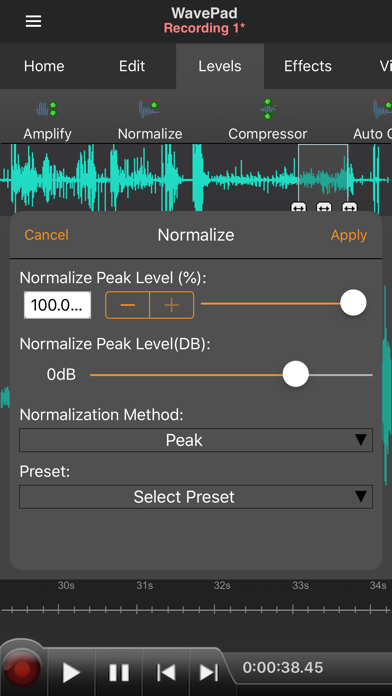
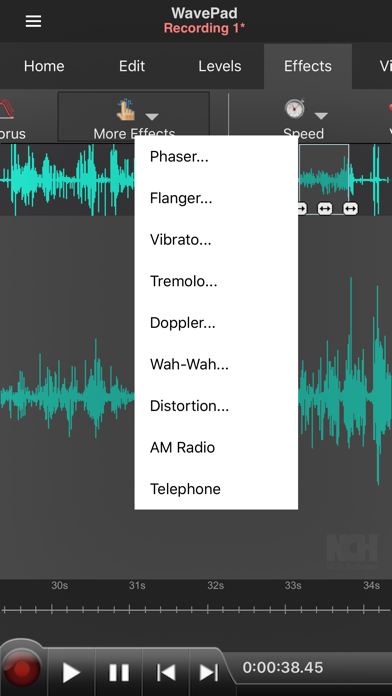
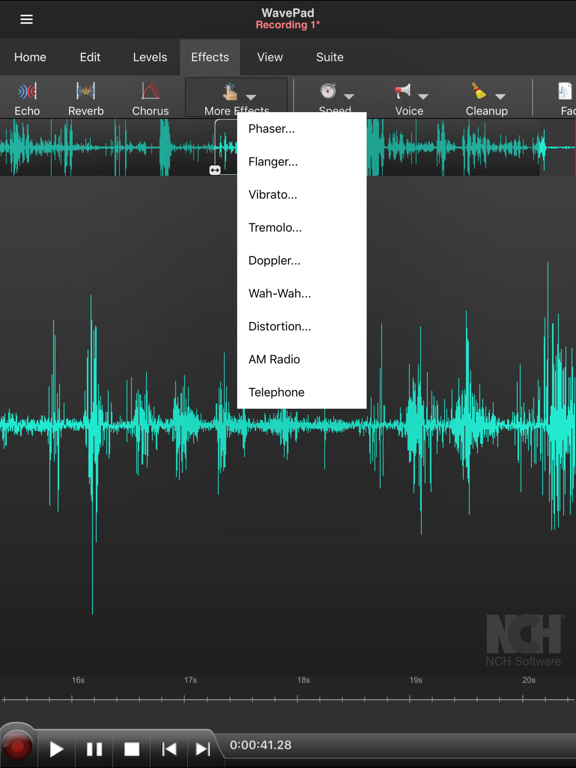
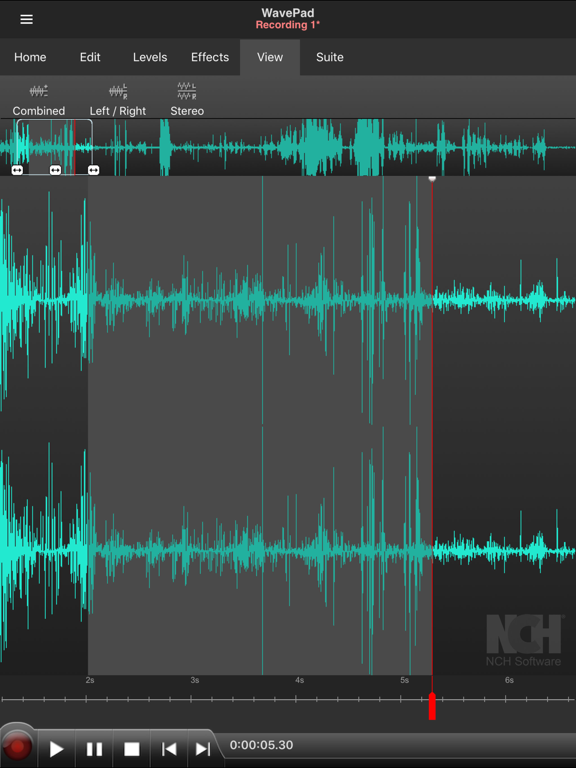
A professional sound editor for recording, editing, adding effects, and sending audio, WavePad allows you to record voice or music, then edit the recording and add effects to achieve high quality audio recordings. Work within audio waveforms to make selections for quick editing, such as inserting recordings from other files, or apply effects like the high pass filter to clarify audio quality. For journalists and other professionals making recordings on the go, WavePad makes it easy to store or send recordings so they are readily available wherever they are needed. • Supports a number of file formats including wave and aiff • Editing capabilities include cut, copy, paste, insert, trim and more • Effects include amplify, normalize, echo and more • Work with multiple files • Supports autotrim and voice activated recording • Select sample rates from 8000-44100hz, 8-32 bits • Recording runs in the background and when the screen turns off • Upload to and download from your Google Drive and Dropbox account This version of WavePad is under a 7-day free trial. Once the trial expires, you will have to pay for the subscription in order to access the full features.
Latest release
What’s New
Minor improvements including bug fixes and with support for existing paid users
Audience growth
Ratings growth
Baseline captured. Growth appears after the crawler observes a changed rating count.
Momentum comes from crawler snapshots for the tracked storefront. “Viral growth signal” means unusually fast recent rating gains; it is an indicator, not download data.
Price tracking
Price intelligence
First snapshot captured. The trend line starts after the next crawler price observation.
- First observed Sep 1, 2026 · 3:01 PM Free
Screenshots