About this app
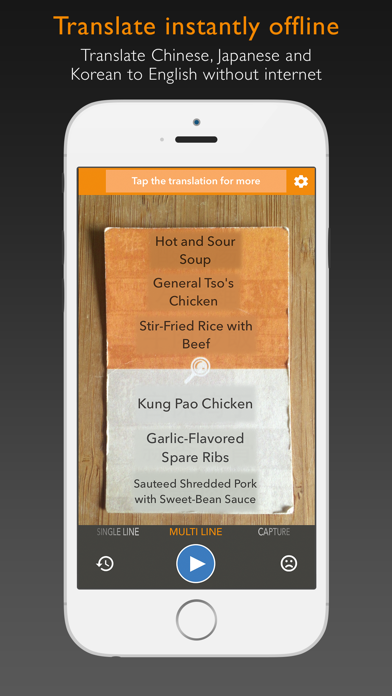
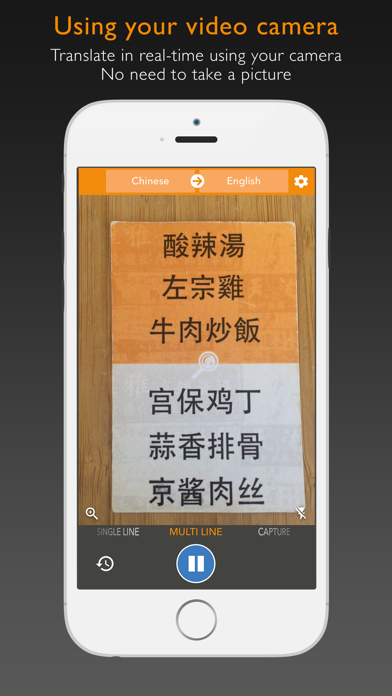
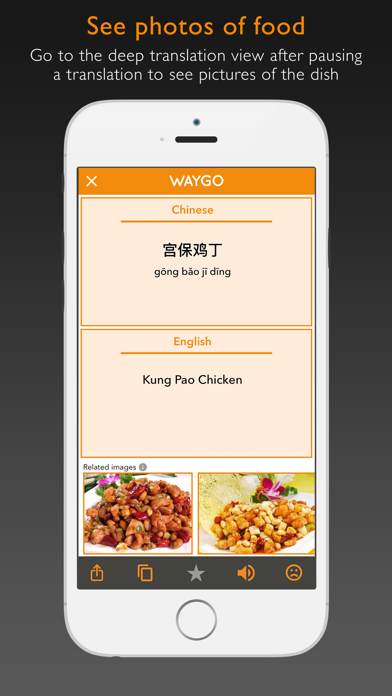
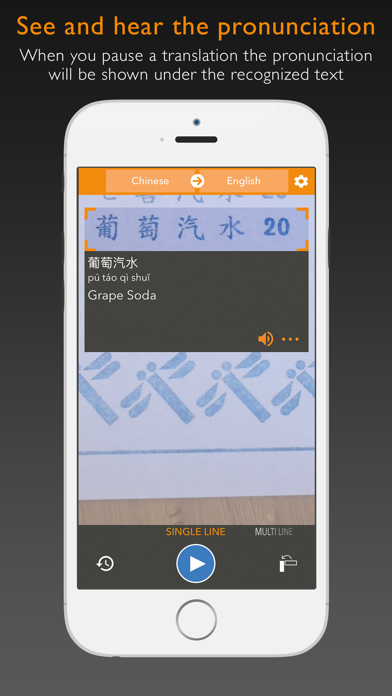
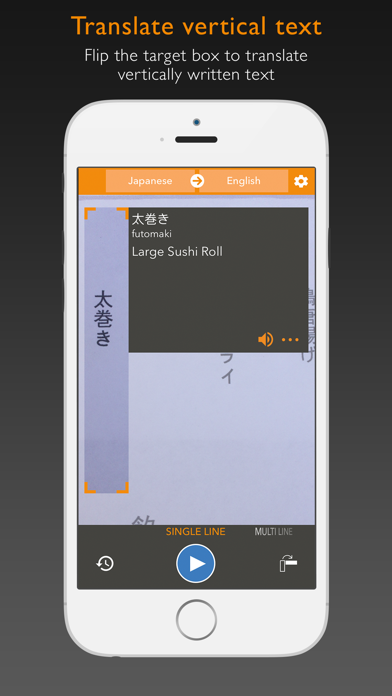
Waygo is the award winning leader in visual translation services, your offline travel translator and dictionary app for Chinese, Japanese and Korean. Our technology allows you to hover your phone's camera over foreign text and instantly translate and read that text in English. Real customer reviews: "It was my 'Life Saver' in my trip to China..." "Using it now in Japan!. So worth the cost of unlimited translations..." "A must for travel to China..." "Happy User. Perfect! Very Useful!" Perfect for travel in China, Japan and Korea, you can instantly read text using our visual translator and learn the language. No data connection needed. Translate Chinese, Japanese or Korean into English offline when traveling in Asia. Why should I choose Waygo? - Free to download and try with all languages and features included - Instant offline OCR and translation that we built from the ground up - Chinese, Cantonese, Japanese, Kanji, Korean - Use your video camera as a visual translator or dictionary - No data connection required - Translate any menu or sign and never feel lost in translation again - See pictures of the food dish you are translating (Chinese only) - See and hear the pronunciation of the words - Simply point and translate foreign text to English - Share your translations through SMS, Facebook, Twitter and Email We have been featured repeatedly in ABC News, The New York Times, TechCrunch, The Next Web, BBC, Tech In Asia, GigaOm, Forbes, Technode, e27 and VentureBeat. This free trial is limited to 10 daily translations. Select your language from the top menu. Upgrade to unlimited translations through the in app purchases in the settings menu. Waygo Camera Translator is compatible with iOS devices running iOS 8.0 and up, as long as they have a rear-facing camera. TIPS 1. Best used on clear Chinese, Japanese and Korean text (currently does not recognize stylized fonts or handwriting) 2. Intended for use on printed text, not computer screens 3. Designed for clear menus, signs and labels, not books or complicated text 4. If the text is small, hold the phone further away and use the zoom to translate more clearly 5. If text is blurry, tap the screen to focus SUPPORTED LANGUAGES - Chinese (Simplified) to English - Chinese (Traditional) to English - Japanese to English - Korean to English - more coming soon! Go to www.WaygoApp.com/menu to try Waygo translator now on a sample Chinese menu. FOLLOW US * Twitter at https://twitter.com/#!/WaygoApp * Facebook at https://www.facebook.com/WaygoApp NOTE FROM THE DEVELOPERS We appreciate your feedback. Please send any questions or suggestions to feedback@waygoapp.com
Latest release
What’s New
This app has been updated by Apple to prepare for watchOS 27 compatibility. No new features are included. * Bug fixes
Audience growth
Ratings growth
Baseline captured. Growth appears after the crawler observes a changed rating count.
Momentum comes from crawler snapshots for the tracked storefront. “Viral growth signal” means unusually fast recent rating gains; it is an indicator, not download data.
Price tracking
Price intelligence
First snapshot captured. The trend line starts after the next crawler price observation.
- First observed Sep 1, 2026 · 2:44 PM Free
Screenshots