About this app
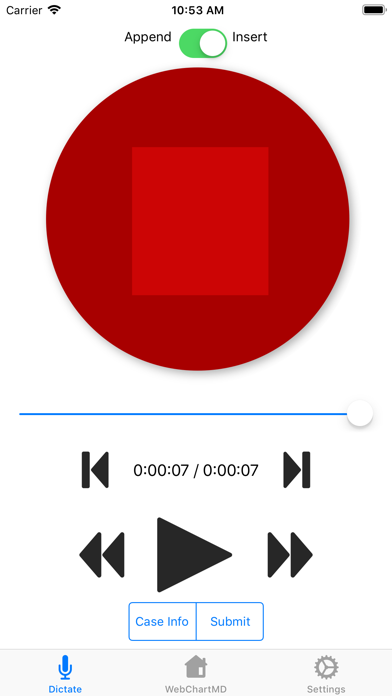
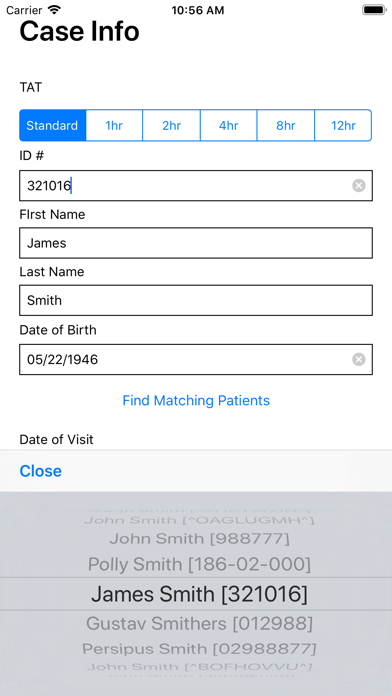
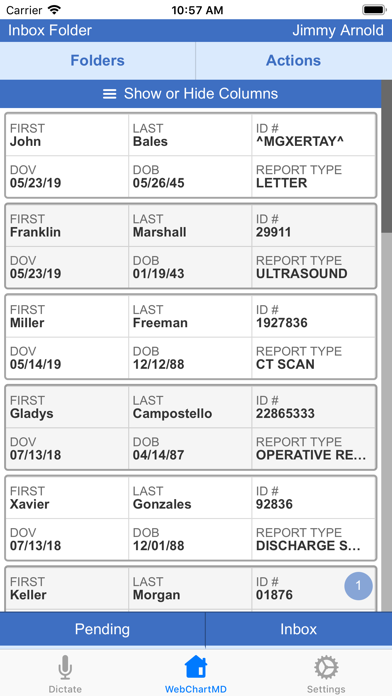
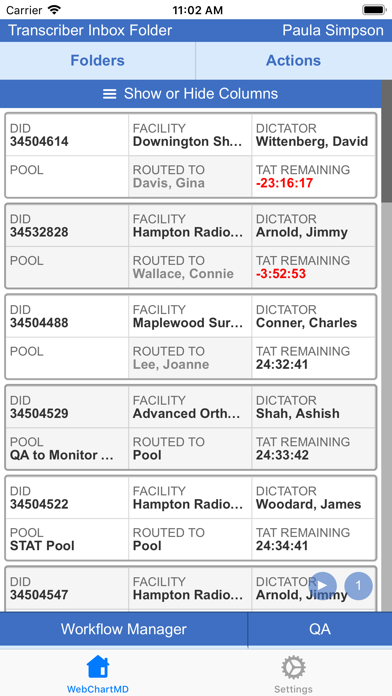
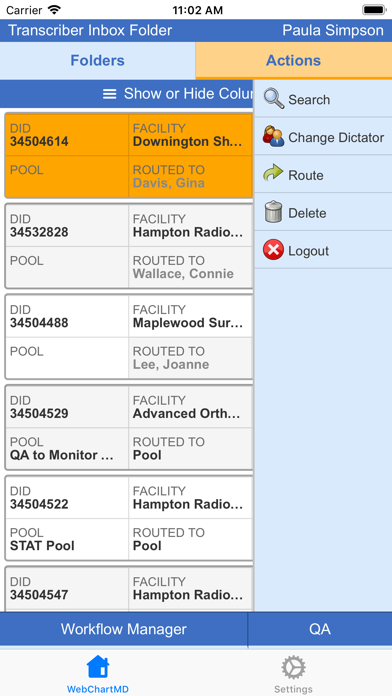
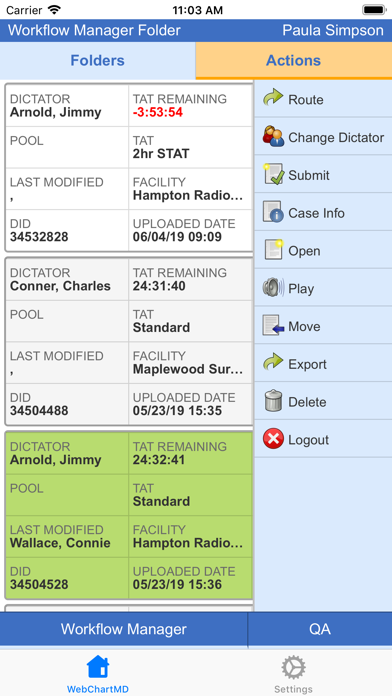
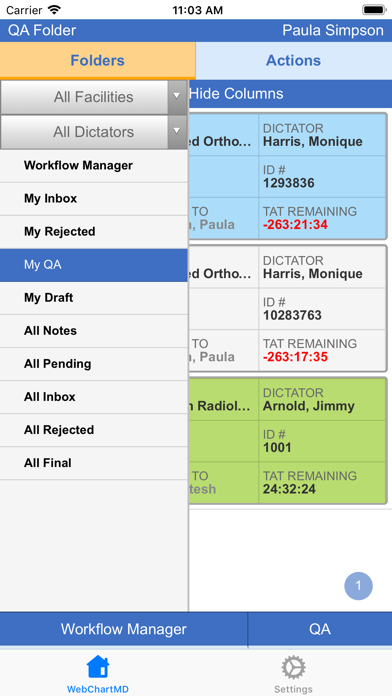
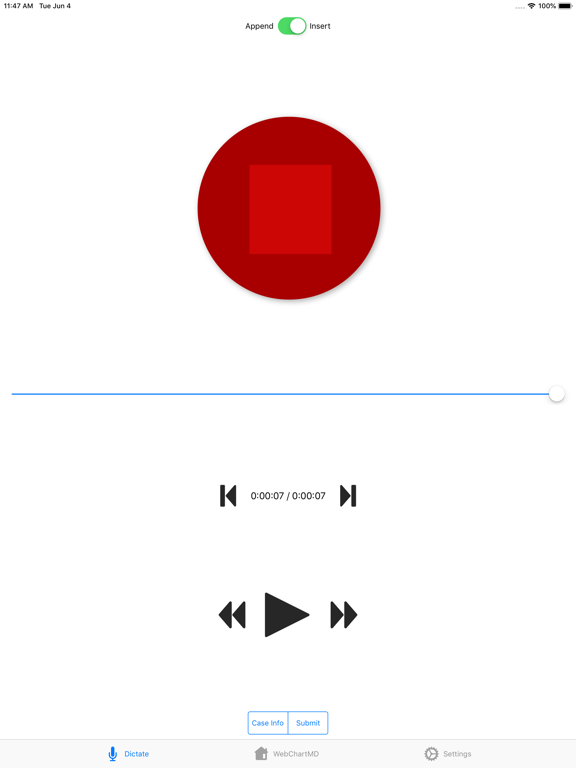
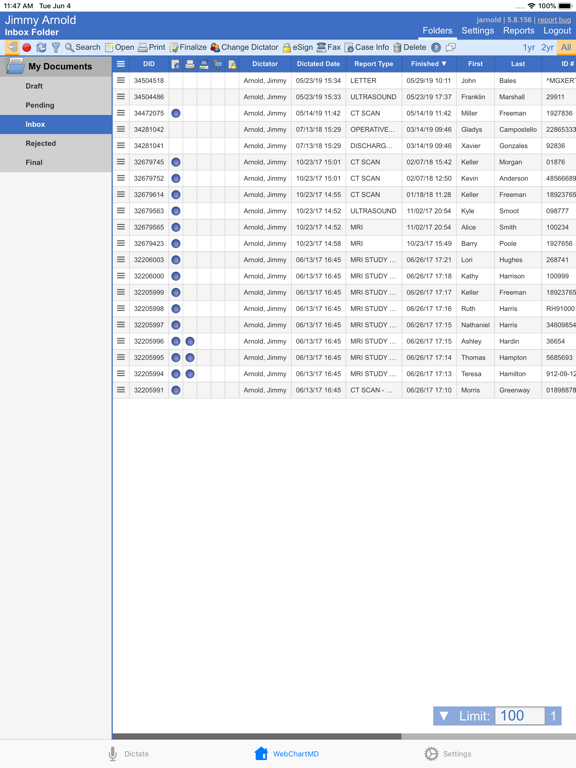
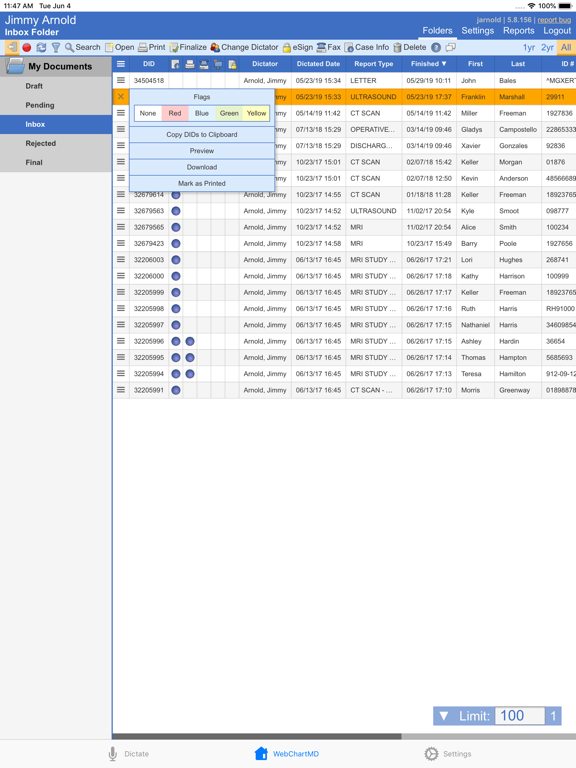
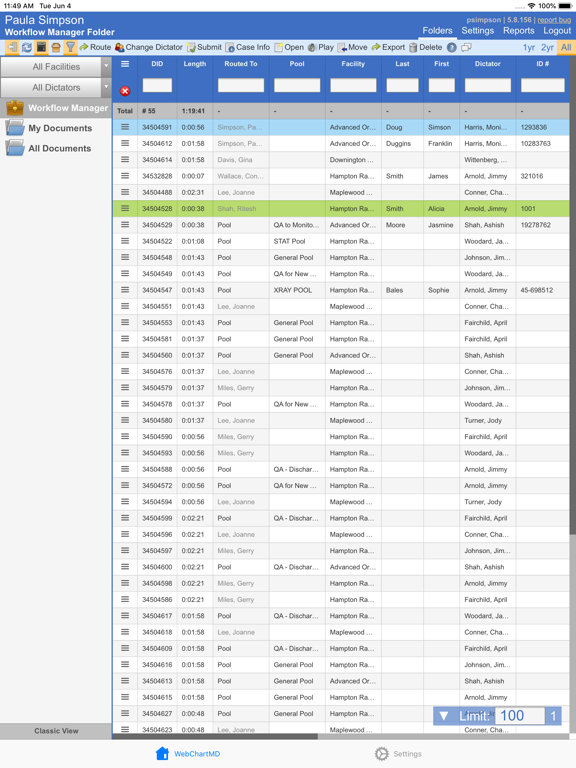
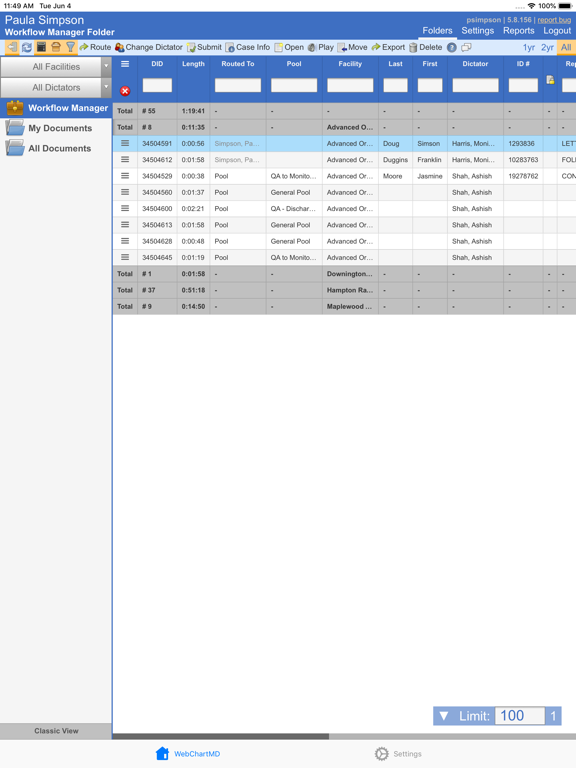
WebChartMD’s Dictate & Review app offers incredibly easy mobile dictation. ===== • Intuitive Design: Simple screen layout makes dictating and sending audio files fast and easy. • Patient Schedule Integration: Healthcare providers click patient names on the displayed schedule and dictate. It's that easy. • Ultra-Clear Recording: WebChartMD uses high-quality .WAV format that is encrypted for HIPAA compliance. • Biometric Security: Dictate & Review uses your device's built-in biometric face and fingerprint recognition for security - or use your own phone PIN for access. ====== Document Review & E-Signing, Simplified. ====== • Editable Format: Fully editable format with edits immediately available to all other users. Document format preferences, like bold, italics, and underlines, all display on screen. • Tap To E-Sign: The Actions bar gives healthcare providers quick easy to commonly used workflow tools, including e-signing. • Fully Integrated: Virtually any desktop feature of WebChartMD is available in the mobile app, such as changing demographics, accessing previously transcribed notes, returning a file for rework, viewing other folders, archiving, and much more. ===== A Mobile Desktop for Busy Managers. ===== • Complete Workflow Access: Access every folder in every account, including the Workflow Manager screen. • Full Functionality: Perform virtually every task normally done from your desktop, such as monitoring TAT, routing files, accessing client folders, tracking MT activity, and much more. • Customizable Display: Over 40 different data fields in the Show / Hide tool lets users customize the mobile device's limited screen space to best suit workflow needs. ===== QA Never Rests. ===== • QA Whenever, wherever: Fully featured QA functionality lets editors and managers perform QA tasks like file review and submission to the client's Inbox. • Manage QA Routing: See all work currently moving through QA and time remaining on TAT. Change routing as needed to ensure on-time delivery. • Robust Workflow Tools: Edit demographics, listen to audio files, search legacy transcriptions, check QA audit trail and much more.
Audience growth
Ratings growth
Baseline captured. Growth appears after the crawler observes a changed rating count.
Momentum comes from crawler snapshots for the tracked storefront. “Viral growth signal” means unusually fast recent rating gains; it is an indicator, not download data.
Price tracking
Price intelligence
First snapshot captured. The trend line starts after the next crawler price observation.
- First observed Aug 20, 2026 · 10:42 PM Free
Screenshots