About this app
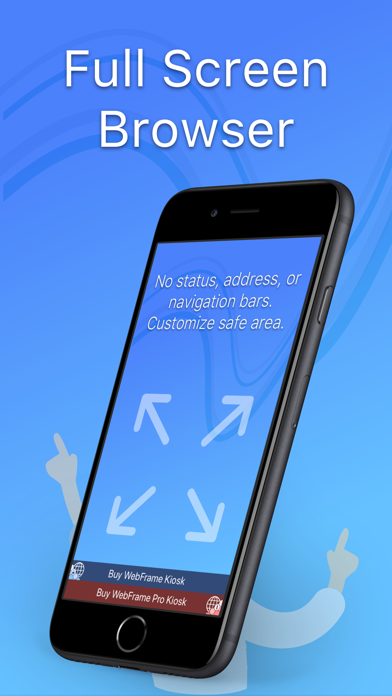
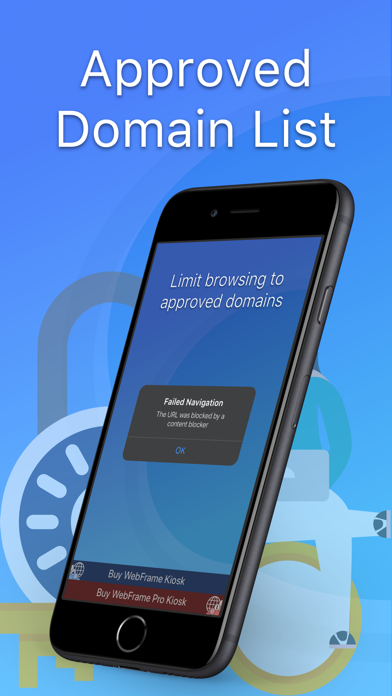
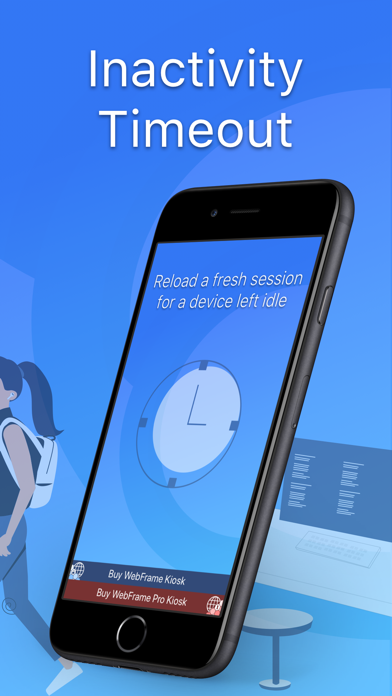
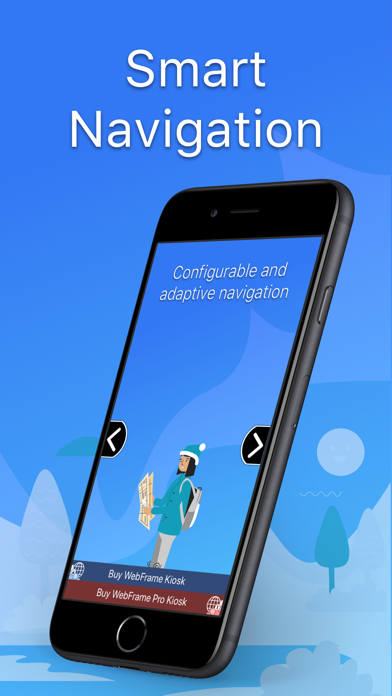
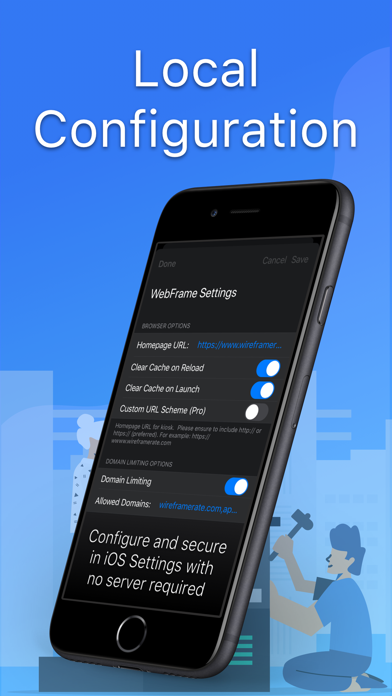
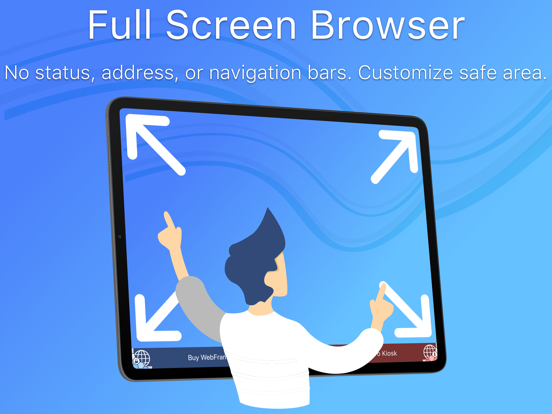
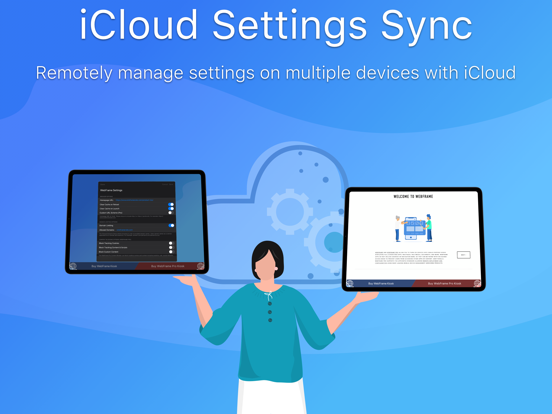
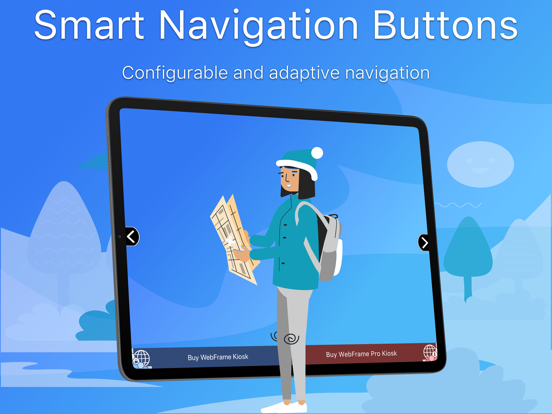
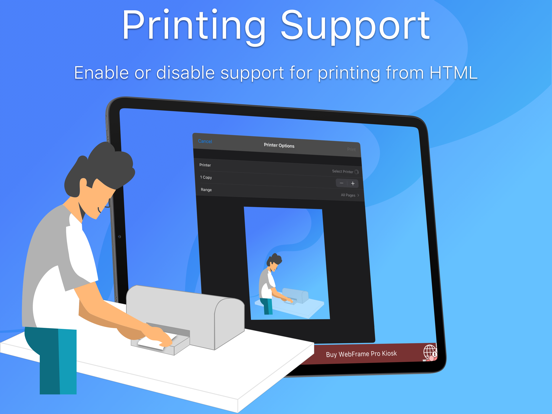
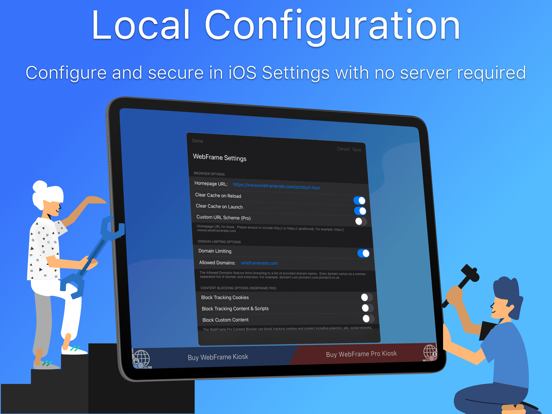
WebFrame Basic Kiosk is free, but contains all of the great features of the paid WebFrame Kiosk (but includes a banner ad to allow you to purchase WebFrame Kiosk or WebFrame Pro Kiosk). WebFrame Basic Kiosk allows you to turn an iOS device into a single-purpose kiosk displaying full-screen web apps, web pages, multimedia, documents, and more. WebFrame features the following capabilities: • Full-Screen* Browser: WebFrame provides a full-screen browser with no address or navigation bars. This allows you to create a true kiosk experience and keeps users in the web site, web app, document, or multimedia you intended. For the free WebFrame Basic, there is a persistent banner ad for WebFrame and WebFrame Pro. Upgrade for the true full-screen experience. • Approved Domain List: Limit browsing to approved domains to prevent users from leaving the site or web app you have configured. • Inactivity Timeout: Monitor user activity and reload homepage, dim the screen, and/or load a blank screen if no user activity has taken place for a selected duration. Optionally, you can choose to clear the browser cache on timeout to ensure previous user session data is deleted. • Augmented Reality: Create an infinite showroom with augmented reality experiences. AR models in .USDZ or .Reality format will be loaded into an AR Quick View. • QR and Bar Code Reader: Allow customers to lookup products, allow employees to access and/or login to unlinked pages, or more. Reader returns string to JavaScript to handle as you wish. • Smart Navigation Buttons: WebFrame now supports navigation buttons that will automatically show and hide depending on the ability to navigate backward and forward, and home. They can also be configured to dynamically slide offscreen as the page scrolls to minimize their visual impact. Finally, they can be repositioned vertically on the screen to prevent obscuring underlying page content. • User Interaction Controls: Control how users interact with your kiosk and allow or disallow swipe navigation, pull-to-refresh, vertical scroll and horizontal pan gestures, pinch and double-tap zoom gestures, or disable user interaction entirely. • Printer Support: Allow users to print from your kiosk using HTML window.print() capabilities or disable to prevent printing. • Local Configuration: All configuration of WebFrame is handled locally through the iOS Settings app or in-app settings. • iCloud Settings Sync: Remotely manage multiple devices connected through the same iCloud account by syncing settings through iCloud.
Latest release
What’s New
Bug Fixes • Fixed bug preventing settings from appearing in system Settings app Updates • Added support for Dark Mode and Tinted app icons
Audience growth
Ratings growth
Baseline captured. Growth appears after the crawler observes a changed rating count.
Momentum comes from crawler snapshots for the tracked storefront. “Viral growth signal” means unusually fast recent rating gains; it is an indicator, not download data.
Price tracking
Price intelligence
First snapshot captured. The trend line starts after the next crawler price observation.
- First observed Sep 4, 2026 · 1:58 AM Free
Screenshots