About this app
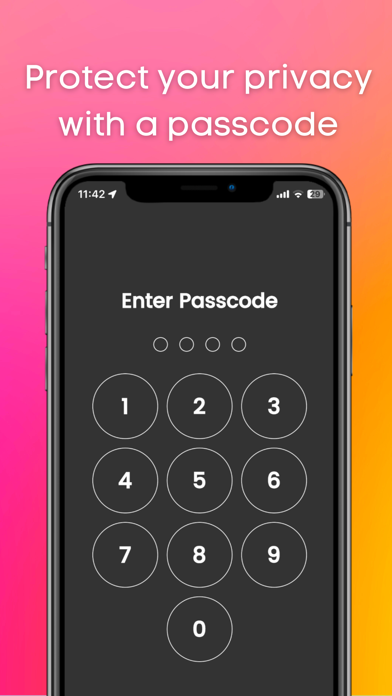
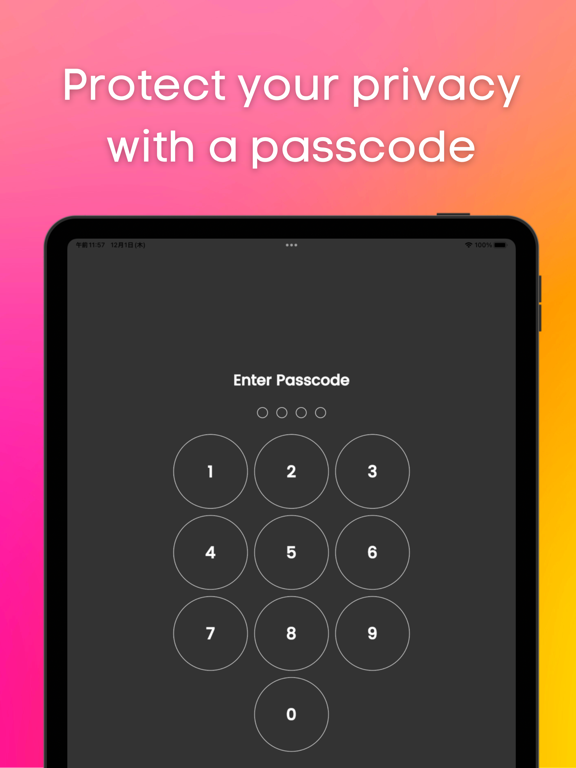
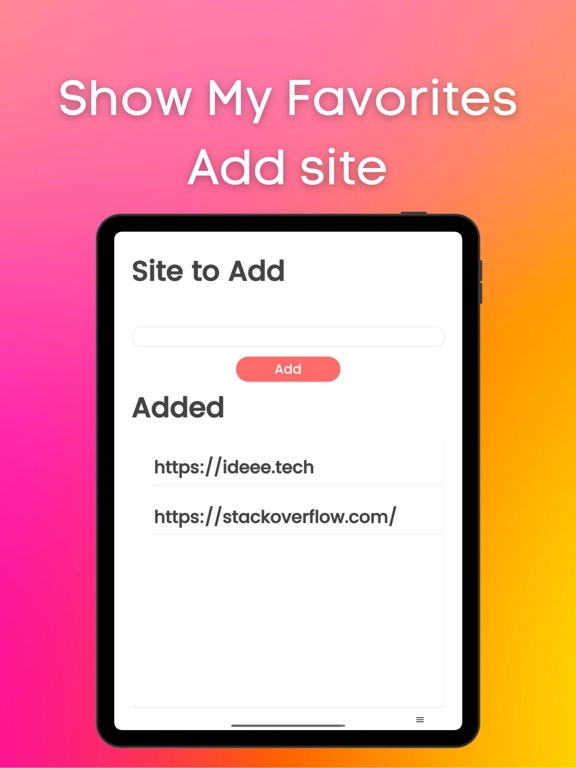
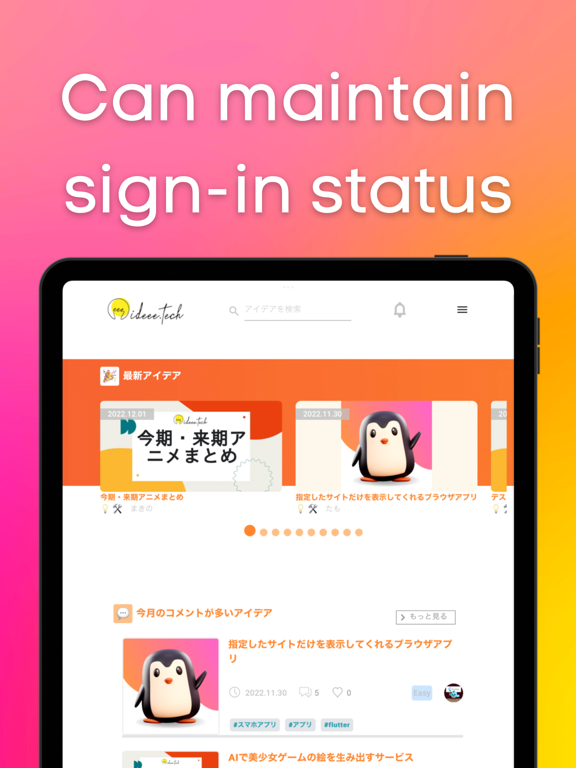
This app allows you to quickly launch frequently used sites. You can use it like an app. It hides the URL bar and footer bar found in standard browsers, so you can view sites on a larger screen. Login information is retained, which is very convenient. If you usually use a private browser such as safari or chrome, this app will free you from the troublesome login process. There is also a passcode lock function. You can protect your privacy. Also, this app does not save history, so there is no need to delete history. ■How to use 1, Add the site you want to view. 2, Select the site you want to view. Functions 1, Add site function 2, Function to switch display sites 3, Retention of login information 4, Passcode function 5, Lock function 6, Function to switch to dark mode Language switching (defaults to the language set by the user on the device) Use Cases 1, Users who usually display a private browser 2, Those who want to keep their login information 3. those who want to display the site they want to view first when they open the application 4. who find it tedious to "click the bookmark button ⇨ find the URL of the site ⇨ click the bookmark button ⇨ log in 5. you want to protect your privacy by locking your browser with a passcode 6, you do not want to be able to see your history. 7. you want the site to be displayed on the entire screen. 8. you do not want others to know your history or the sites you are viewing. 9. you feel that the URL bar or footer menu is in the way. 10. if you want to put a password on your browser. My use case I am the developer of this application. I use a private browser in safari on my iPhone. Before using this app, I used to close the private browser once and set the regular browser. I then opened my bookmarks and viewed the site. I mainly did such tedious operations to view Stackoverflow. However, when I started using this app, I was freed from such tedious operations because once I open this app, stackoverflow is displayed with my login. Since the URL bar and footer menu are not displayed, I can display stackoverflow on a large screen. ■Reviews from testers 1. I am a fan of a certain website that has not been made into an app. I used to use safari until now. I started using this app because logging in was a hassle. I am satisfied with this app because it not only frees me from the login process, but also allows me to view the site larger than when opening it in safari. (Momo,student ,23 years old) 2. I used this app because I wanted to lock my browser. This app allows you to open your browser by entering your passcode. And I can view the display site out of the blue, so I don't have to open the site from my bookmarks anymore. I have this app available from a shortcut on my iPhone so I can open it right away. (John, Engineer, age 36)
Latest release
What’s New
What’s new in version 1.0.4: - Bug fixes to improve stability and performance Thank you for using Website to App: Converter/Brows! We’re committed to making your experience better with every update.
Audience growth
Ratings growth
Baseline captured. Growth appears after the crawler observes a changed rating count.
Momentum comes from crawler snapshots for the tracked storefront. “Viral growth signal” means unusually fast recent rating gains; it is an indicator, not download data.
Price tracking
Price intelligence
First snapshot captured. The trend line starts after the next crawler price observation.
- First observed Aug 20, 2026 · 3:32 PM Free
Screenshots