About this app
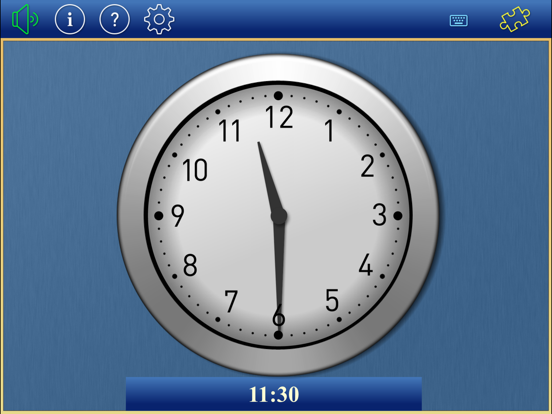
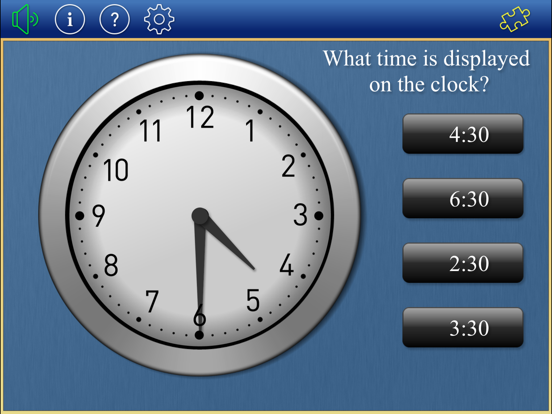
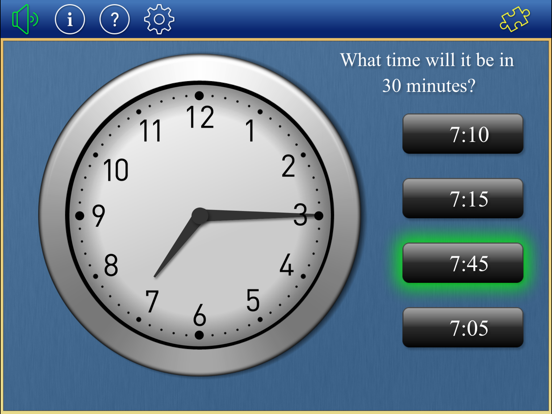
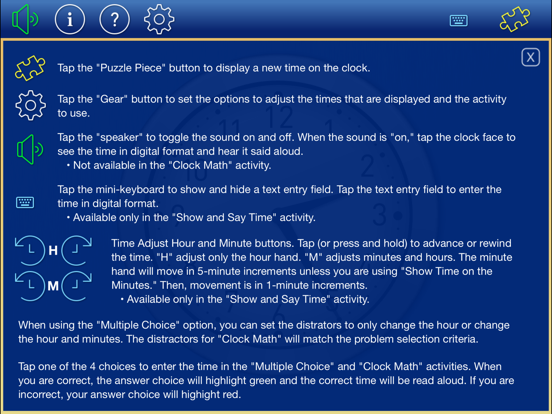
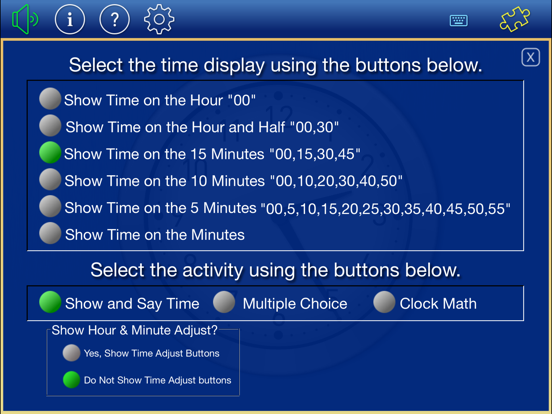
Part of the Math Practice Tools CFS Bundle Practice telling time on an analog clock. Options include setting the time on the 5, 10, 15, 30 minutes and on the hour. Tap the "Puzzle Piece" button to change the time. Tap the clock face to see the time in digital format and hear the time said aloud. The iPad version also includes: • A ‘multiple choice’ activity to select the digital time that matches the analog time displayed on the clock face... inlcludes options to create the distractors • A 'clock math’ activity with addition and subtraction options. • An option to set the time on minute intervals. • An option to advance the time manually by 1-hour, 5-minute, or 1-minute intervals. • An option to type in the “digital” representation of the time displayed on the analog clock. • An option to turn off the sound.
Latest release
What’s New
• Updated to support iOS12 - thank you for your patience. • A few other minor tweaks • As time allows, I'd enjoy hearing how you're using this app in the classroom and at home.
Audience growth
Ratings growth
Baseline captured. Growth appears after the crawler observes a changed rating count.
Momentum comes from crawler snapshots for the tracked storefront. “Viral growth signal” means unusually fast recent rating gains; it is an indicator, not download data.
Price tracking
Price intelligence
First snapshot captured. The trend line starts after the next crawler price observation.
- First observed Aug 12, 2026 · 4:54 PM Free
Screenshots