About this app
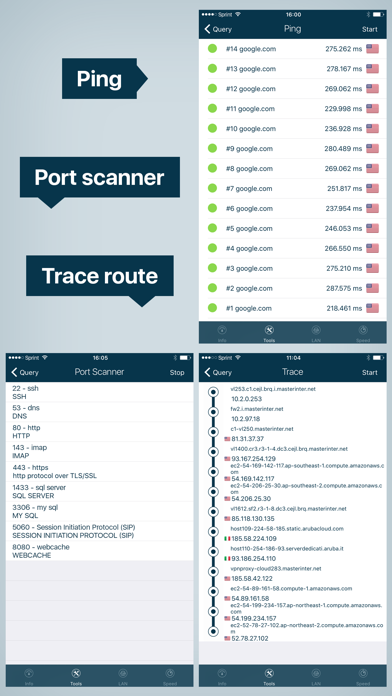
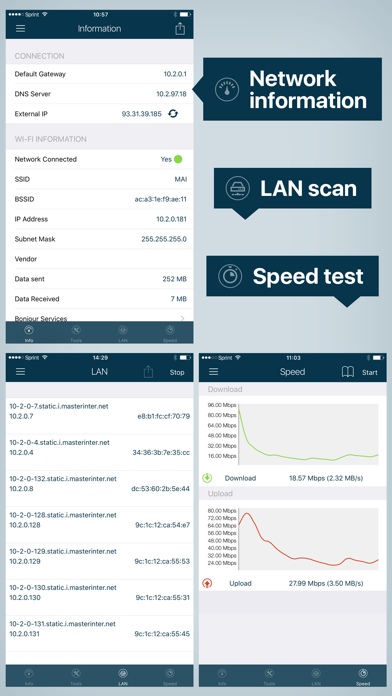
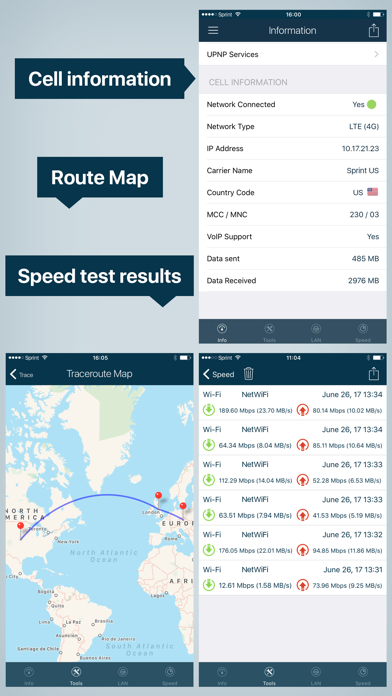
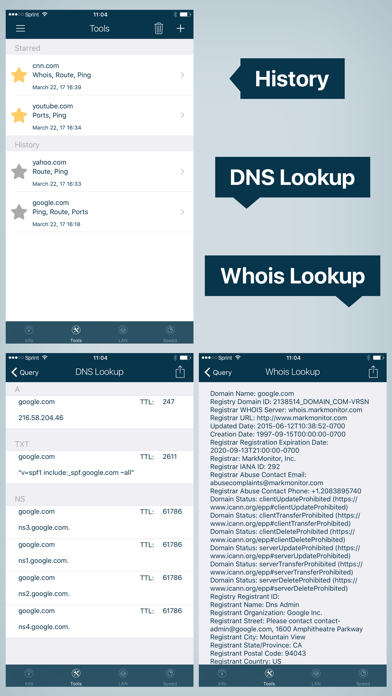
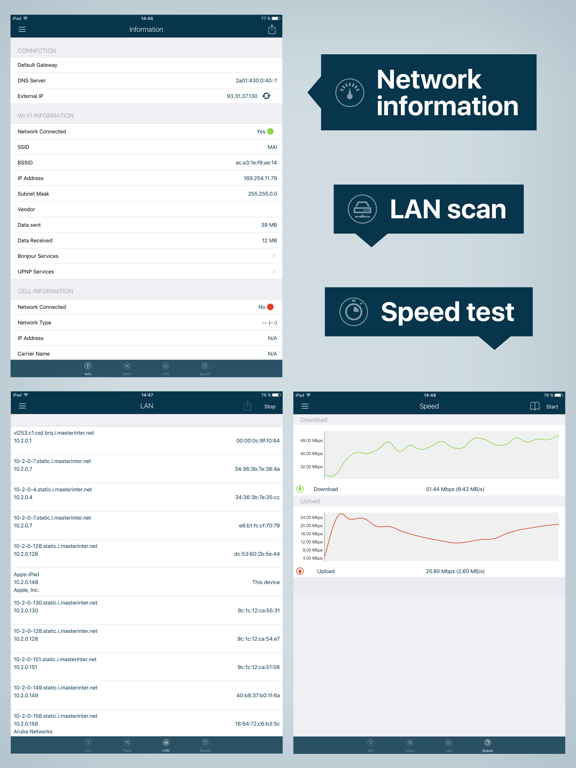
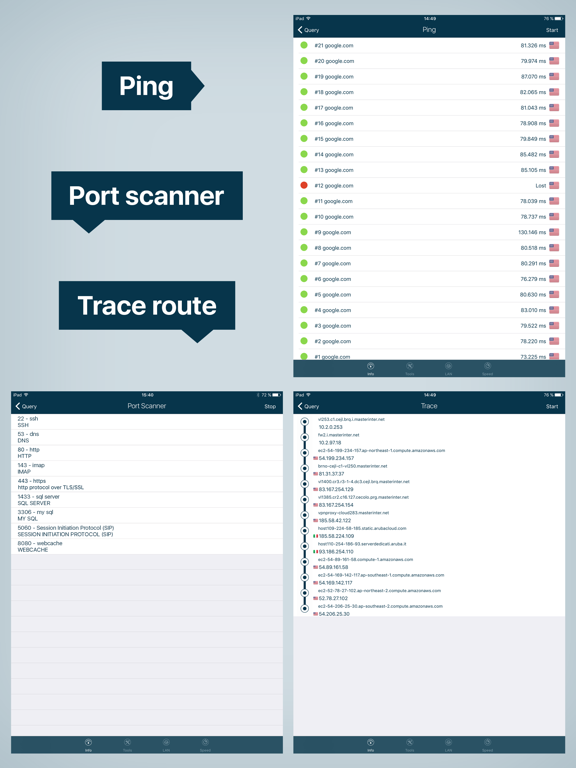
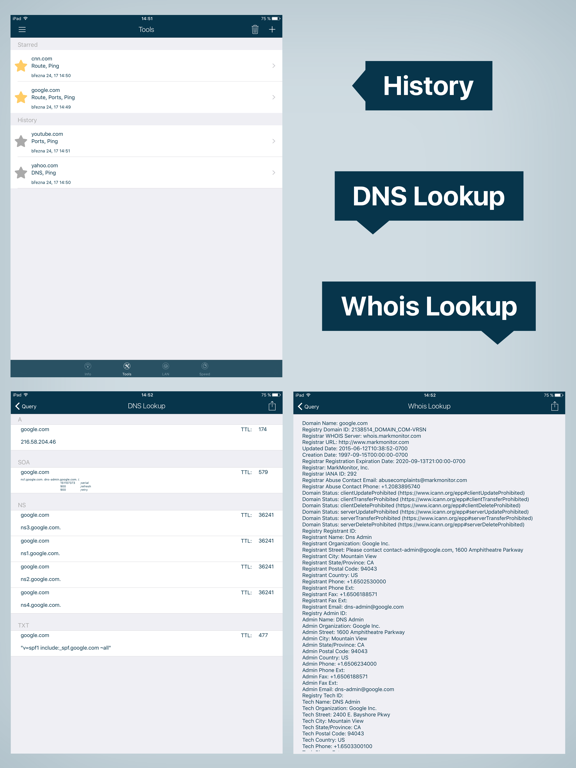
Is your Wi-Fi slow? Do you want to know about black spots in your home wifi setup? Ever wondered if someone’s piggybacking on your network without your knowledge? Look no further! Wifi Analyzer will provide you with a detailed analysis of your home network along with network and cell information. Download Wi-Fi Analyzer right now and gain a reliable tool to evaluate your home network! Wi-Fi Analyzer provides you with: NETWORK INFORMATION • Wi-Fi information Wi-Fi Analyzer will tell you all the information you need to know about your Wi-Fi Connection. SSID, BSSID, IP address, subnet mask, and vendor. • Cell Information All your cell information in one place - your provider and country, IP address, MCC and MNC, and VoIP support. WI-FI LAN SCANNER Discover a fast and reliable way to detect all network devices and gain insight into their IP address and vendor name. See NetBIOS, mDNS (bonjour) and DNS name where available and test the pingability of discovered devices easily. NETWORK TOOLS • Ping Easily test the reachability of a host and server availability. Provides round-trip delay including IP address and hostname for every network node, as well as geolocation data. • Traceroute Diagnose your network - trace the route and measure the delay of packets across the network. Network Analyzer will give you a traceroute visualization. • Port Scanner Scan the most common ports or specific port ranges quickly and effectively. Network Analyzer will detect closed, firewalled, and open ports. • DNS Lookup Similar to DNS lookup or dig. • Whois Whois of domains and IP addresses. Lookup information about any domain. SPEED TEST Measure your internet speed with just one tap. Wifi Analyzer gives you accurate results about your real download and upload speed as well as all your past measurings. Download Wi-Fi Analyzer right now and gain a reliable tool to evaluate your home network!
Latest release
What’s New
* Small fixes for iOS11 ** Please note that as of iOS 11, applications cannot access and get MAC addresses from the iPhone. As a result, MAC address and Vendor name for found devices (in LAN Scan) cannot be shown. Do you enjoy using Wifi Analyzer? Please take a moment and support us with five stars. Your feedback is what drives us further
Audience growth
Ratings growth
Baseline captured. Growth appears after the crawler observes a changed rating count.
Momentum comes from crawler snapshots for the tracked storefront. “Viral growth signal” means unusually fast recent rating gains; it is an indicator, not download data.
Price tracking
Price intelligence
- First observed Sep 7, 2026 · 5:42 PM $5.99
Screenshots