About this app
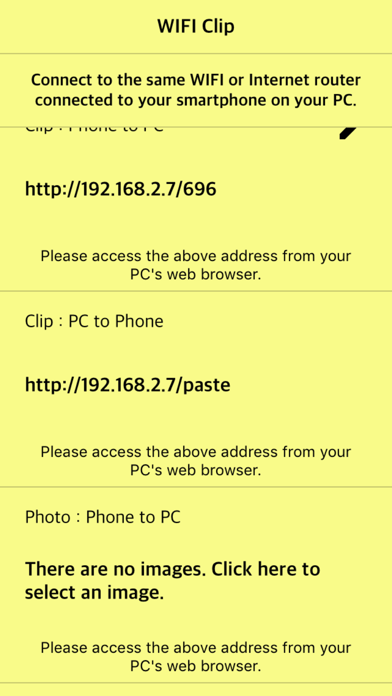
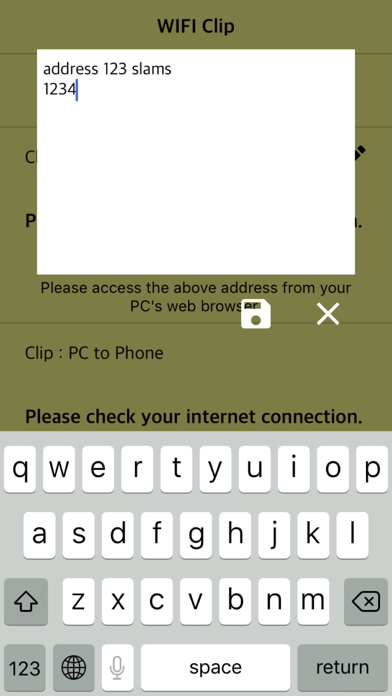
Transfer the characters of your smartphone to your PC. Share your PC's characters on your smartphone. To transfer characters from your smartphone to your PC You do not need to install unnecessary applications on your PC. Share characters from your smartphone on your PC's web browser You can also transfer characters from your PC to your smartphone via a web browser. Your smartphone and PC are connected to the same WIFI or Internet router. + Image / video transfer An additional image transfer function is also provided. Up to 10 images and low-end video can be selected at the same time and transferred to the PC. High-definition video can be selected and transferred to PC. ** In-app purchases ** Remove Ads Images can be transferred to a PC without restrictions. The number of high-definition videos increases from one to three.
Latest release
What’s New
- Fixed reported crashes and bugs, improved functionality
Audience growth
Ratings growth
Baseline captured. Growth appears after the crawler observes a changed rating count.
Momentum comes from crawler snapshots for the tracked storefront. “Viral growth signal” means unusually fast recent rating gains; it is an indicator, not download data.
Price tracking
Price intelligence
First snapshot captured. The trend line starts after the next crawler price observation.
- First observed Aug 21, 2026 · 3:02 PM Free
Screenshots