About this app
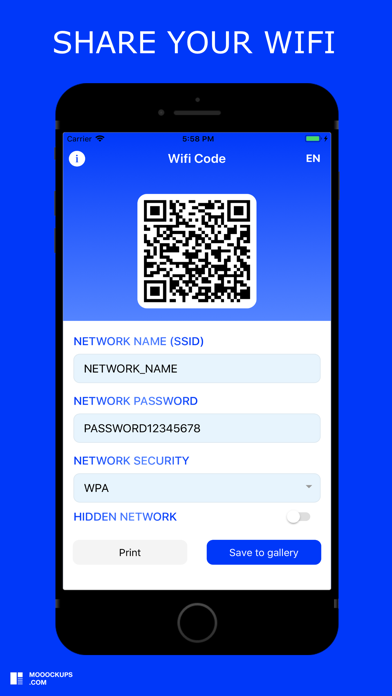
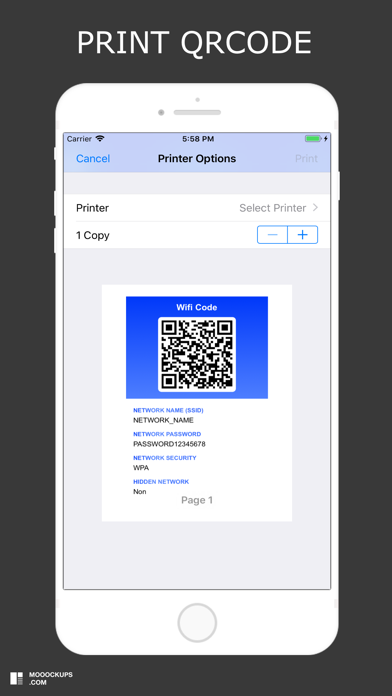
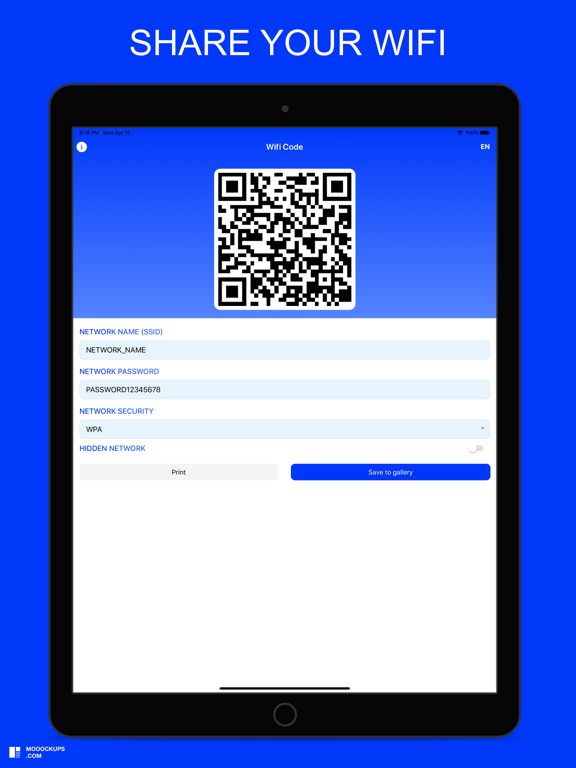
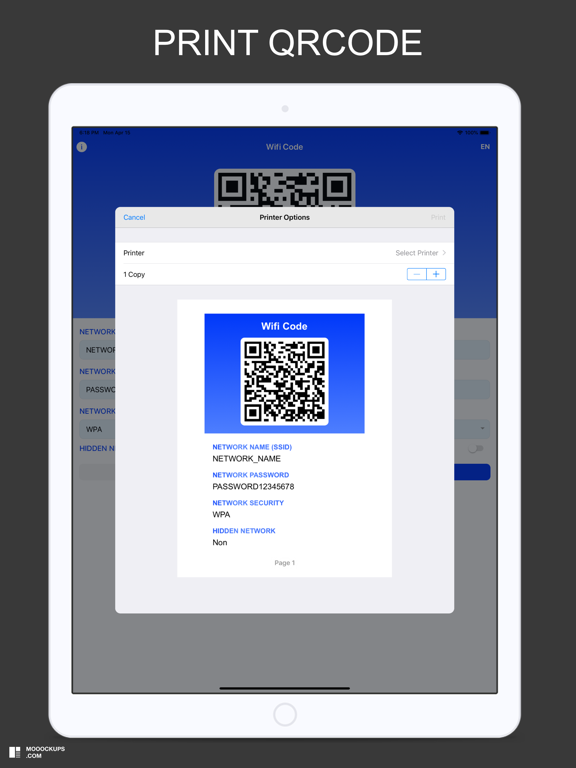
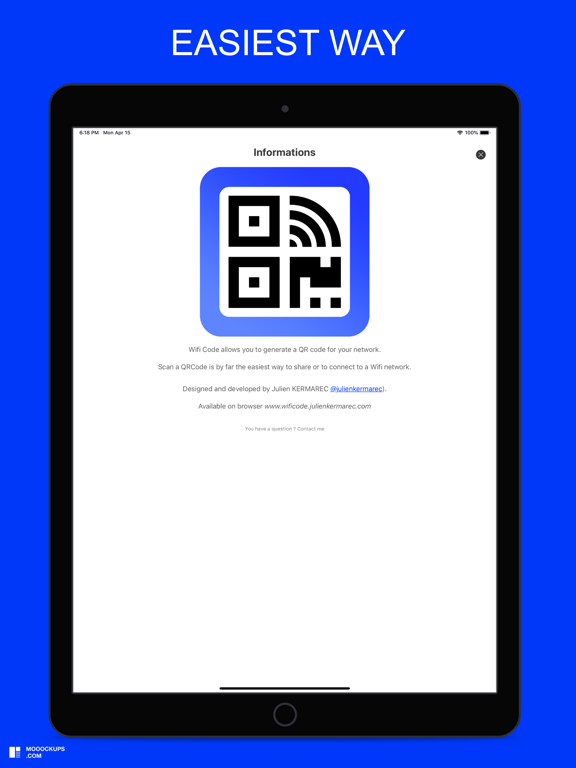
Wifi Code allows you to generate a QR code for your Wifi network. You want to share your wifi network: 1) Enter the name of your network (SSID) 2) Enter your network password (if you have one) 3) Select your type of network security (WPA default, WEP) 4) Select whether your network is hidden or not 5) Print and save the QRCode generated by the application This is by far the easiest and most convenient way to connect to a Wifi network. You want to access a wifi network: 1) Open your camera or scan application 2) Scan the QRcode 3) Connect to the wifi network
Latest release
What’s New
Bugfixes
Audience growth
Ratings growth
Baseline captured. Growth appears after the crawler observes a changed rating count.
Momentum comes from crawler snapshots for the tracked storefront. “Viral growth signal” means unusually fast recent rating gains; it is an indicator, not download data.
Price tracking
Price intelligence
First snapshot captured. The trend line starts after the next crawler price observation.
- First observed Sep 4, 2026 · 6:22 PM Free
Screenshots