About this app
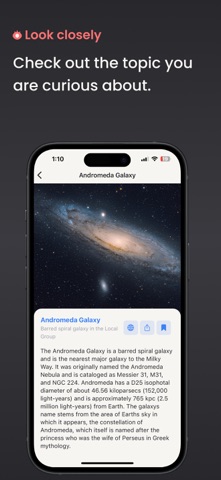
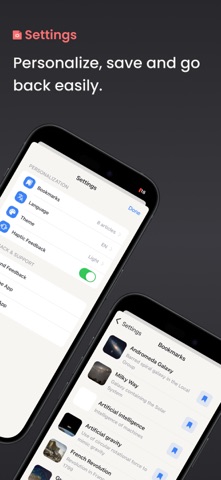
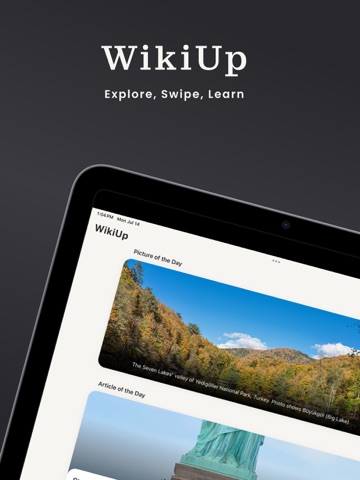
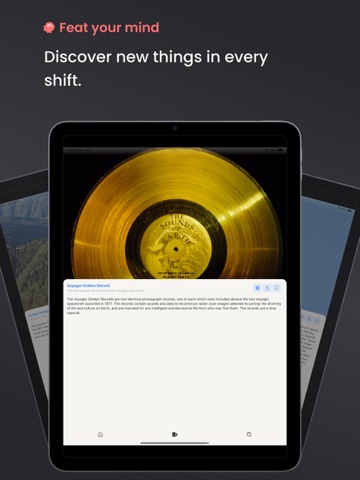
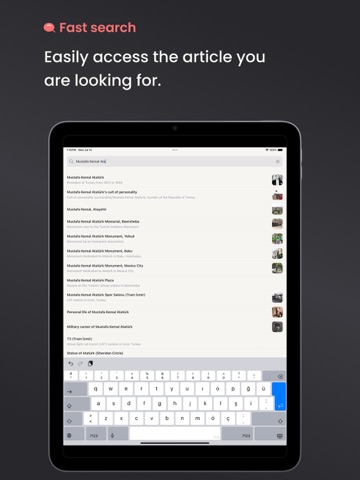
A New Fast and Fun Way to Discover Knowledge with WikiUp, the Essential App for Curious Minds WikiUp delivers Wikipedia’s vast knowledge right to your fingertips with a clean and modern interface, making learning quick, visual, and enjoyable. Say goodbye to long encyclopedia entries and discover fascinating facts simply by swiping! Just like Instagram Reels or TikTok, each swipe in WikiUp presents you with a new topic, a surprising fact, or a fascinating historical event. With its visually enhanced and fluid design, exploring knowledge has never been this engaging. Key Features • Swipe Feed (Knowledge Flow): A new piece of content awaits with every swipe. Save what interests you, share it with friends, or dive deeper into the full article. • Explore Screen: Access Wikipedia’s featured content with a single tap: ‣ On This Day ‣ Most Read ‣ Featured Article & Picture ‣ Trending News ‣ Birthdays & Anniversaries • Smart Search: Find topics instantly with lightning-fast search and explore content that matches your interests. • Personal Profile & Settings: ‣ Revisit saved articles anytime ‣ Choose between light, dark, or system theme ‣ Change the app language to personalize your experience How It Works • Discover new facts by simply swiping • Stay updated with Wikipedia’s daily featured content • Save and share your favorite articles • Customize your theme and language preferences Subscription Options and Pricing Enjoy more features and customization with WikiUp Premium: • Monthly: $1.49 (USD) • Annual: $9.99 (USD) Prices may vary based on your country and App Store region. Payment is charged to your Apple ID upon confirmation. Renewal and Cancellation Policy Subscriptions renew automatically. To cancel, turn off auto-renewal in your App Store account settings at least 24 hours before the current subscription period ends. Privacy Policy: https://wikiup.serkanasli.com/privacy-policy Terms of Use: https://wikiup.serkanasli.com/terms
Latest release
What’s New
Performance improvements and bug fixes.
Audience growth
Ratings growth
Baseline captured. Growth appears after the crawler observes a changed rating count.
Momentum comes from crawler snapshots for the tracked storefront. “Viral growth signal” means unusually fast recent rating gains; it is an indicator, not download data.
Price tracking
Price intelligence
First snapshot captured. The trend line starts after the next crawler price observation.
- First observed Sep 3, 2026 · 11:04 PM Free
Screenshots