About this app
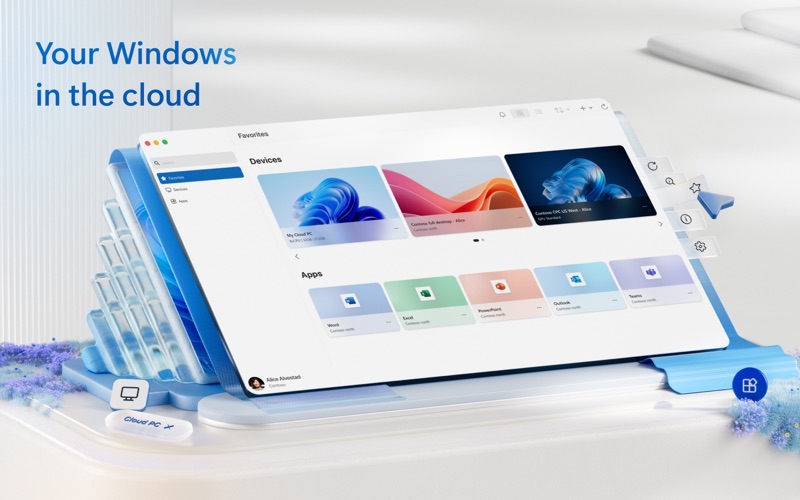
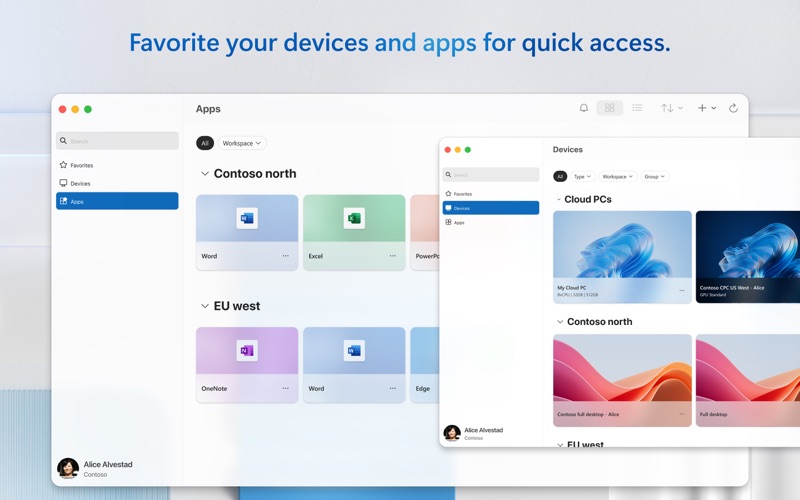
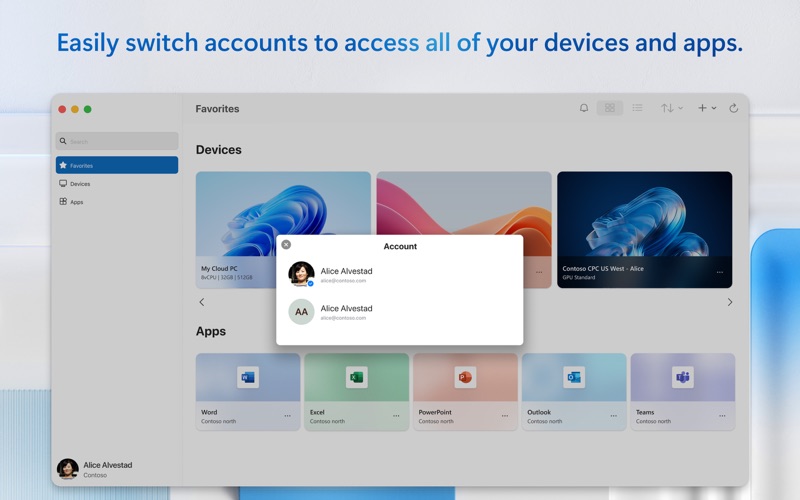
Windows App for Mac (previously named Microsoft Remote Desktop) is your gateway to securely connect to Windows including remote PCs and admin-provided virtual apps and desktops across Windows 365, Azure Virtual Desktop, Dev Box and Remote Desktop Services. Embrace the simplicity of a unified client with Windows App and connect to Windows in the cloud with ease and security, from the device of your choice. GET STARTED • Learn more about the features of Windows App at https://aka.ms/WindowsApp. • Configure your PC for remote access using the information at https://aka.ms/rdsetup. KEY FEATURES • Access remote PCs running Windows Professional or Enterprise and Windows Server. • Access managed resources published by your admin. • Connect through a Remote Desktop Gateway. • Simplified management of your connections and credentials from the Connection Center, including a Favorites page to cater to your unique workflow needs. • Audio and video streaming. • Redirect folders, your clipboard, and local devices such as microphones and cameras. • Teams Media Optimization. • Support for multiple monitors. By downloading Windows App, you agree to the license (see https://aka.ms/WindowsAppLicense) and privacy terms (see https://aka.ms/privacy).
Latest release
What’s New
In this release we made the following updates to address issues with RemoteApp connections: • Resolved an issue where the secure desktop window would appear empty while connecting to a remote app when using multiple monitors. • Fixed mispaints that occurred if advanced RemoteFX graphics were not being used to render remote apps. We also fixed some other bugs: • Fixed issues with ALT-based shortcuts (such as ALT+ENTER and ALT+UP ARROW) in Unicode keyboard mode. • Resolved modifier-key state that could interfere with subsequent SHIFT-based mouse click selections and keyboard shortcuts. • Fixed a startup hang that prevented command-line operations from completing. • Handled connection failures caused by saved credentials containing a domain but no username (users will be prompted to correct invalid credentials). In addition, we made improvements to enhance diagnostics insights: • Improved classification of sign-in errors to better distinguish access restrictions from internal authentication failures. • Improved connection and workspace diagnostics by identifying whether a signed-in Entra account is a home or guest account. • Fixed an issue where UDP connection drops caused by network instability were incorrectly classified. We have also added a toggle to enable WebAuthn redirection for AVD and Windows 365-based connections (Settings > General > Use WebAuthn redirection). Individual PC connections can be opted out of WebAuthn redirection by configuring published PC custom settings (under the Devices & Audio tab). If you encounter any errors, you can contact us via Help > Submit Feedback.
Audience growth
Ratings growth
Baseline captured. Growth appears after the crawler observes a changed rating count.
Momentum comes from crawler snapshots for the tracked storefront. “Viral growth signal” means unusually fast recent rating gains; it is an indicator, not download data.
Price tracking
Price intelligence
- First observed Aug 5, 2026 · 5:48 AM Free
Screenshots