About this app
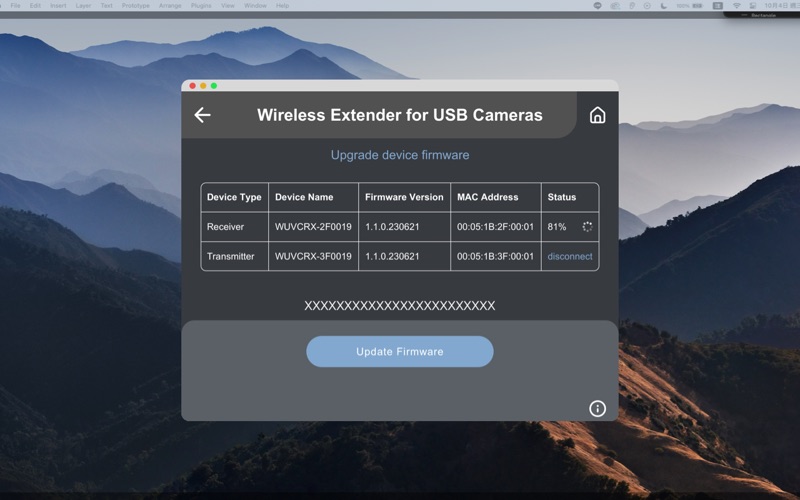
This application is used for wireless firmware upgrade of "Wireless Extender for USB Camera " device. Please follow the steps below to upgrade device firmware wirelessly, 1. Please check whether the Wi-Fi connection of your computer is enabled. 2. Click “START SEARCHING” button to find the device. 3. Select the "Wireless Extender for USB Cameras" device to connect to. 4. Upgrade the device firmware. Notes: 1. DO NOT turn off the power during the upgrade process, otherwise it may cause permanent damage to the product. 2. After the upgrade process is completed, wait for some time for the system to restart.
Latest release
What’s New
Add upgrade checking feature.
Audience growth
Ratings growth
Baseline captured. Growth appears after the crawler observes a changed rating count.
Momentum comes from crawler snapshots for the tracked storefront. “Viral growth signal” means unusually fast recent rating gains; it is an indicator, not download data.
Price tracking
Price intelligence
First snapshot captured. The trend line starts after the next crawler price observation.
- First observed Aug 14, 2026 · 12:15 AM Free
Screenshots