About this app
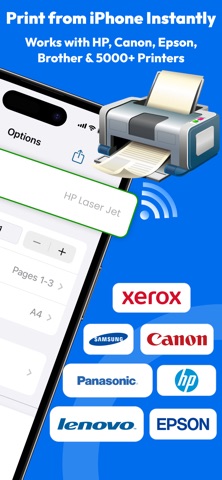
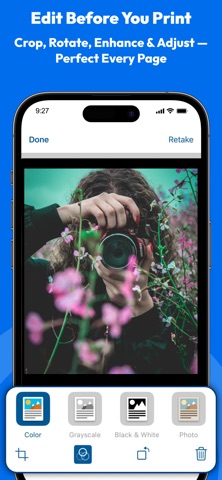
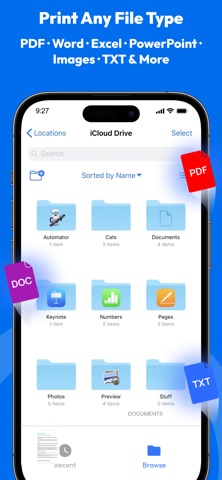
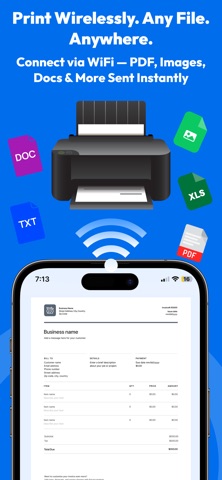
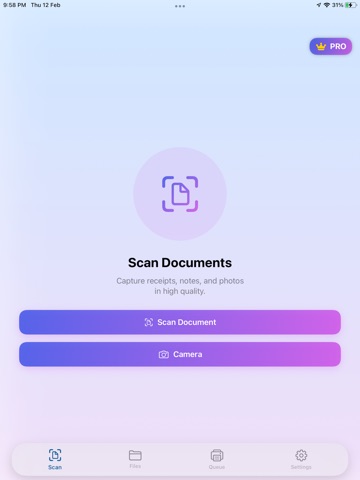
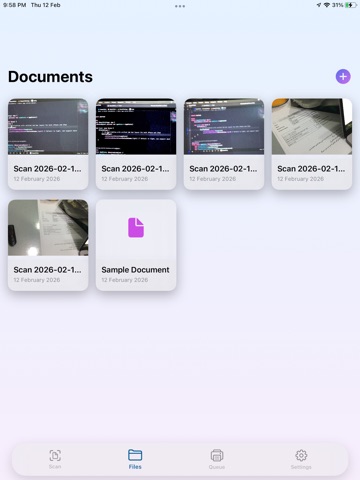
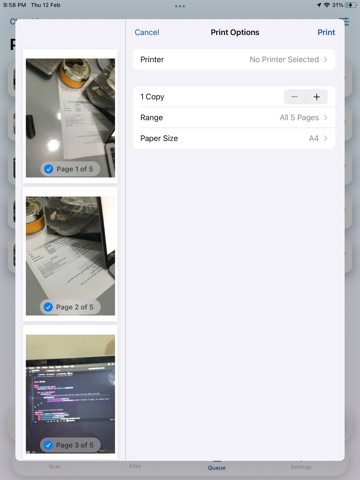
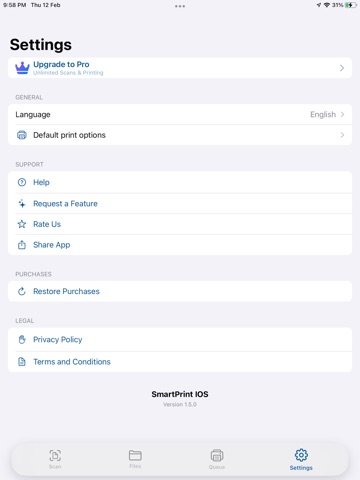
Wireless Printer & PDF Scanner — The Simplest Way to Print from iPhone & iPad No drivers. No setup. Just tap and print wirelessly to any AirPrint-enabled printer in seconds. Whether you're at home, the office, or on the go — Printer App connects instantly to your Wi-Fi printer and lets you print documents, photos, and PDFs straight from your iPhone or iPad. PRINT ANYTHING • Print PDFs, photos, Word, Excel & PowerPoint files • Print emails, web pages, notes & clipboard text • Select page range, copies, color or B&W, paper size • Supports AirPrint — works with HP, Canon, Epson, Brother & 5000+ printers SCAN WITH YOUR CAMERA • Scan documents, receipts, ID cards & multi-page files • Auto edge detection for perfectly cropped scans • Image enhancement for sharp, clear output • Save scanned files as PDF or image instantly PDF TOOLS • View, annotate & organize PDF files • Merge, crop and manage pages • Export and share via email, iCloud, Google Drive & Dropbox PRIVACY FIRST • No account or sign-up required • Your documents stay on your device — never uploaded • Camera used only for scanning WORKS WITH ALL MAJOR BRANDS HP, Canon, Epson, Brother, Samsung, Xerox, Dell, Lexmark, RICOH, Kyocera, Toshiba, Panasonic & more. Perfect for students printing assignments, professionals printing contracts, and families printing memories. Terms of Use: https://sites.google.com/view/printer-app-print-scan/terms-and-conditions Privacy Policy: https://sites.google.com/view/printer-app-print-scan/privacy-policy"
Latest release
What’s New
Camera Scan Rotation Fixed App Improved
Audience growth
Ratings growth
Baseline captured. Growth appears after the crawler observes a changed rating count.
Momentum comes from crawler snapshots for the tracked storefront. “Viral growth signal” means unusually fast recent rating gains; it is an indicator, not download data.
Price tracking
Price intelligence
First snapshot captured. The trend line starts after the next crawler price observation.
- First observed Aug 7, 2026 · 6:53 AM Free
Screenshots