About this app
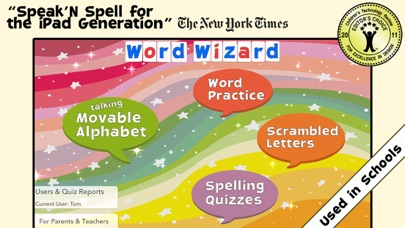
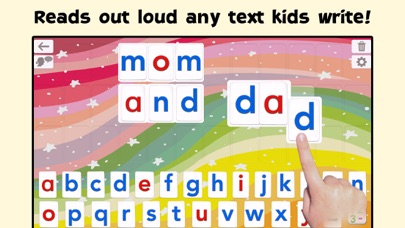
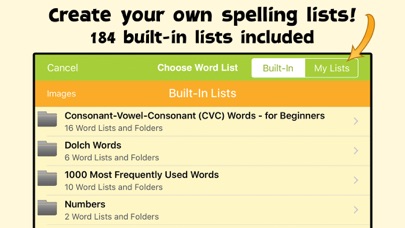
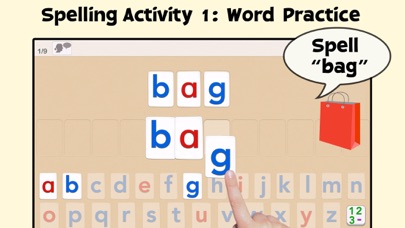
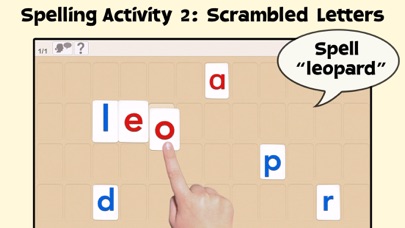
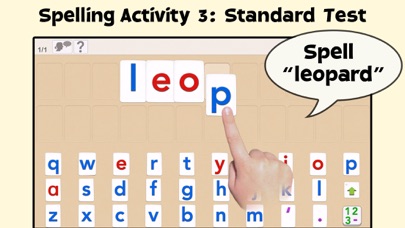
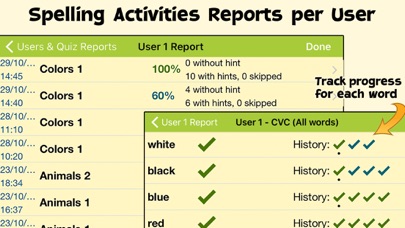
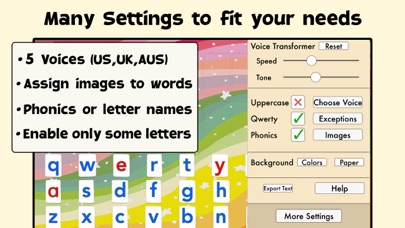
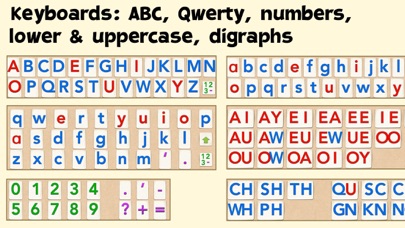
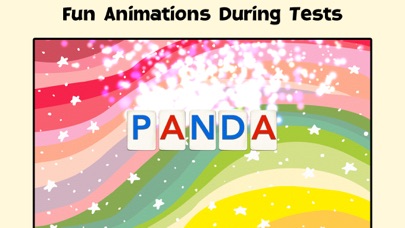
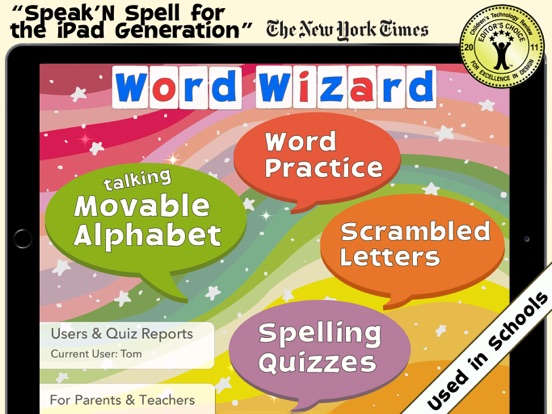
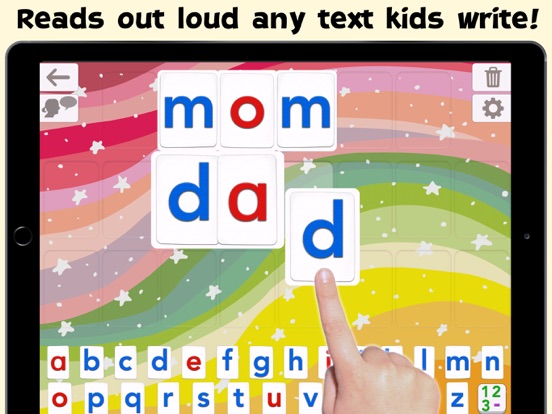
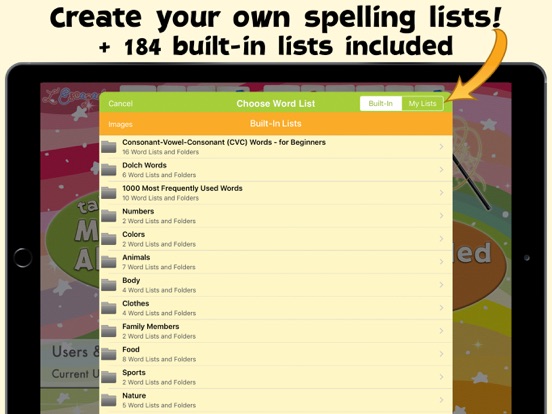
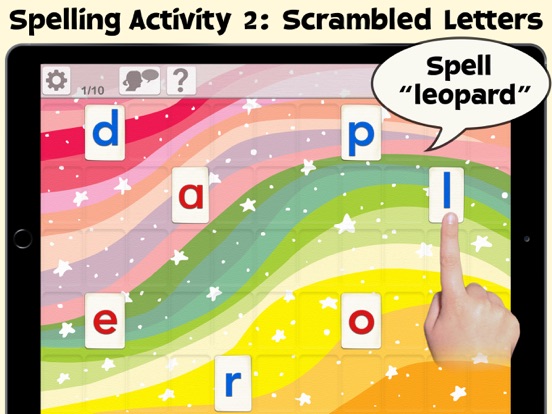
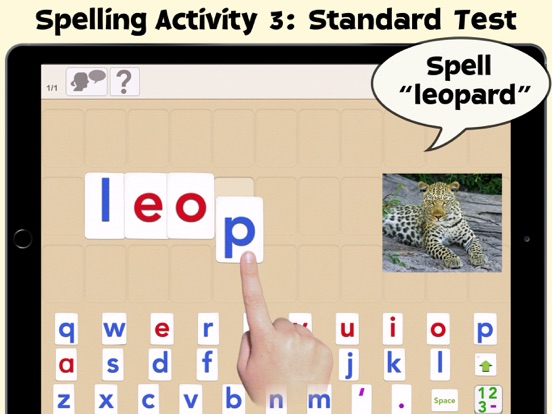
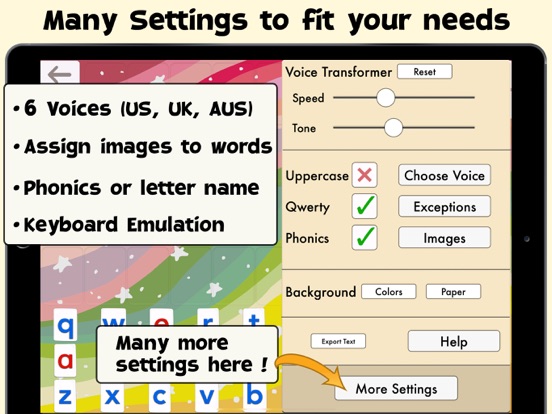
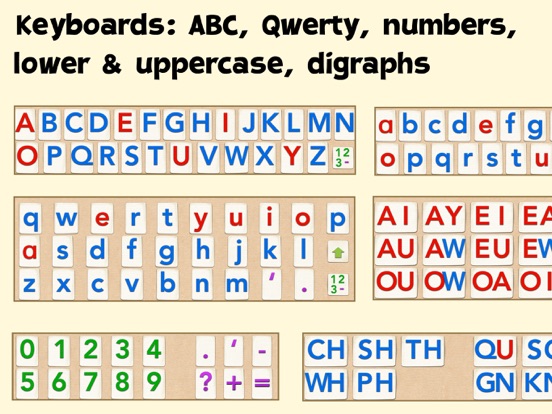
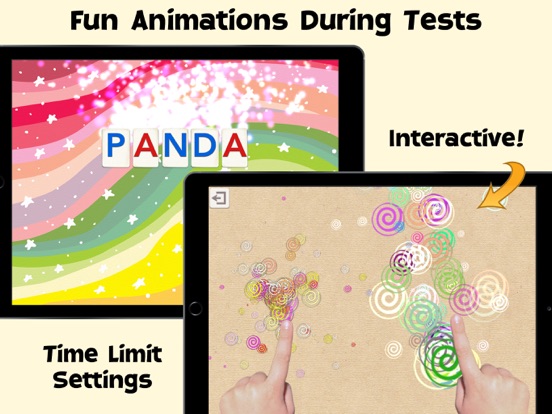
• "Speak ‘N Spell for the iPad Generation" - The New York Times • Word Wizard is an award-winning app used in schools that offers several unique reading and spelling activities for children ages four to 10. --Learn to Read by Building Words -- • The Talking Movable Alphabet activity allows kids to experiment with word building and phonics thanks to the advanced text to speech engine (the first step in learning to read) • Any text can be written and spoken • 2 child voices + 5 adult voices (US, UK & Australian voices) • Uppercase & lowercase letters, numbers, digraphs, ABC or QWERTY keyboard • Many settings to adapt the activities to the child’s needs (letter size, assign images to words, high contrast modes for kids with visual impairment,...) -- Learn to Spell using the Talking Movable Alphabet and your word lists -- • 3 spelling activities that increase in difficulty • 200 built-in word lists (about 2000 words) • Add your own words to create unique spelling quizzes! • Add your own images to illustrate your word lists • Keep tabs on your children’s progress with detailed reports _______ • Used in Schools (140K units sold to schools) • "This is an important breakthrough in reading instruction" - The New York Times • "This is a fantastic app for young children, right through to children in later elementary school " - Wired's GeekDad • Editor's Choice Award for Excellence in Design - Children's Technology Review • Winner of a Parents’ Choice Award • More than 290K units sold! _______ Talking Movable Alphabet Activity _______ • Pronounce and spell-check any word, number or sentence • Natural Sounding Voice - three American voices, one British voice, and one Australian voice • Letter sound (phonic) or name when a letter is touched in the alphabet • Alphabetic or QWERTY layout, letters, numbers, consonant digraphs (like “th”) and vowels digraphs (like “oo”) • Uppercase or lowercase letters • Keyboard emulation option • 4 letter sizes available (allowing for more or fewer letters on the board) • Customized word pronunciation, if necessary • Accessibility: external keyboard support and 4 high contrast modes available _______ Fun Spelling Activities _______ 3 spelling activities of increasing difficulty are provided to adapt the activity to the child’s spelling level. You can use the built-in word lists or create your own. 1 - "Word Practice" says and displays the word to spell, and asks the child to spell it using the talking movable alphabet 2 - "Scrambled Letters" says the word and displays the letters needed to build the word or sentence, and asks the child to reorder the letters. 3 - “Spelling Quizzes” is a standard spelling test. The app won’t move onto the next word until the child has correctly spelled the word, helping them to remember its correct spelling. • 200 built-in word lists: Words for beginners, Dolch Words, 1,000 most frequently used words, body parts and more • Create custom Word Lists by entering your own words and sentences • Import and export Word Lists you’ve created • Hints are available should kids not know how to spell a word • Colorful animations are displayed when a word is completed • Once a quiz is completed, interactive animations are available as a reward -- Users & Reports -- • Unlimited number of users • Detailed Spelling Test Reports per user (can be exported in PDF) _______ More Accolades _______ • The New York Times "This is an important breakthrough in reading instruction because it leverages the iPad’s size, powerful speech synthesis abilities, and touchscreen so that every letter can be a building block of phonetically accurate sound" • Children's Technology Review Editor's Choice Award for Excellence in Design - 4.8 stars out of 5 - "Turn your iPad into a talking alphabet/language generator - and the perfect tool for a child just starting to experiment with letters and their sounds" ________ Please send any feedback or suggestions to support@lescapadou.com
Latest release
What’s New
• [For Schools] Ability to Push Word Lists to Devices through your MDM • Fixed an issue affecting devices running older versions of iOS. As always, please feel free to send us your feedback and suggestions to help us improve the app (support@lescapadou.com). Thanks! :-)
Audience growth
Ratings growth
Baseline captured. Growth appears after the crawler observes a changed rating count.
Momentum comes from crawler snapshots for the tracked storefront. “Viral growth signal” means unusually fast recent rating gains; it is an indicator, not download data.
Price tracking
Price intelligence
- First observed Aug 15, 2026 · 12:50 PM $12.99
Screenshots