About this app
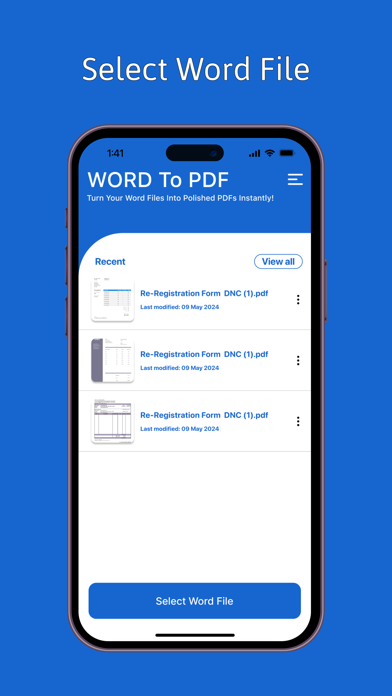
Word to PDF Converter: Transform Your Word Documents into Professional PDFs with Ease Looking for a reliable Word to PDF converter? Transform your Word documents (DOC, DOCX) into professional PDFs quickly and effortlessly with our top-rated Word to PDF Converter app. Perfect for converting DOC files, DOCX files, and more, our app ensures accurate and high-quality PDF conversion, maintaining the integrity of your original documents. Key Features: Instant Conversion: Convert Word documents (DOC, DOCX) to PDF format in seconds. Fast, efficient, and easy-to-use, our app handles all your file conversion needs. Secure PDF Conversion: Protect your converted PDFs with password protection. Our app ensures that your sensitive information remains secure with advanced encryption and security measures. High-Quality PDF Output: Retain the layout, images, and text formatting of your original Word documents. Ensure your PDFs look professional and accurate, with no loss of quality. Secure and Private: We prioritize your privacy. Your files are processed securely and never stored, ensuring complete confidentiality and data protection. User-Friendly Interface: Enjoy a seamless experience with our intuitive, easy-to-navigate interface. Ideal for users of all levels, from beginners to advanced. Offline PDF Conversion: Convert Word to PDF without needing an internet connection. Perfect for offline use, whether you're traveling or in a low-connectivity area. Document Sharing: Share your PDFs via email, social media, or messaging apps with ease. Efficiently distribute your converted documents to clients, colleagues, or friends. Batch Conversion: Save time by converting multiple Word documents to PDF in one go. Streamline your workflow with batch processing capabilities. PDF Editing: Annotate, highlight, and add comments to your PDFs within the app. Enhance and customize your documents effortlessly. Versatile Document Support: Supports various document types including reports, presentations, resumes, essays, contracts, and more. Suitable for business, academic, and personal use. Customizable Conversion Settings: Adjust settings such as page size, orientation, and more to meet your specific needs and preferences. Regular Updates and Improvements: Benefit from regular app updates with new features and enhancements to improve your PDF conversion experience. Why Choose Word to PDF Converter? Fast and Reliable: Quick and dependable conversion from Word to PDF format. Secure and Private: Advanced security features to keep your documents safe. Convenient and Efficient: All-in-one solution for converting and managing PDFs. Offline Functionality: Convert documents without needing an internet connection. Professional Quality: High-quality output that maintains the original document’s formatting. Versatile Compatibility: Works with various document types and formats. Easy Sharing: Simple options for sharing your PDFs via multiple platforms. How It Works: Select the Word Document: Choose your Word file (DOC, DOCX) from your device. Tap 'Convert': Initiate the conversion process with a single tap. Save or Share: Save your new PDF file or share it directly from the app. Download the Word to PDF Converter app now and experience a powerful tool for converting Word documents into high-quality PDFs. Whether you need to convert business reports, academic papers, resumes, or any other document type, our app provides a seamless, efficient, and secure solution. Enjoy hassle-free conversions and professional results anytime, anywhere with our leading PDF conversion app.
Latest release
What’s New
Bugs are fixed
Audience growth
Ratings growth
Baseline captured. Growth appears after the crawler observes a changed rating count.
Momentum comes from crawler snapshots for the tracked storefront. “Viral growth signal” means unusually fast recent rating gains; it is an indicator, not download data.
Price tracking
Price intelligence
First snapshot captured. The trend line starts after the next crawler price observation.
- First observed Aug 21, 2026 · 2:41 PM Free
Screenshots