About this app
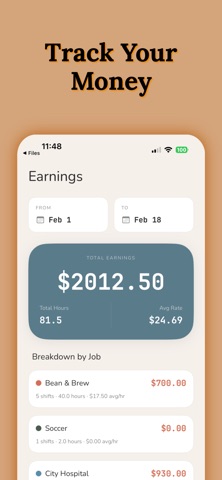
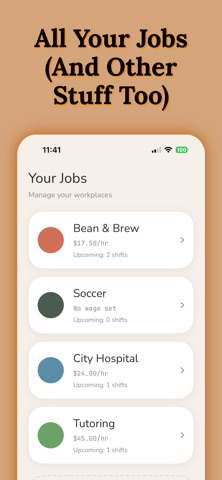
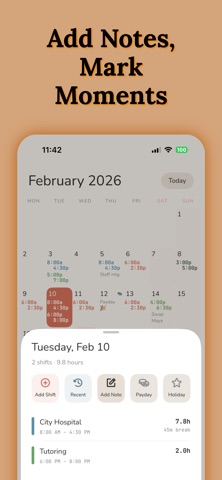
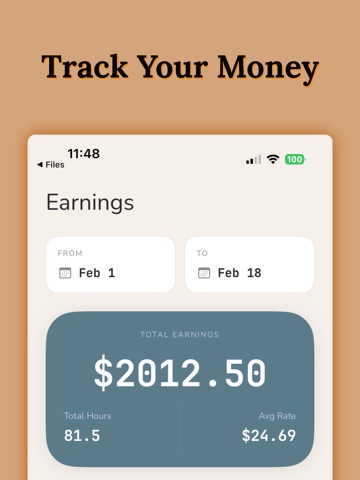
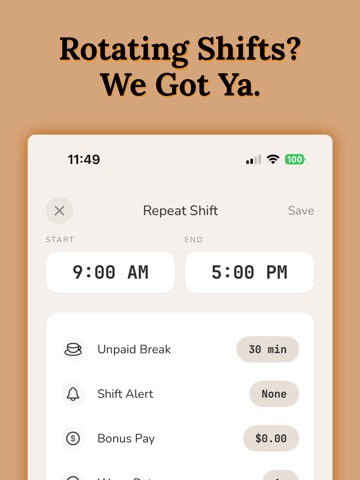
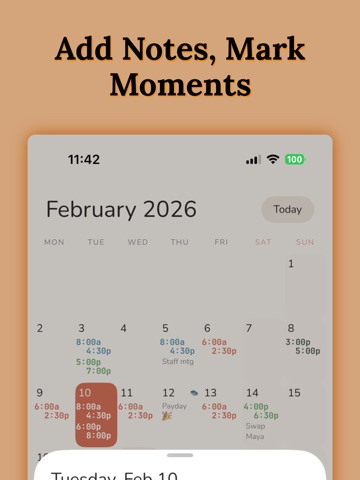
TRACKING WORK SHIFTS HAS NEVER BEEN EASIER. Set your shift times. See them all at a glance. Set alerts to remind you. Add up your hours. Share your schedule with family and friends. -------------------- Do you work random hours? Then this is the app for you. WorkTime is a shift calendar which tracks your work schedule with incredible ease. Enter the time you work with just two taps. See your entire work schedule all on one screen. No more hunting around for that scrap of paper you wrote your upcoming shifts on. FEATURES • Unique time display calendar lets you see all your shifts at a single glance • Quickly enter shift start times with just two taps • Edit, Delete, or add your shifts to a list of common presets with a swipe • Add notes and shifts to any day, past or present • Share your schedule with family and friends through Facebook, Twitter or Email • Save your schedule as a photo on your phone • Share multiple months PROFESSIONAL FEATURES • Add End Times to your shifts • Add unlimited jobs • Add up your hours worked and your wage with the Hours Calculator • Add alerts to remind you of an upcoming shift • Ad free interface -------------------- SET AND NEVER FORGET. With the purchase of the pro upgrade, you can set alarms to remind you when you work. Choose an alarm time based on how much time you need to get ready, and let WorkTime remember your shifts for you. -------------------- KEEP TRACK OF YOUR SHIFTS AND MUCH MORE. WorkTime isn't just for jobs – it can be used to remind you of anything. Just create a job called To Do, or Chores, and set times and notes to remind you of places you need to be. WorkTime is designed for people who work random hours and random days. If you work Monday to Friday, 9 to 5, you don't need this app. If you are a barista, a bartender, a waitress, a pizza delivery guy, or anyone who has to jot down their shifts - then WorkTime is the app for you. Stop writing down your shift times on a used napkin. Let WorkTime make your life a little bit easier. -------------------- SUBSCRIPTION INFO WorkTime offers auto-renewable subscriptions to unlock all professional features. Payment will be charged to your Apple ID account at confirmation of purchase. Subscription automatically renews unless turned off at least 24 hours before the end of the current period. Your account will be charged for renewal within 24 hours prior to the end of the current period. Subscriptions may be managed and auto-renewal may be turned off by going to your Account Settings after purchase. Privacy Policy: http://totoventures.com/privacy-policy Terms of Use: http://totoventures.com/terms-of-use
Latest release
What’s New
Bug fixes and performance improvements
Audience growth
Ratings growth
Baseline captured. Growth appears after the crawler observes a changed rating count.
Momentum comes from crawler snapshots for the tracked storefront. “Viral growth signal” means unusually fast recent rating gains; it is an indicator, not download data.
Price tracking
Price intelligence
- First observed Aug 10, 2026 · 11:42 AM Free
Screenshots