About this app
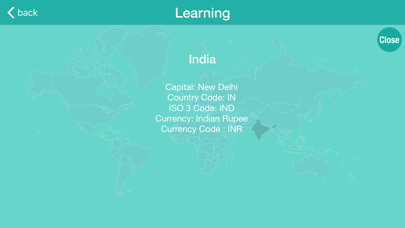
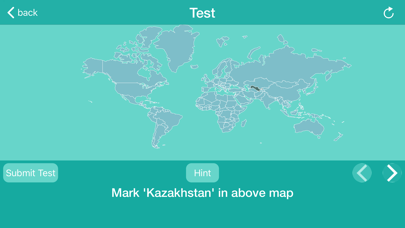
The World Map with the "Learn" and "Test" features will help you gain information about the country of world. In the "Learn" tab, users can view information about a country by clicking on the specific country on the map. In the "Test" tab, users must answer six questions and click the submit button to see their results. Users can receive hints by pressing the hint button. By clicking the refresh button, users can start a new test. Users can also zoom in on the map to focus on smaller countries.
Latest release
What’s New
Ui improvements.
Audience growth
Ratings growth
Baseline captured. Growth appears after the crawler observes a changed rating count.
Momentum comes from crawler snapshots for the tracked storefront. “Viral growth signal” means unusually fast recent rating gains; it is an indicator, not download data.
Price tracking
Price intelligence
First snapshot captured. The trend line starts after the next crawler price observation.
- First observed Aug 15, 2026 · 4:49 PM Free
Screenshots