About this app
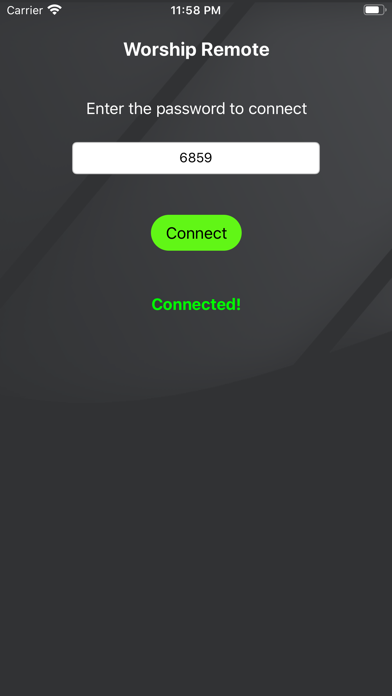
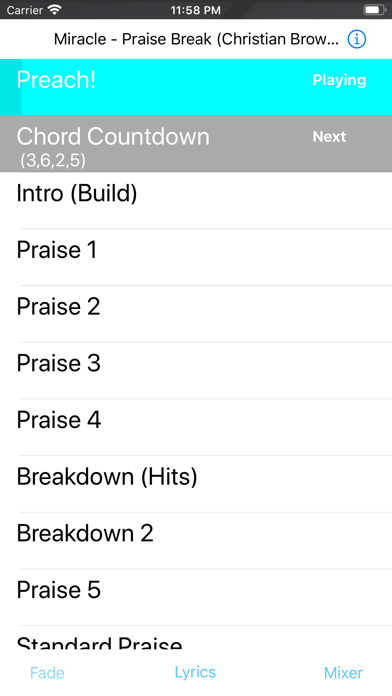
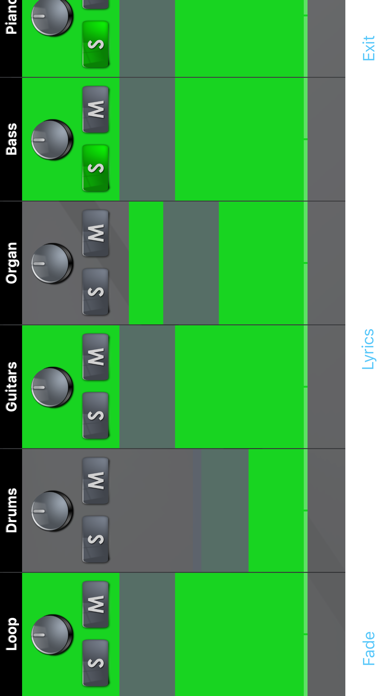
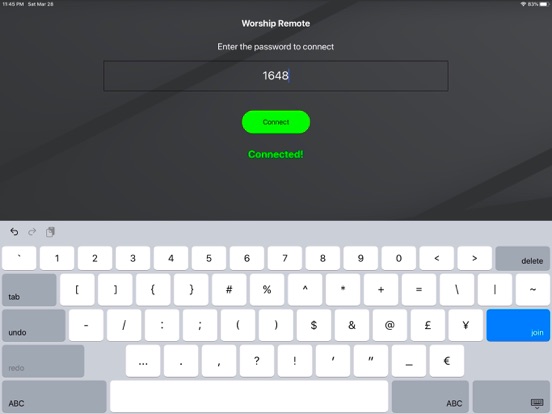
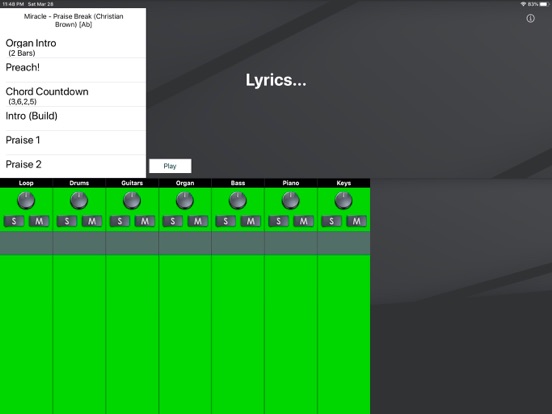
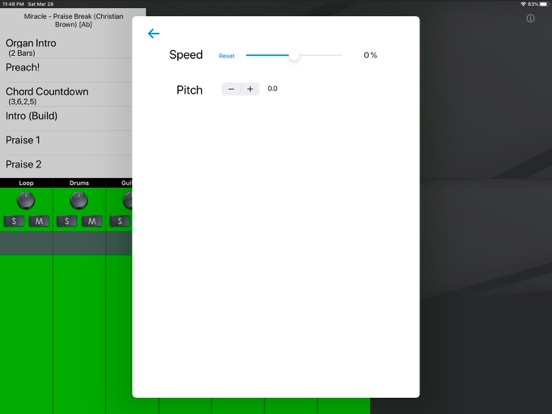
See and control the song playing on Worship Backing Tracks! Instructions: 1.) Open the main Worship Backing Tracks app on your ministries main device. 2.) Tap the remote button on the top right of the main app. 3.) There will be a 4 digit passcode shown. Enter this code into the remote app on your phone or iPad. - only up to 5 iOS devices using Worship Remote can connect at a time. 4.) Tap “Connect” 5.) On the main app, tap the “Allow Control” switch to give access to your device to control the main app. - otherwise, you’ll just be able to see what is happening on the main app in the song. Allowing control allows the person to play/pause, change keys and speed and adjust the mixer setting.
Latest release
What’s New
- Crash fix.
Audience growth
Ratings growth
Baseline captured. Growth appears after the crawler observes a changed rating count.
Momentum comes from crawler snapshots for the tracked storefront. “Viral growth signal” means unusually fast recent rating gains; it is an indicator, not download data.
Price tracking
Price intelligence
- First observed Aug 21, 2026 · 12:08 AM Free
Screenshots