About this app
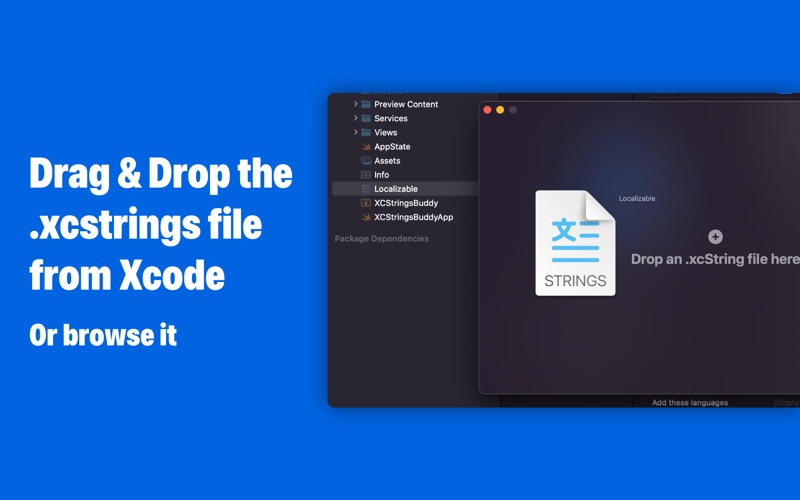
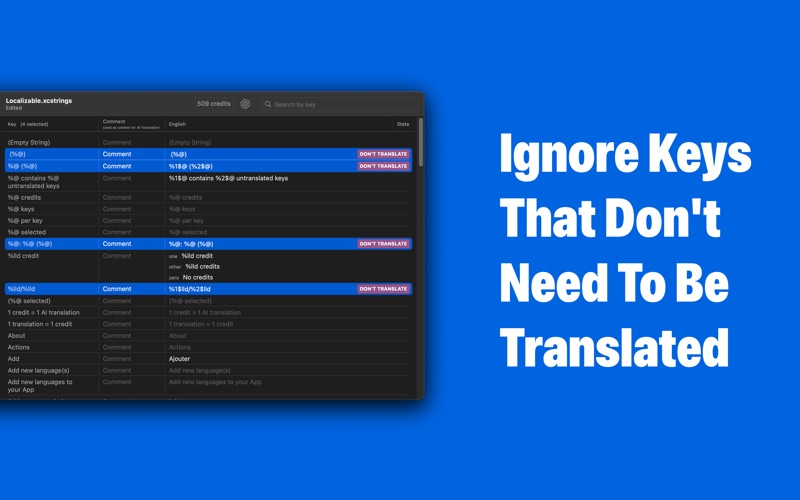
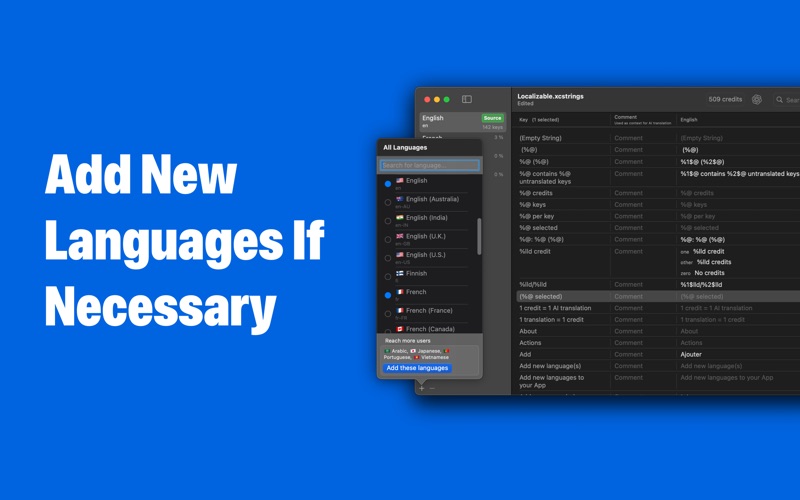
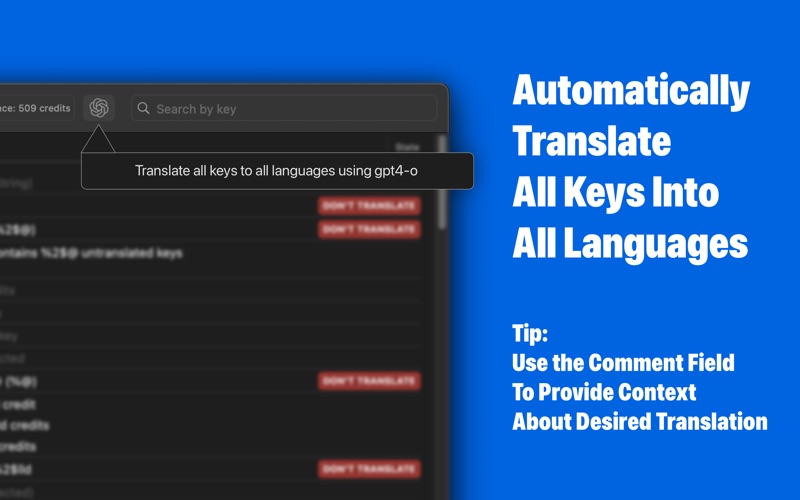
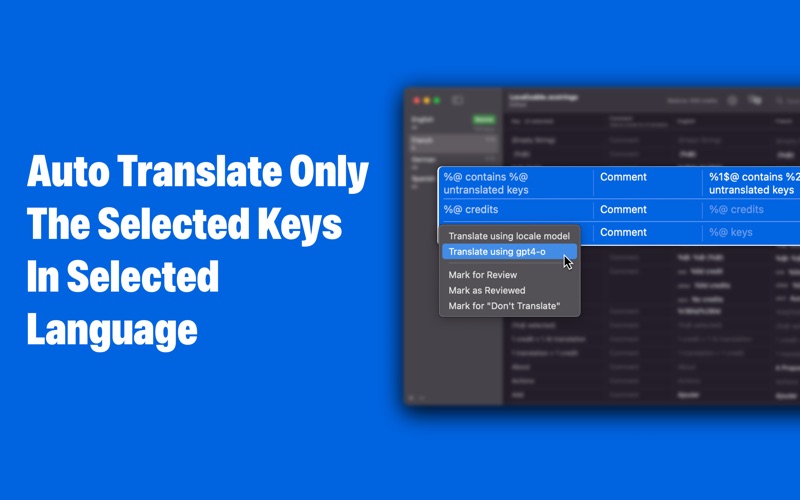
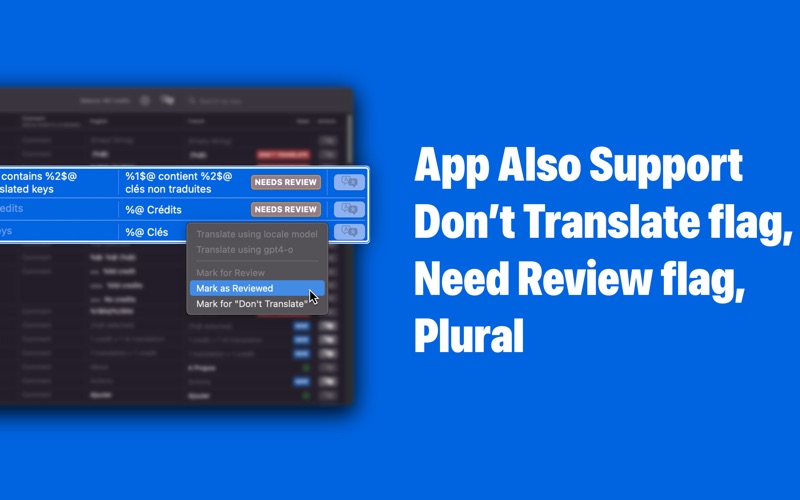
Open your String Catalog file (.xcstrings) in XCStrings Buggy, click on the « Translate » button, save changes and Voila, your App is now understandable by new users. To open the .xcstrings file, simply drag and drop it from the Xcode browser onto the wizard screen or onto an existing project. If some keys don't need to be translated (e.g. like %@), you can exclude them from translation (select keys, and right click / don’t translate or cmd + shift + T) and save translation credits. XCStrings Buggy support Translate / Don’t translate, Need Review, Reviewed, New key flags To save your time, you can filter untranslated, waiting for review keys and hide Don’t translate keys. You can speed up the workflow by using keyboard shortcut. The full list is available in the preferences. Privacy Policy: https://www.iubenda.com/privacy-policy/10614902 Terms: https://www.apple.com/legal/internet-services/itunes/dev/stdeula
Latest release
What’s New
Thanks you for using XCStrings Buddy. With this version, you can now import translations from an external CSV file!
Audience growth
Ratings growth
Baseline captured. Growth appears after the crawler observes a changed rating count.
Momentum comes from crawler snapshots for the tracked storefront. “Viral growth signal” means unusually fast recent rating gains; it is an indicator, not download data.
Price tracking
Price intelligence
First snapshot captured. The trend line starts after the next crawler price observation.
- First observed Aug 5, 2026 · 4:25 PM Free
Screenshots