About this app
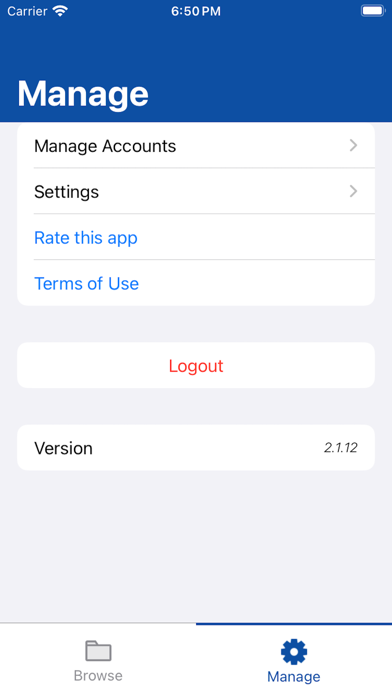
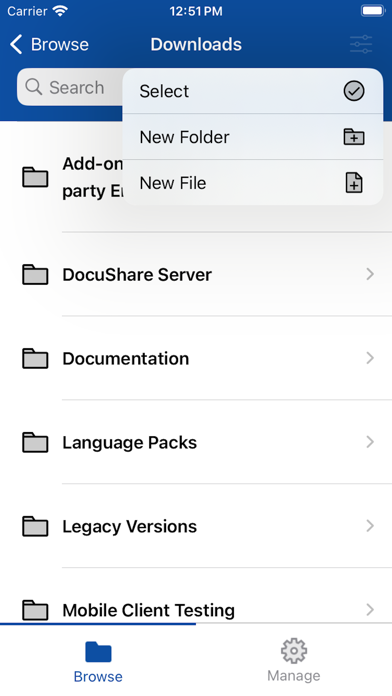
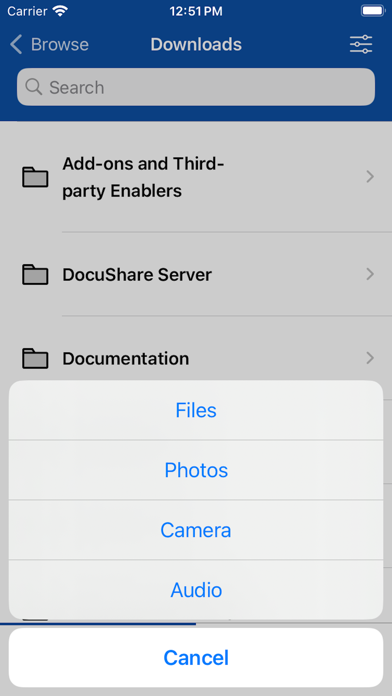
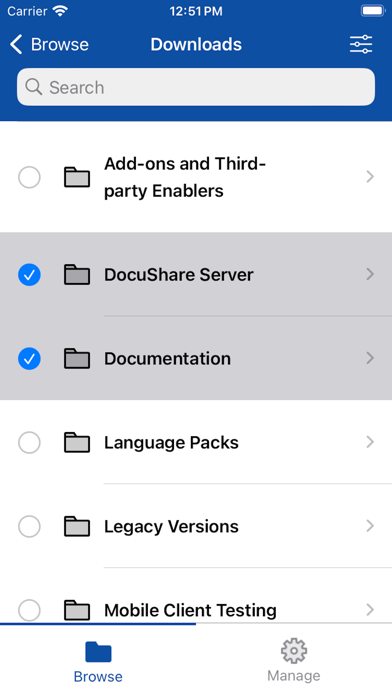
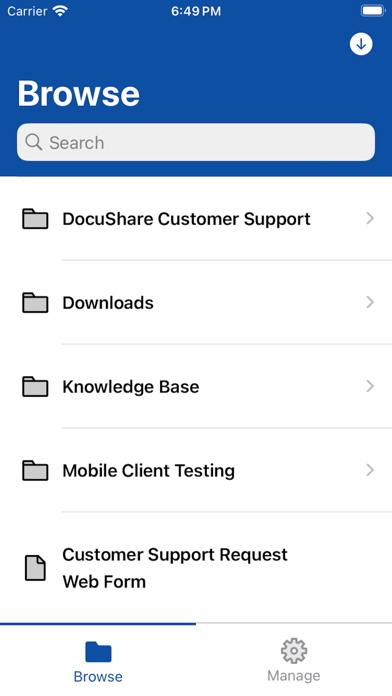
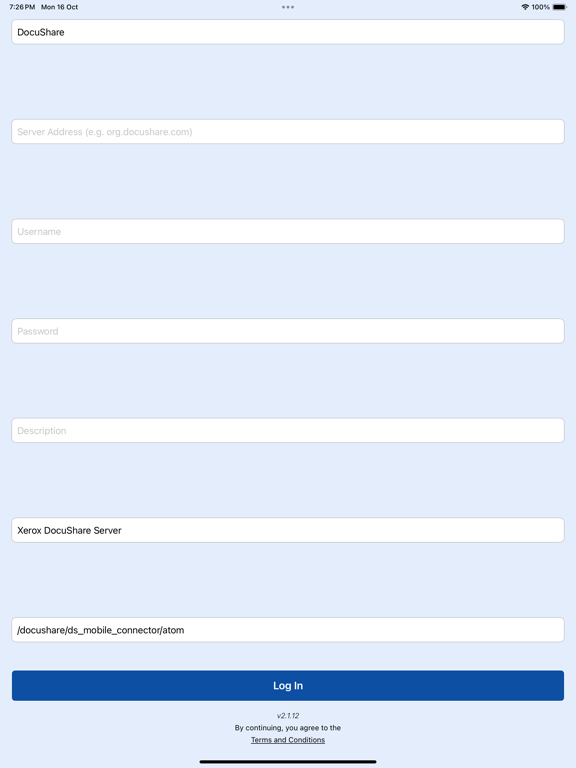
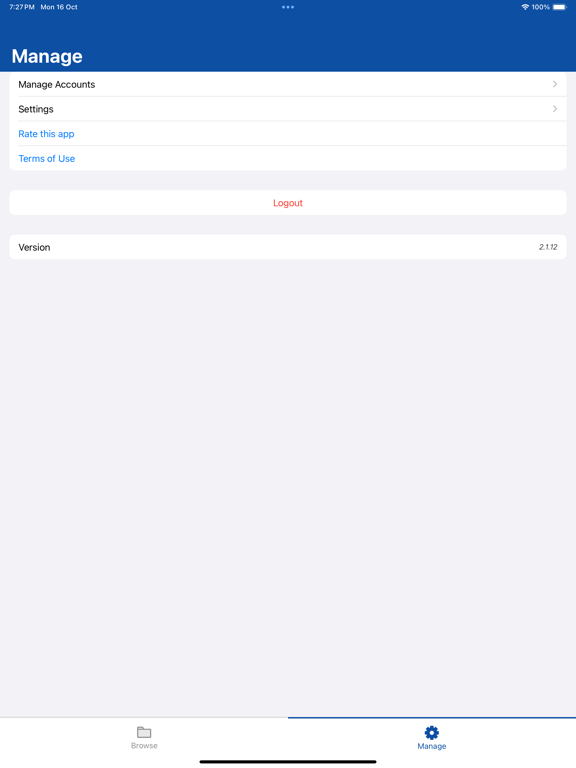
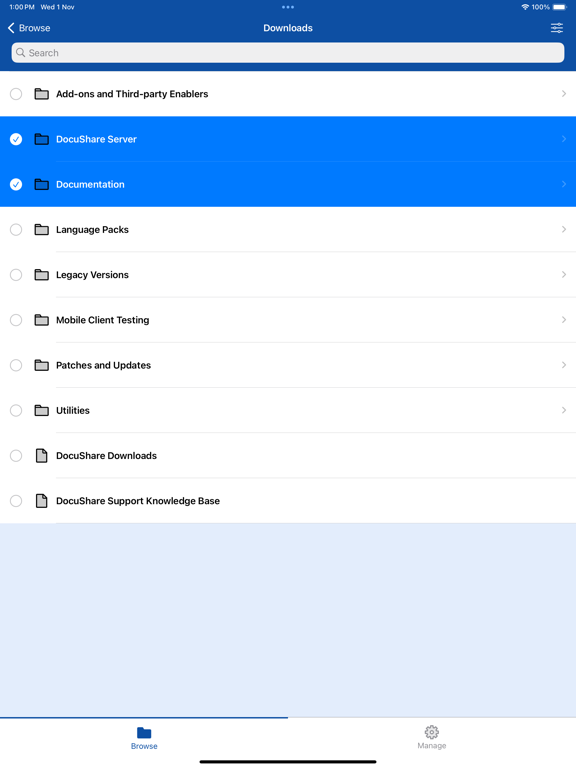
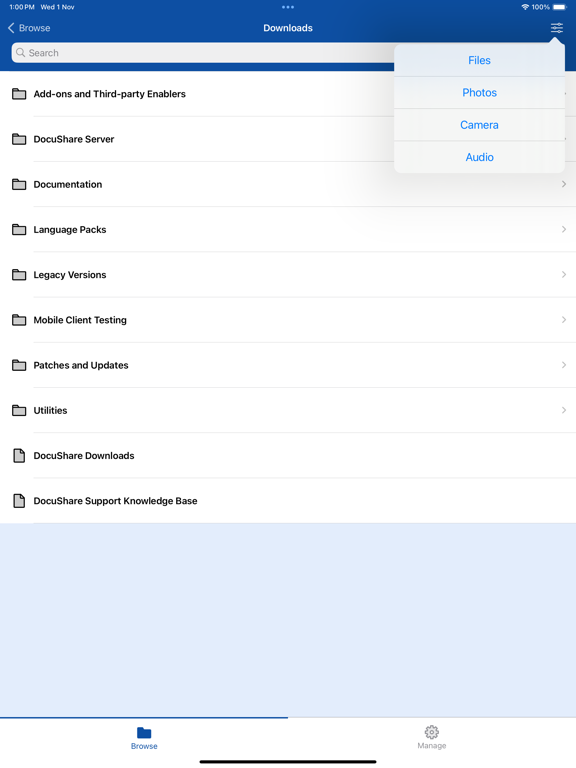
The Xerox® Mobile Client for DocuShare® makes it a snap to find, access, and work with mission-critical business information from wherever you are, while ensuring that content stays securely under your organization’s IT governance. The Mobile Client, iOS version, leverages the touch screen, photo, and storage capabilities of the Apple® iPad®, iPhone® or iPod Touch®, allowing you to capture pictures, meeting notes, document images, and business content, and publish it all to a secure DocuShare collection, or efficiently share documents as part of a business process such as Accounts Payable or expense approval. The Xerox Mobile Client for DocuShare also works with Xerox® Mobile Print® and Cloud Print®, letting you quickly find and print many important files at once from a location anywhere, so you’re as efficient on the road as in the office. Features: • Find, access and view documents in multiple formats (PDFs, images and Microsoft Office formats) • Search for content across the entire DocuShare site, multiple sites, or by folder • Perform full text search over millions of documents, including PDFs (not just searching by title) • Instantly capture and upload photos, meeting notes, mobile-scanned documents, audio and video files, and other business content • Email one or many documents directly from DocuShare as attachments or links, saving time and network bandwidth (no need to download to the device, or send them one by one) • Create folders to organize your content • Download documents to on-device storage to view, edit and re-upload, or view when iOS device is offline • Open documents in other iOS applications • Upload new versions of documents, and edit properties such as title • Support A/P, HR, and other processes by downloading and reviewing content, and re-publishing it into a workflow • Delete documents, folders, and any other content • Open URLs in DocuShare to websites, or to an eForm (to initiate a business process) • Print documents using your installed print driver or Apple AirPrint® • Print documents efficiently with powerful Xerox® Mobile Print® or Xerox® Cloud Print® capabilities: * Perform mobile printing in locations such as a remote office, service bureau, hotel, airport, or other place of business (no need to install print drivers) * Select from a DocuShare library of thousands or millions of files, printing on the spot * Maintain security when printing to an unfamiliar printer * Print multiple files in a batch, as a shortcut to creating production print jobs Download this app and immediately access a DocuShare server to view example folders and information. Browse the User Guide included with the app to learn about key features and how to set up accounts on your servers. Connecting to your business files – You may also contact your DocuShare administrator for specific details on which DocuShare servers the Mobile Client can access within your organization.
Latest release
What’s New
Minor bug fixes and improvements
Audience growth
Ratings growth
Baseline captured. Growth appears after the crawler observes a changed rating count.
Momentum comes from crawler snapshots for the tracked storefront. “Viral growth signal” means unusually fast recent rating gains; it is an indicator, not download data.
Price tracking
Price intelligence
First snapshot captured. The trend line starts after the next crawler price observation.
- First observed Aug 21, 2026 · 1:56 AM Free
Screenshots