About this app
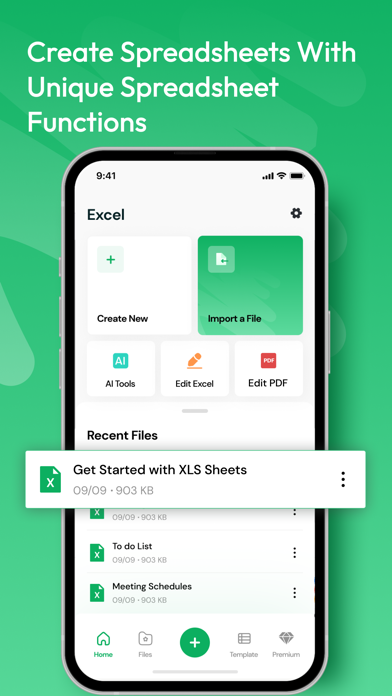
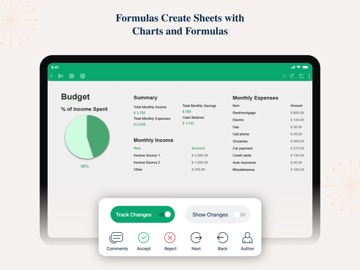
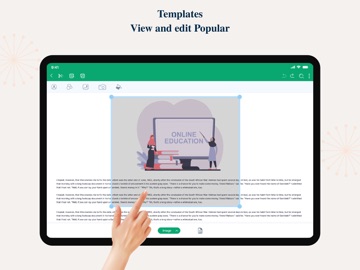
Title: XLS Sheet: Excel Viewer & Editor Description: Unlock the full potential of your Excel files with XLS Sheet, the ultimate iOS app for seamless viewing and editing of your spreadsheets on the go! Whether you're a busy professional, student, or anyone in need of quick access to your data, XLS Sheet is your all-in-one solution for managing Excel files effortlessly. Key Features: 1. **Intuitive Excel Viewing:** Experience unmatched clarity as you effortlessly view Excel files with our user-friendly interface. XLS Sheet ensures your data is presented in its best form, providing a smooth and intuitive viewing experience. 2. **Powerful Editing Tools:** Take control of your data with our powerful editing tools. Modify, update, and refine your spreadsheets directly from your iOS device. XLS Sheet supports a wide range of Excel functions, empowering you to make changes on the fly. 3. **Cloud Integration:** Seamlessly sync your Excel files with popular cloud services like iCloud, Google Drive, and Dropbox. Access your sheets from any device, ensuring you're always connected to your important data, no matter where you are. 4. **Offline Accessibility:** Stay productive even without an internet connection. XLS Sheet allows you to work on your Excel files offline, ensuring you can make edits and updates whenever inspiration strikes. 5. **Cross-Platform Compatibility:** Enjoy unparalleled flexibility by seamlessly transitioning between your iOS device and other platforms. XLS Sheet ensures compatibility with various Excel file formats, making collaboration and sharing a breeze. 6. **Enhanced Security:** Your data's security is our top priority. XLS Sheet employs robust security measures to protect your sensitive information, providing you with peace of mind while managing your Excel files. 7. **Customization Options:** Tailor your experience to fit your preferences. XLS Sheet offers customizable settings, allowing you to adjust the app to your unique workflow for maximum efficiency. Download XLS Sheet now and revolutionize the way you manage Excel files on your iOS device. Whether you're reviewing reports, crunching numbers, or collaborating with colleagues, XLS Sheet is your trusted companion for a seamless and powerful Excel experience. Upgrade your productivity – get XLS Sheet today! 3-DAY FREE TRIAL • Try out all paid features free for 3 days • Select a plan that best suits your needs • Cancel anytime without any obligations Yearly - Monthly plans at 599 Rs/Month & Yearly Plans at 1999 Rs/Year Subscription will be charged to your credit card through your App Store account. Your subscription will automatically renew unless canceled at least 24 hours before the end of the current period. Terms of Use - https://sites.google.com/view/xls-sheets-termsofuse/home
Latest release
What’s New
Improvements and bug fixes
Audience growth
Ratings growth
Momentum comes from crawler snapshots for the tracked storefront. “Viral growth signal” means unusually fast recent rating gains; it is an indicator, not download data.
Price tracking
Price intelligence
- First observed Aug 14, 2026 · 12:30 AM Free
Screenshots