About this app
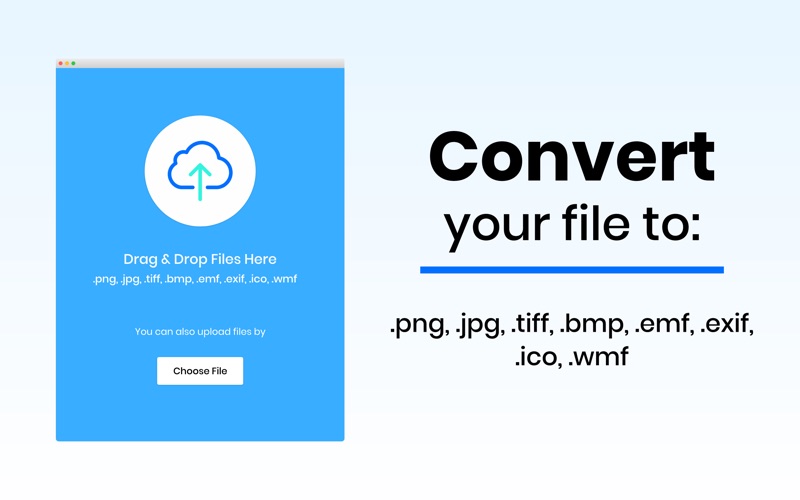
XPDF allows you to convert PDF files into photo, and vice versa in a few seconds. XPDF supports the following image formats: JPG, JPEG, PNG, TIFF, GIF, BMP, EMF, EXIF, ICO, WMF You can convert all these types of images to pdf and pdf to image. A convenient pack that facilitates you to convert your file in the desired format within 1 minute. XPDF performs the following pdf to photo operations: 1. PDF to JPEG 2. PDF to JPG 3. PDF to PNG 4. PDF to TIFF 5. PDF to BMP 6. PDF to GIF 7. PDF to EMF 8. PDF to EXIF 9. PDF to ICO 10. PDF to WMF XPDF performs the following photo to pdf operations: 1. JPEG to PDF 2. JPG to PDF 3. PNG To PDF 4. TIFF To PDF 5. BMP To PDF 6. EMF To PDF 7. ICO To PDF 8. WMF To PDF 9. EXIF To PDF 10. GIF To PDF Follow the following easy steps to perform these operations: 1. Choose your file from the finder. 2. Press Convert Button. 3. Select the location to save your file. 4. Done! That’s all. You see, it’s very simple. Don’t forget to rate us on the app store. Thanks! Note: Payment will be charged to your iTunes account at confirmation of purchase. Your subscription will automatically renew unless auto-renew is turned off at least 24-hours before the end of the current subscription period. Your account will be charged for renewal within 24-hours prior to the end of the current subscription period. Automatic renewals will cost the same price you were originally charged for the subscription. You can manage your subscriptions and turn off auto-renewal by going to your Account Settings on the App Store after purchase. Read our terms of service and Privacy Policy for more information. Terms of Use https://www.contentarcade.com/pdf-converter-terms-of-use Privacy Policy https://www.contentarcade.com/pdf-converter-privacy-poilcy
Latest release
What’s New
Now add multiple photos at once to convert into a single PDF file. This makes creating multi-page PDFs faster, easier, and more convenient than ever.
Audience growth
Ratings growth
Baseline captured. Growth appears after the crawler observes a changed rating count.
Momentum comes from crawler snapshots for the tracked storefront. “Viral growth signal” means unusually fast recent rating gains; it is an indicator, not download data.
Price tracking
Price intelligence
First snapshot captured. The trend line starts after the next crawler price observation.
- First observed Aug 6, 2026 · 12:38 AM Free
Screenshots