About this app
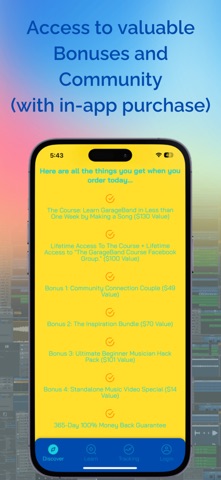
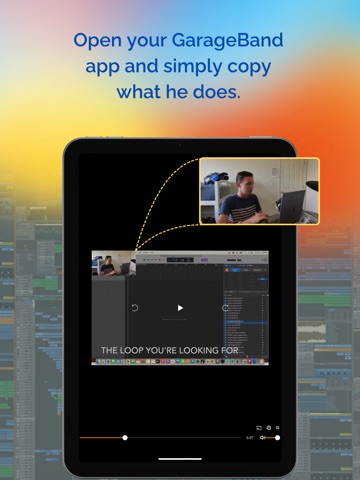
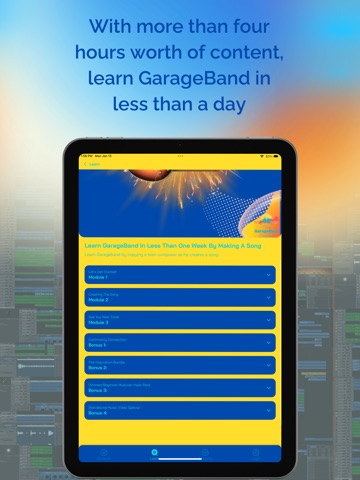
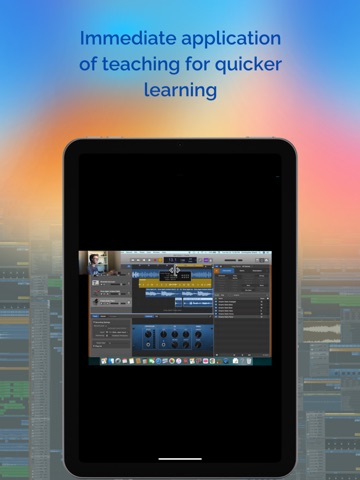
Learn GarageBand by copying a teen composer as he walks you step-by-step through the creation of a song. This uniquely different step-by-step, go-at-your-own-pace course has three modules with over 20 lessons, ranging from 1 to 36 minutes long, evenly spread out into bite-size pieces you can easily chew on (Mmm, delicious! The Cookie Monster would love that!). With over four hours of learning, I’ll be teaching you how to use GarageBand by immediately getting you into there by helping you create a song so that by the end of this course, you will have the ability to create music with GarageBand all on your own! Here are all the things you'll receive when you buy this course (90% OFF!): The "Learn GarageBand in Less than One Week by Making a Song" course ($130 Value) Lifetime Access to the course + Lifetime Access to The GarageBand Course Community. ($100 Value) Bonus 1: Community Connection Couple ($49 Value) Bonus 2: The Inspiration Bundle ($70 Value) Bonus 3: Ultimate Beginner Musician Hack Pack ($101 Value) Bonus 4: Standalone Music Video Special ($14 Value) 365-Day 100% Money Back Guarantee All the bonuses added together are $334 in value! But, you are getting them FREE of charge! And instead of this course being sold at the full price of $464, it’s being sold at a 90% discount! If you bought it right now, you’d be saving $417! What You'll Learn: Discover the Loops (prerecorded audio files) of over 40 instruments from more than 25 different genres from the Loop Browser Use the Loops to create the Stair Song Quickly find the Loops you want using the Loop Browser and its search tools Discover GarageBand’s built‑in set of over 100 software instruments found in the Library Create your own GarageBand project Add sound effects and transitions Do last-minute changes Rename, mute, solo, pan, and change the volume of your Tracks/Instruments Add reverb, lowness, highness, and more effects with the Smart Controls Time Quantize Software Instrument Loops with the Editors Speed up/slow down your music using the Tempo feature Find out how long your song is using the Display Mode pop-up menu Copy and Paste Loops using your computer keyboard Learn how to open GarageBand if it isn’t in your Dock Find out how to open a new/empty Project the easy way And much more… Age Rating Reminder: While the app is intended for users 17 and older, younger users can access it if guided by a parent or guardian. Requirements: • One Apple® computer with GarageBand on it (Make sure GarageBand runs on it). • Another device (Apple® or non-Apple®) such as a computer, iPad, Tablet, or something of the type that has a big enough screen to play videos on (bigger than a phone screen). • And a kid aged 11 or on up. A 10-year-old could do it with help.
Latest release
What’s New
Bug Fixes
Audience growth
Ratings growth
Baseline captured. Growth appears after the crawler observes a changed rating count.
Momentum comes from crawler snapshots for the tracked storefront. “Viral growth signal” means unusually fast recent rating gains; it is an indicator, not download data.
Price tracking
Price intelligence
First snapshot captured. The trend line starts after the next crawler price observation.
- First observed Sep 4, 2026 · 7:23 AM Free
Screenshots