About this app
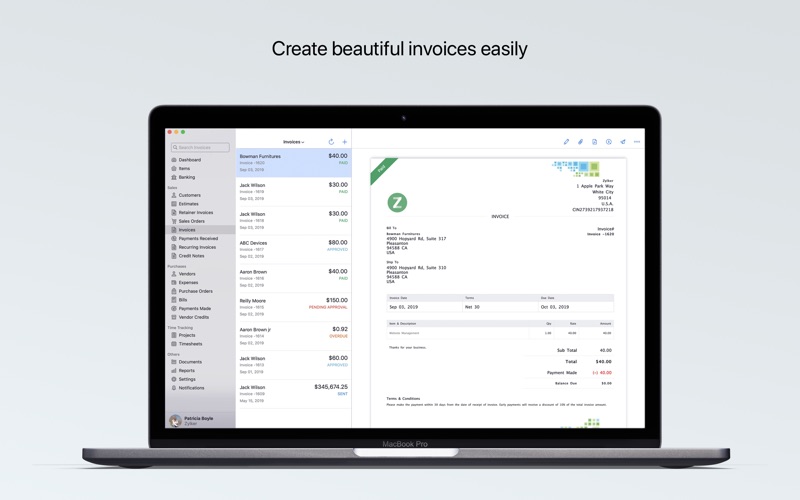
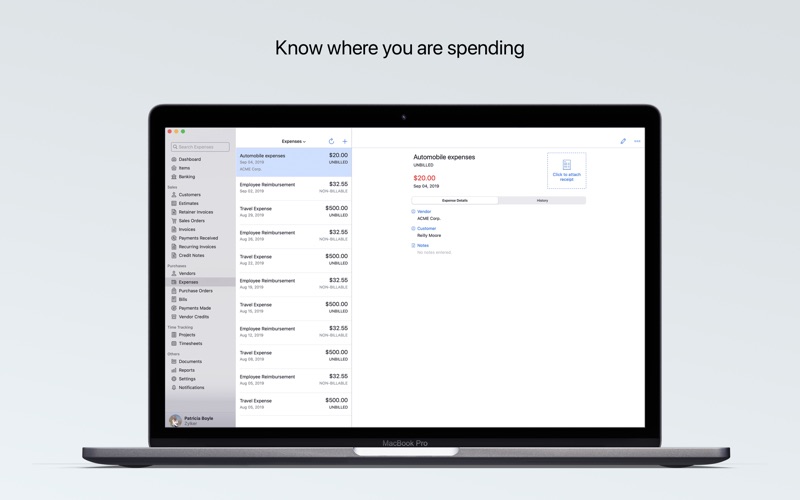
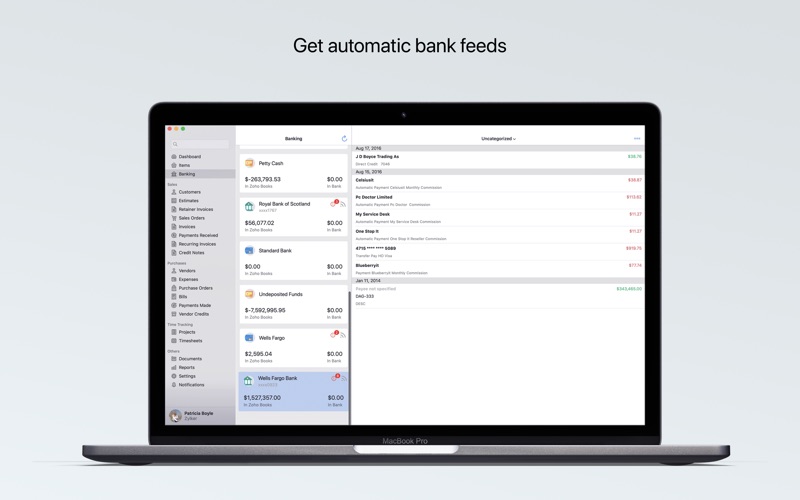
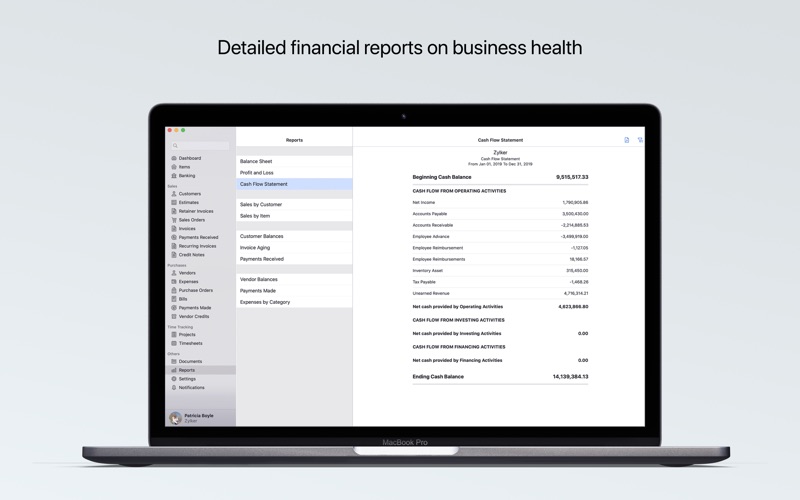
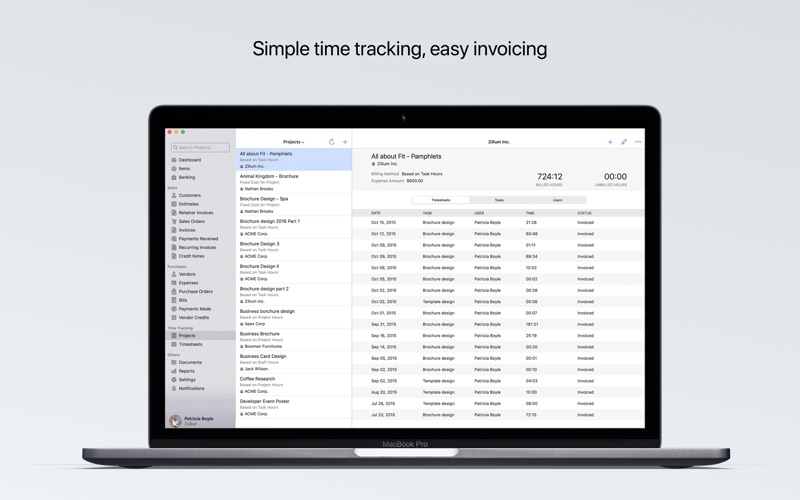
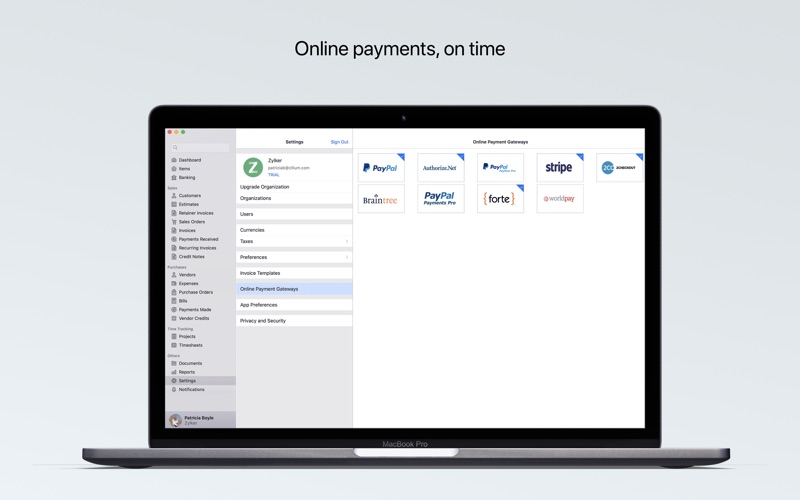
Zoho Books is your smart, easy-to-use online accounting software that fulfills your accounting needs. It streamlines the recording of transactions and tracking of income and expenses. This saves you time and lets you focus on your business. Also, it is tax compliant across all its editions. Zoho Books is now available on Mac, iPad, iPhone, and Apple Watch. Here's what our users have to say about Zoho Books: "I have been using Zoho Books for my business for a year now & it has saved me so much time. I would highly recommend it for any business or even general home use for the end of the year tax. Great work Zoho." "Zoho Books has been a great replacement for Quickbooks for our small business. It's easy to use on mobile devices and laptop. Highly recommended." With the Zoho Books Mac App you can: 1. MANAGE MONEY INFLOW Create and send estimates, sales orders, and invoices to your customers. You can customize the invoice templates to match your business’ brand and accept payments from your customers online. 2. MANAGE MONEY OUTFLOW Record expenses and bills, and categorize them. Get to know how much you owe and always pay your bills on time using payment reminders. 3. COLLABORATE WITH YOUR ACCOUNTANT With the Zoho Books Mac app, your accountant is never far away to advise you. Invite your trusted adviser as a user to review your numbers right from the comfort of his home or office. 4. GET INSTANT BUSINESS INSIGHTS Do you have sufficient cash for payroll and paying supplier bills? How much do your customers owe? What are your top expenses? Answers to these questions are just a click away. 5. TRACK TIME ACCURATELY Track the time you spend on projects and bill your customers right from the app. 6. GO GLOBAL Zoho Books supports transactions in multiple currencies and enables you to sell your products and services globally. 7. EASE YOUR EYES WITH DARK MODE Access Zoho Books in Dark Mode without straining your eyes. If you’ve configured Dark Mode in the System Settings, the app will also be in Dark Mode. 8. SAVE TIME WITH KEYBOARD SHORTCUTS Use keyboard shortcuts and account faster. This enables you to get more done in less time. Zoho’s Privacy Policy and Terms & Conditions: - https://www.zoho.com/privacy.html - https://www.zoho.com/terms.html
Latest release
What’s New
Zoho Books works more seamlessly with the latest Apple OS 27 features. Ask Siri to get things done, use on-device intelligence to work with your data, and keep important accounting information just a glance away. AI-Powered Reports: Describe the report you want in natural language, and Zoho Books generates the relevant report with a summary of its key insights, right within the Reports module. Business Card Scanning: Scan a business card to capture the contact details and create a customer record in Zoho Books. Voice-Powered Transactions: Use Siri to create invoices, expenses, and payments by providing the details through voice. Invoice Approvals with Siri: Find pending invoices and approve them individually, or review and approve multiple pending transactions for a customer. Document Upload with Siri: Ask Siri to upload documents to Zoho Books and add multiple files at once. Extra-Large Portrait Widget: View invoice transactions directly from your Home Screen and use filters to focus on the invoices you need.
Audience growth
Ratings growth
Baseline captured. Growth appears after the crawler observes a changed rating count.
Momentum comes from crawler snapshots for the tracked storefront. “Viral growth signal” means unusually fast recent rating gains; it is an indicator, not download data.
Price tracking
Price intelligence
First snapshot captured. The trend line starts after the next crawler price observation.
- First observed Sep 20, 2026 · 4:31 AM Free
Screenshots