About this app
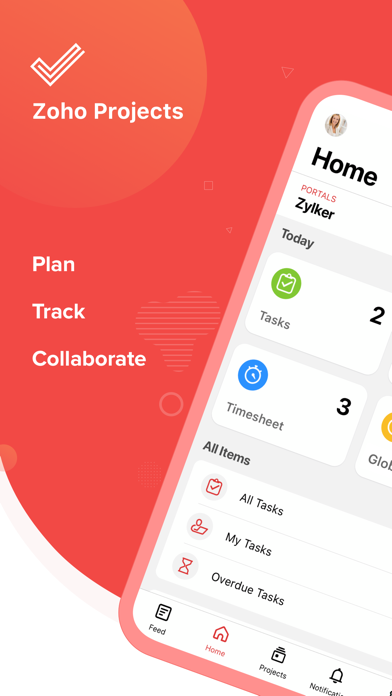
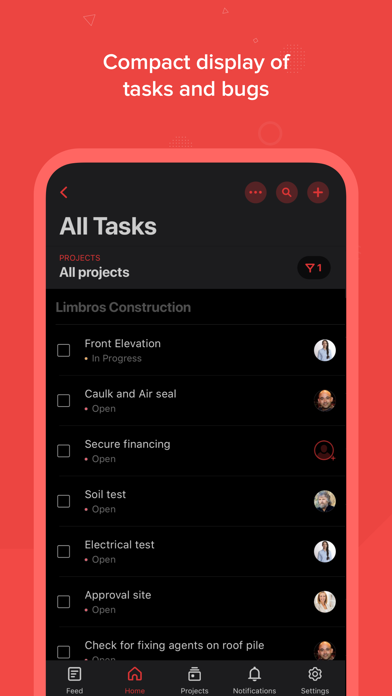
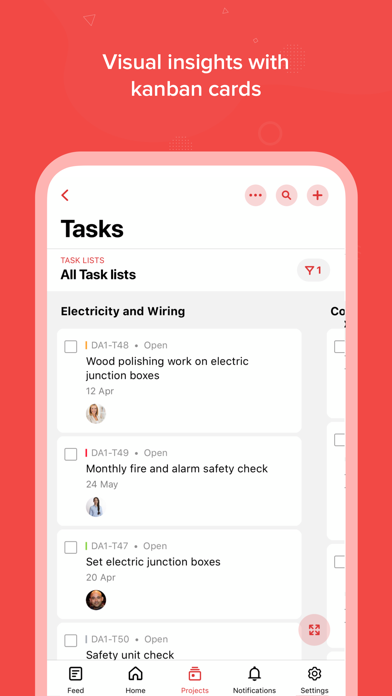
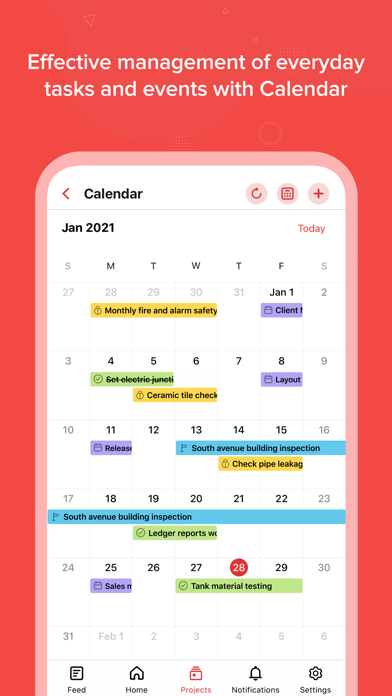
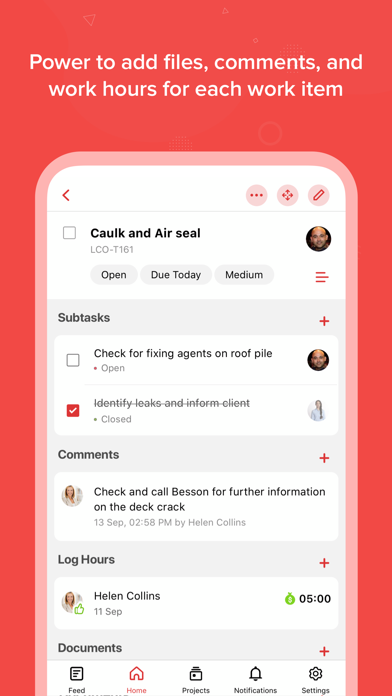
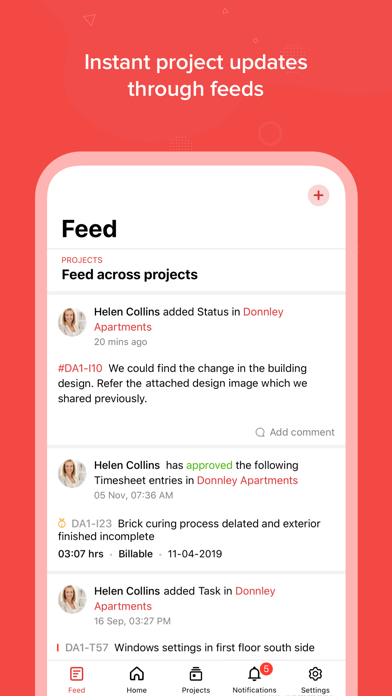
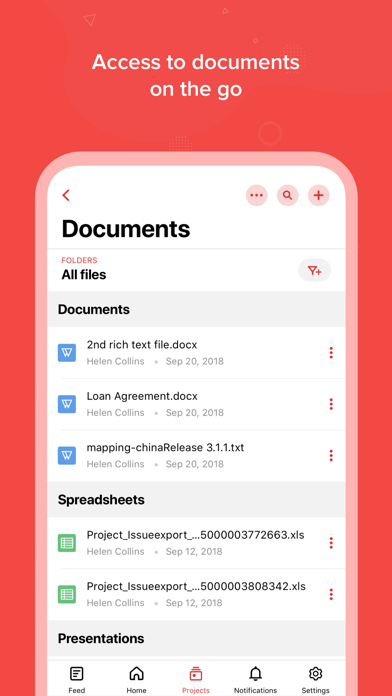
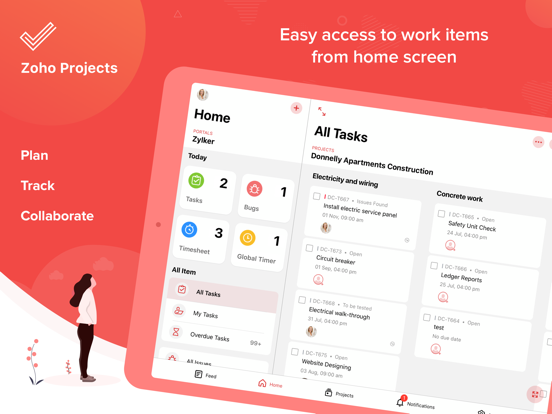
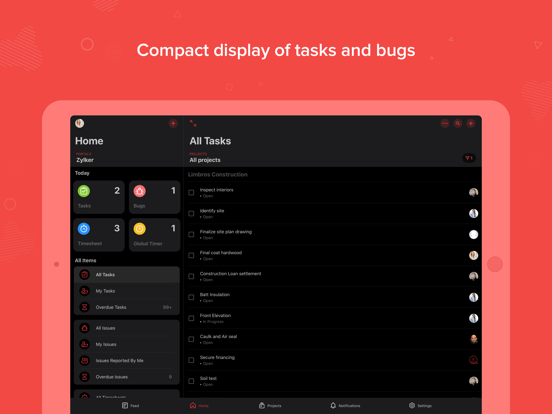
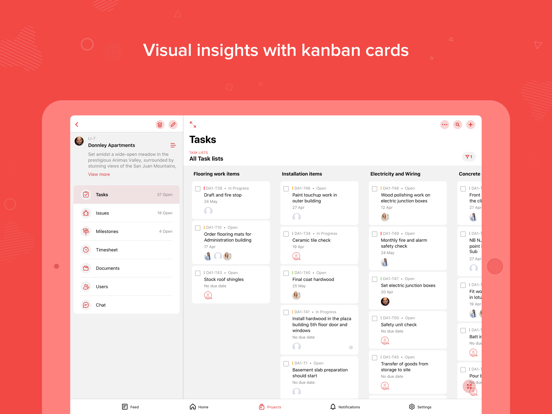
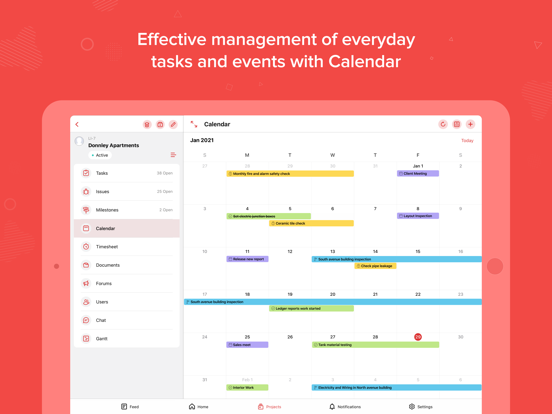
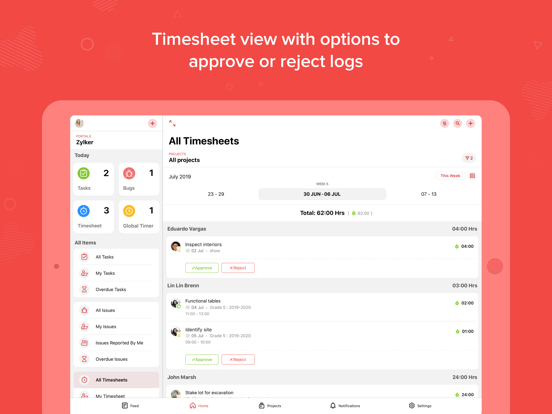
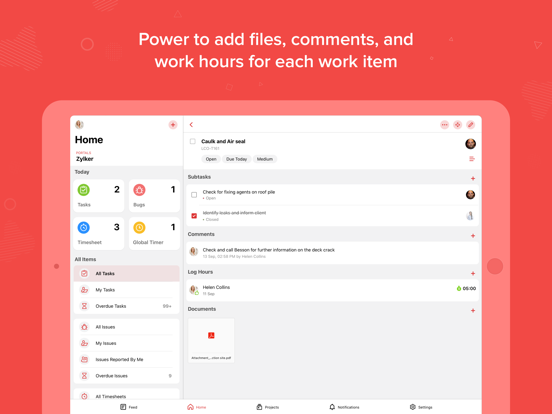
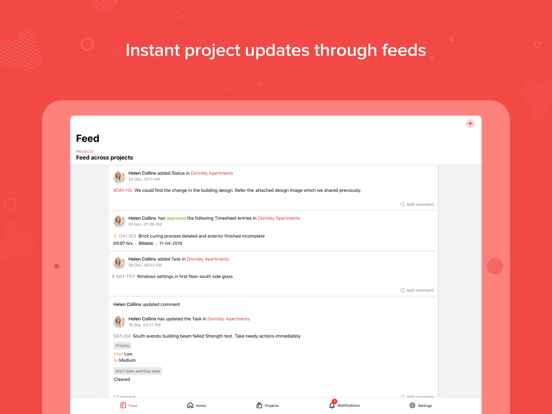
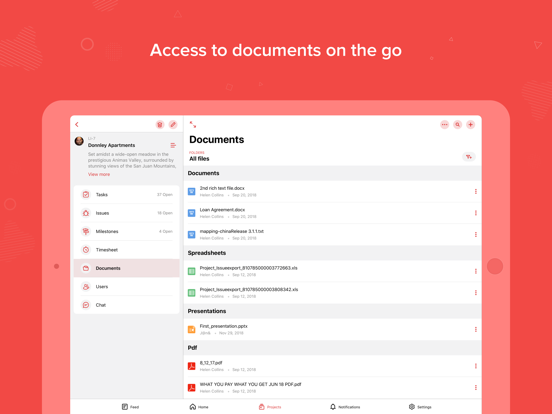
Plan your project activities, assign work, manage resources and get things done on time. Collaborate with your team better and make quicker decisions. Zoho Projects for iPhone and iPad helps you manage your projects and keep track of progress even as you are on the go. Zoho Projects is a modern and flexible project management software preferred by more than a million users worldwide. The mobile apps complement the web version enabling you to act quickly and stay updated wherever you are. - Get a quick view of ongoing discussions, tasks, comment threads and much more by skimming through Feeds. - Jump in and create new tasks, milestones, post a status or a forum, upload files from your mobile, or even submit a bug that needs to be swatted. - As you toil away from your desk, record all your work hours in the timesheet module. - View all your project related documents at the touch of your finger tips. You can also upload new documents or new versions of existing documents. - View all your tasks displayed against time and track their progress using Gantt charts.Keep an eye on your progress with gantt charts. - Manage everyday tasks and and events with Calendar. Breakdown and organise your projects into work items and always stay ahead of schedule with our built-in calendar. Subscribe within the app: Our Plans: Premium - Monthly : Unlimited Projects | 4 Users Enterprise - Monthly : Unlimited Projects | 4 Users Premium - Yearly : Unlimited Projects | 4 Users Enterprise - Yearly : Unlimited Projects | 4 Users Premium - Monthly: Monthly auto-renewing subscription $19.99 Enterprise - Monthly: Monthly auto-renewing subscription $39.99 Premium - Yearly: Yearly auto-renewing subscription $194.99 Enterprise - Yearly: Yearly auto-renewing subscription $449.99 - Payment will be charged to the iTunes Account at confirmation of purchase - Subscription automatically renews unless auto-renew is turned off at least 24-hours before the end of the current period - Account will be charged for renewal within 24-hours prior to the end of the current period - Subscriptions may be managed by the user and auto-renewal may be turned off by going to the user's Account Settings after purchase - Any unused portion of a free trial period, if offered, will be forfeited when the user purchases a subscription to that publication, where applicable. Privacy Policy and Terms & Conditions: -https://www.zoho.com/privacy.html - https://www.zoho.com/terms.html
Latest release
What’s New
Connect module and Integration fields are now supported in Custom Modules, allowing you to add, update, and navigate directly to associated module items.
Audience growth
Ratings growth
Momentum comes from crawler snapshots for the tracked storefront. “Viral growth signal” means unusually fast recent rating gains; it is an indicator, not download data.
Price tracking
Price intelligence
- First observed Aug 7, 2026 · 10:37 PM Free
Screenshots