About this app
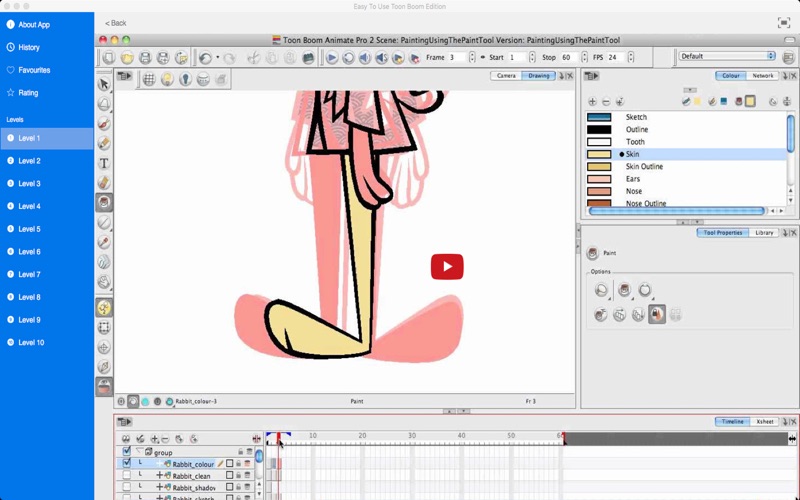
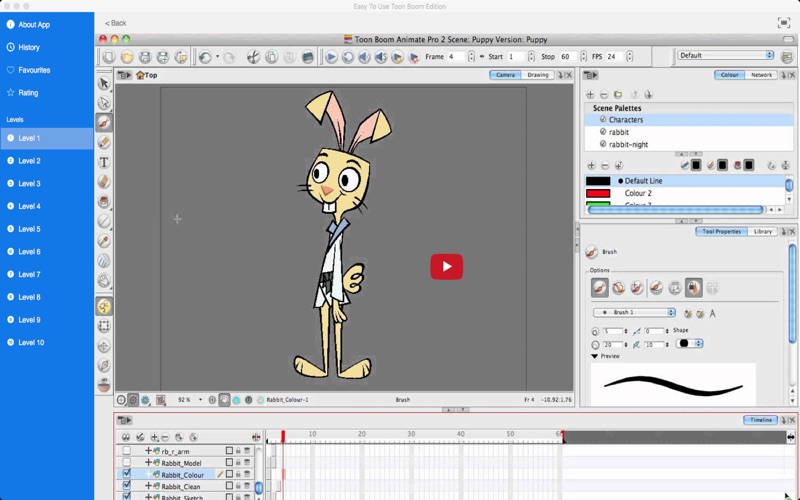
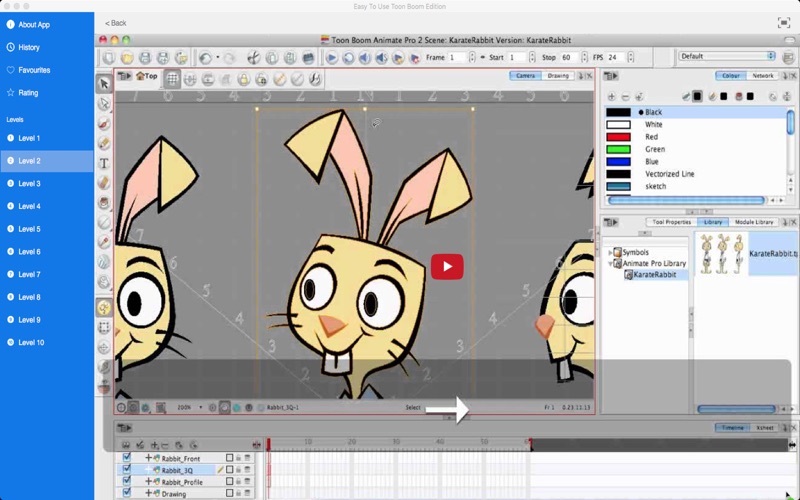
If you are interested in computer animation then this collection of 176 tutorial video lessons on how to use Toon Boom should get you well on the way. There are many techniques to master and functions and short cuts to learn. Tutorial videos include: Toon Boom Animate Pro 2 Video Tutorials - 01 Introduction Toon Boom Animate Pro 2 Video Tutorials - 02 Creating A Project Toon Boom Animate Pro 2 Video Tutorials - 03 Setting Up YourProject Toon Boom Animate Pro 2 Video Tutorials - 04 About The Interface Toon Boom Animate Pro 2 Video Tutorials - 05 About The Interface II Toon Boom Animate Pro 2 Video Tutorials - 06 DrawingBasics Toon Boom Animate Pro 2 Video Tutorials - 07 Drawing With The Brush Tool Toon Boom Animate Pro 2 Video Tutorials - 08 Drawing With Line Texture Toon Boom Animate Pro 2 Video Tutorials - 09 Selecting Drawing Objects Toon Boom Animate Pro 2 Video Tutorials - 10 Erasing Parts Of A Drawing Toon Boom Animate Pro 2 Video Tutorials - 11 Drawing Using The Pencil Tool Toon Boom Animate Pro 2 Video Tutorials - 12 Drawing With Shapes Toon Boom Animate Pro 2 Video Tutorials - 13 Drawing Using The Polyline Tool Toon Boom Animate Pro 2 Video Tutorials - 14 Reshaping Using Contour Editor Toon Boom Animate Pro 2 Video Tutorials - 15 Cutting Drawing Parts Toon Boom Animate Pro 2 Video Tutorials - 16 Deforming Using Perspective Tool Toon Boom Animate Pro 2 Video Tutorials - 17 Smoothing Lines Toon Boom Animate Pro 2 Video Tutorials - 18 Working With Text Toon Boom Animate Pro 2 Video Tutorials - 19 Override Tool Toon Boom Animate Pro 2 Video Tutorials - 20 More Drawing Tools Toon Boom Animate Pro 2 Video Tutorials - 21 Adding Colours Toon Boom Animate Pro 2 Video Tutorials - 22 Painting Using The Paint Tool Toon Boom Animate Pro 2 Video Tutorials - 23 Drawing Using Invisible Lines Toon Boom Animate Pro 2 Video Tutorials - 24 Advanced Painting Toon Boom Animate Pro 2 Video Tutorials - 25 Palettes 01 Toon Boom Animate Pro 2 Video Tutorials - 26 Palettes 02 Toon Boom Animate Pro 2 Video Tutorials - 27 Importing A Bitmap Image Toon Boom Animate Pro 2 Video Tutorials - 28 Vectorizing Images Toon Boom Animate Pro 2 Video Tutorials - 29 Importing PSD files Toon Boom Animate Pro 2 Video Tutorials - 30 Scanning Images ANI Toon Boom Animate Pro 2 Video Tutorials - 31 Scanning Images ANP Toon Boom Animate Pro 2 Video Tutorials - 32 Importing AI and PDFs Toon Boom Animate Pro 2 Video Tutorials - 33 Importing From Flash Toon Boom Animate Pro 2 Video Tutorials - 34 Importing Quicktime Movies Toon Boom Animate Pro 2 Video Tutorials - 35 Importing A Model Toon Boom Animate Pro 2 Video Tutorials - 36 Studying The Model Toon Boom Animate Pro 2 Video Tutorials - 37 Breakdown Setup Toon Boom Animate Pro 2 Video Tutorials - 38 Breaking Down Main Parts Toon Boom Animate Pro 2 Video Tutorials - 39 Breaking Down Sec Parts Toon Boom Animate Pro 2 Video Tutorials - 40 Breaking Down Extra Views Toon Boom Animate Pro 2 Video Tutorials - 41 Cleaning Parts Setting Pivots Toon Boom Animate Pro 2 Video Tutorials - 42 creating Ghost Drawings Toon Boom Animate Pro 2 Video Tutorials - 43 Creating Extra Drawings Toon Boom Animate Pro 2 Video Tutorials - 44 Setting Up The Pivots Toon Boom Animate Pro 2 Video Tutorials - 45 Setting Up Modules And Pegs Toon Boom Animate Pro 2 Video Tutorials - 46 Creating A Mixed Rig Toon Boom Animate Pro 2 Video Tutorials - 47 Creating A Mixed Rig-Part II and many more
Audience growth
Ratings growth
Baseline captured. Growth appears after the crawler observes a changed rating count.
Momentum comes from crawler snapshots for the tracked storefront. “Viral growth signal” means unusually fast recent rating gains; it is an indicator, not download data.
Price tracking
Price intelligence
First snapshot captured. The trend line starts after the next crawler price observation.
- First observed Aug 10, 2026 · 3:20 AM $3.99
Screenshots