About this app
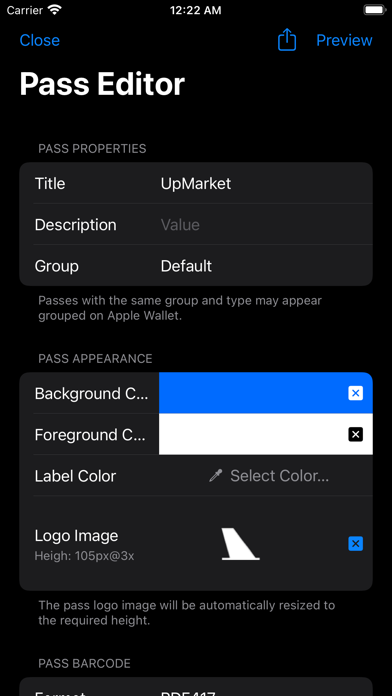
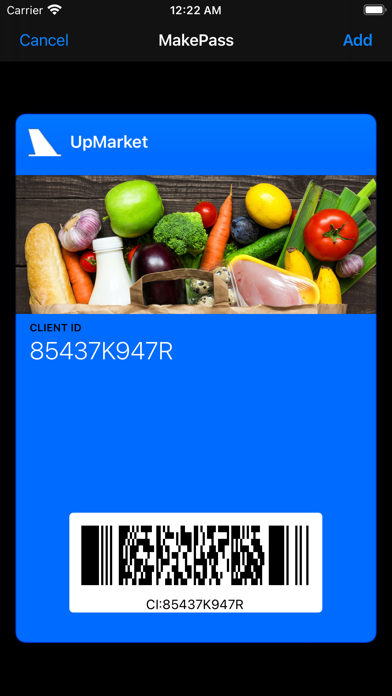
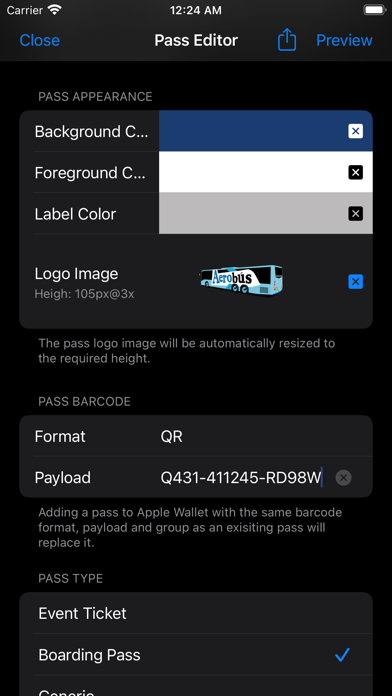
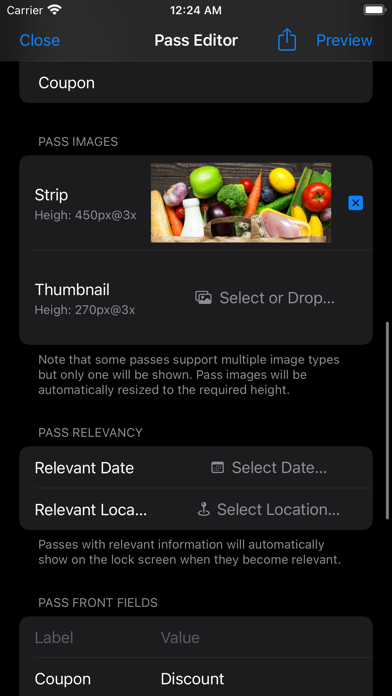
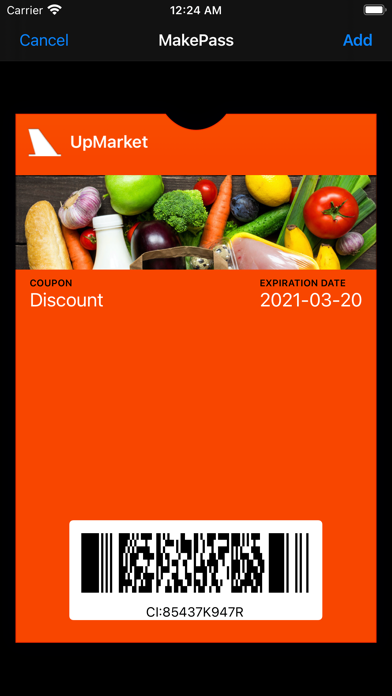
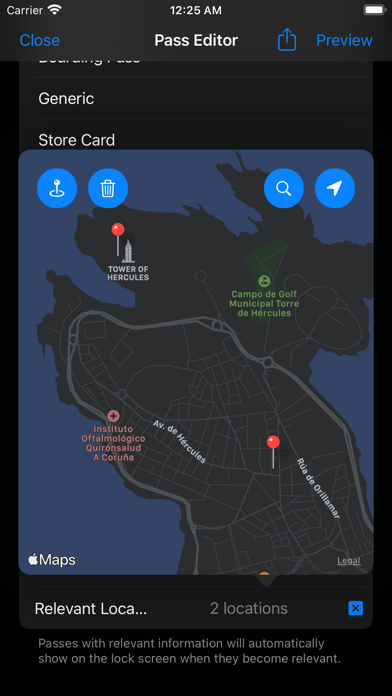
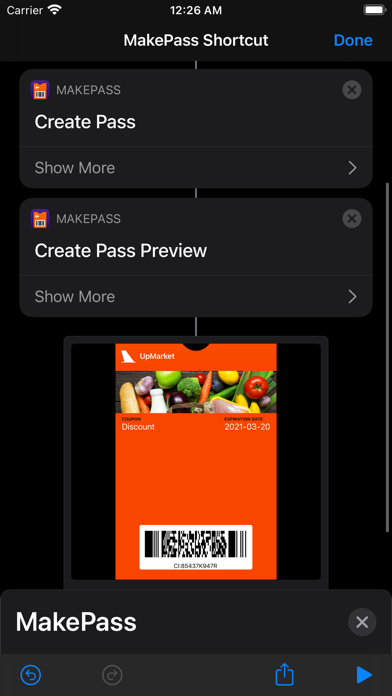
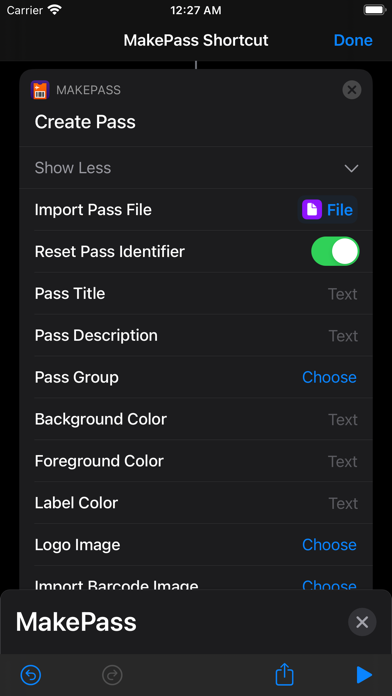
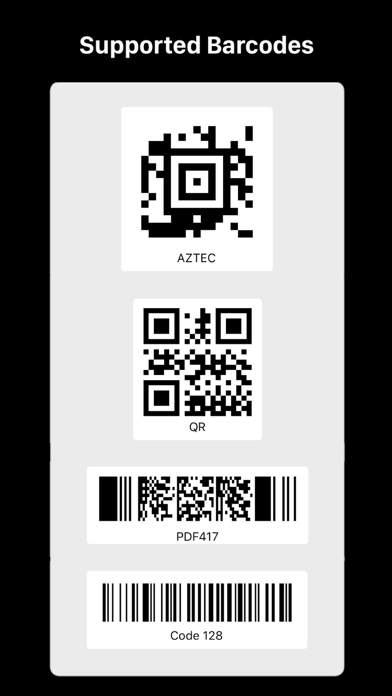
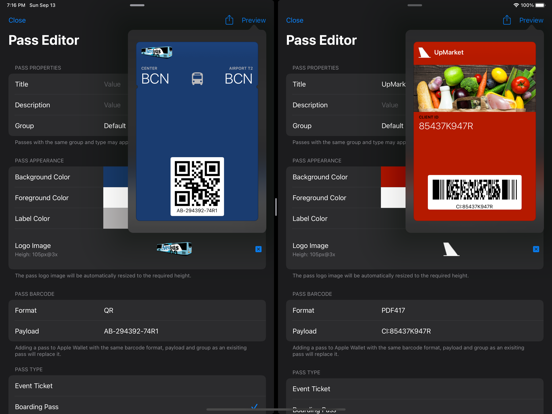
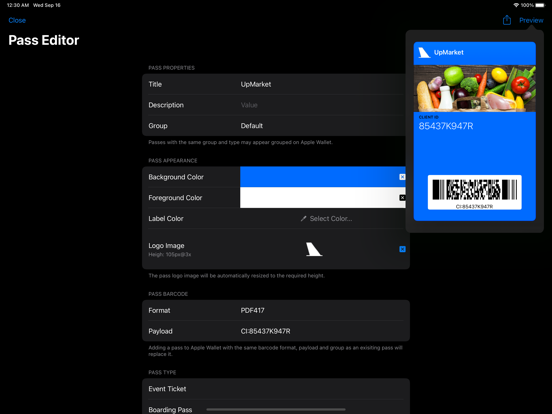
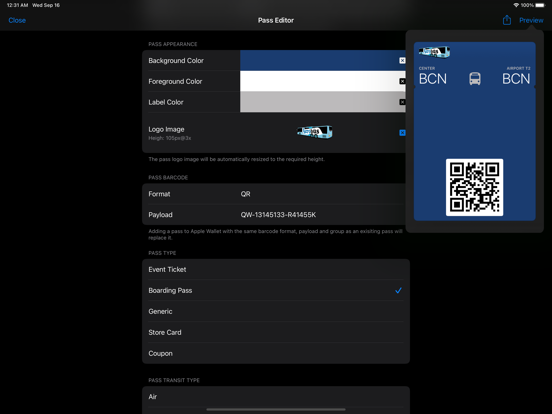
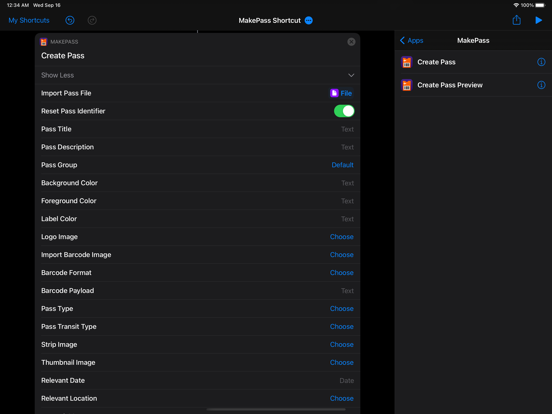
With MakePass, you can customize Apple Wallet like never before: create and personalize passes with AI-driven design, advanced editing tools, smart barcode importing, date and location awareness, and much more. Core Features: • AI-Powered Design: With MakePass AI, transform photos of cards or tickets into beautifully designed Apple Wallet passes. Our technology intelligently extracts relevant text and information to define the pass structure and content. • Versatile Pass Creation: Start from scratch, open saved files, or import barcodes from various formats including images, PDFs, or directly via camera. • Extensive Customization: Personalize your passes to the finest detail. Choose from event tickets, boarding passes, store cards, and more. Customize with unique icons, logos, colors, and text to make each pass uniquely yours. Advanced Capabilities: • Barcode Flexibility: Import or define barcodes in formats like QR, AZTEC, PDF417, and Code 128. Convert unsupported barcodes or embed them as images in your pass. • Location & Time Awareness: Set relevant dates and locations for your passes, enabling them to appear on your lock screen precisely when needed. • Shortcut Integration: Leverage the power of iOS Shortcuts for automating pass creation and customization, enhancing your productivity. MakePass Subscriptions: • MakePass Pro: Unlock features like pass barcodes, pass images, and pass relevancy. • MakePass Ultra: Get everything in MakePass Pro, plus MakePass AI, Shortcuts support, and Family Sharing. MakePass supports macOS, iOS and iPadOS. Notes: • On iPadOS, as Apple Wallet is not available, MakePass will allow you to preview the pass and share or save the generated pass as a file instead of adding it to Wallet. • Barcodes with Code 128 format are not shown by Apple Wallet on the Apple Watch. • Barcode formats that Apple Wallet does not support but MakePass can embed as pass images include Code 39, Code 93, EAN8, EAN13, UPCE and Codabar. • The organization name and icon image will be visible on the relevant pass notifications that appear on the lock screen. • Background, strip and thumbnail images are not supported on all pass types. Note that background images are automatically blurred by Apple Wallet and that some passes, while supporting multiple image types, cannot include all types at the same time. Privacy by Design: MakePass works completely on-device and does not store or send any information outside of the protected app sandbox, except for explicit user requests to use MakePass AI which requires sending the text extracted from the images or the user pass description for processing. Terms of Use: https://www.apple.com/legal/internet-services/itunes/dev/stdeula/
Latest release
What’s New
• Updated default pass icon. • Bug fixes and stability improvements.
Audience growth
Ratings growth
Baseline captured. Growth appears after the crawler observes a changed rating count.
Momentum comes from crawler snapshots for the tracked storefront. “Viral growth signal” means unusually fast recent rating gains; it is an indicator, not download data.
Price tracking
Price intelligence
- First observed Aug 1, 2026 · 1:31 PM Free
Screenshots