About this app
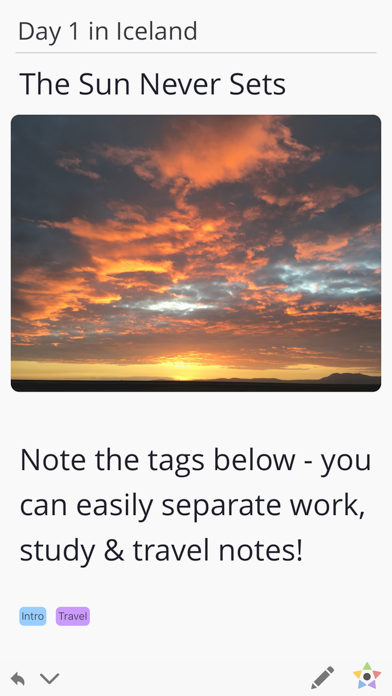
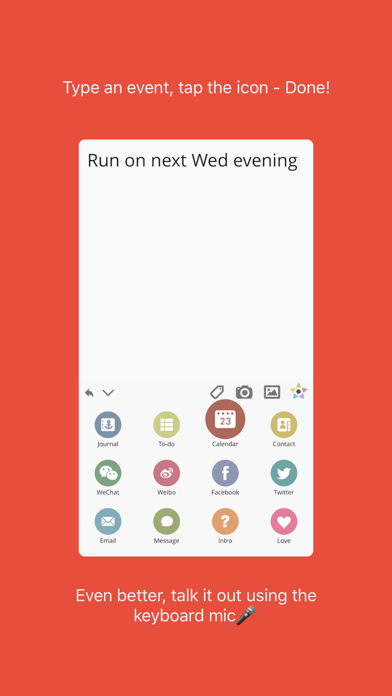
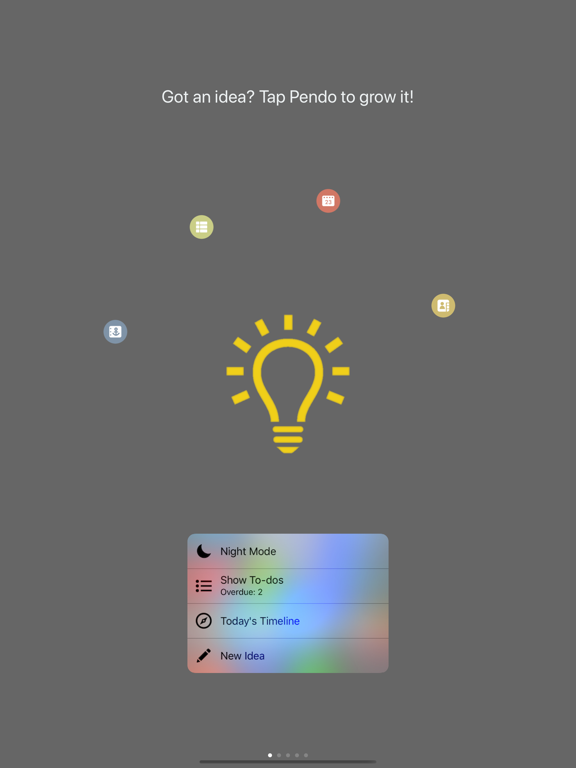
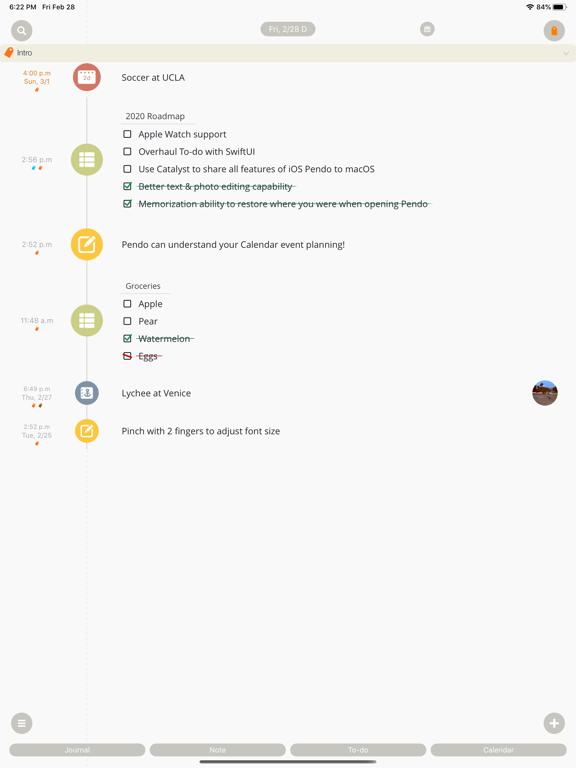
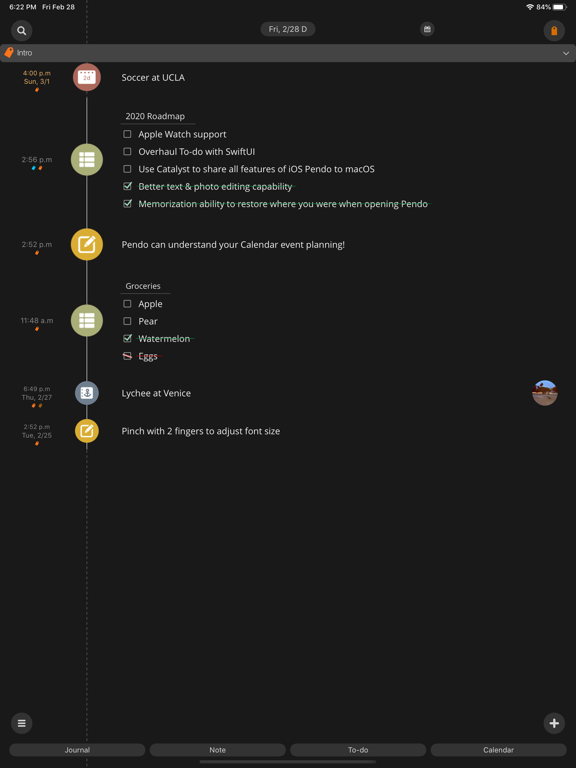
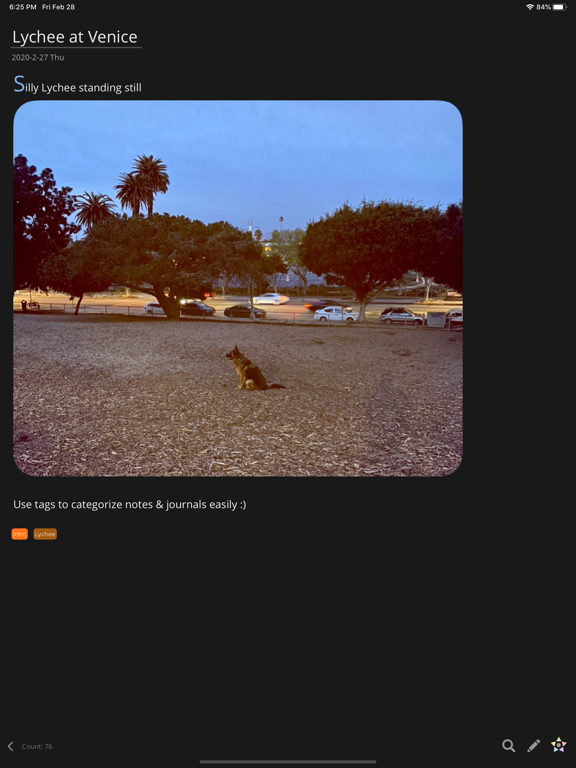
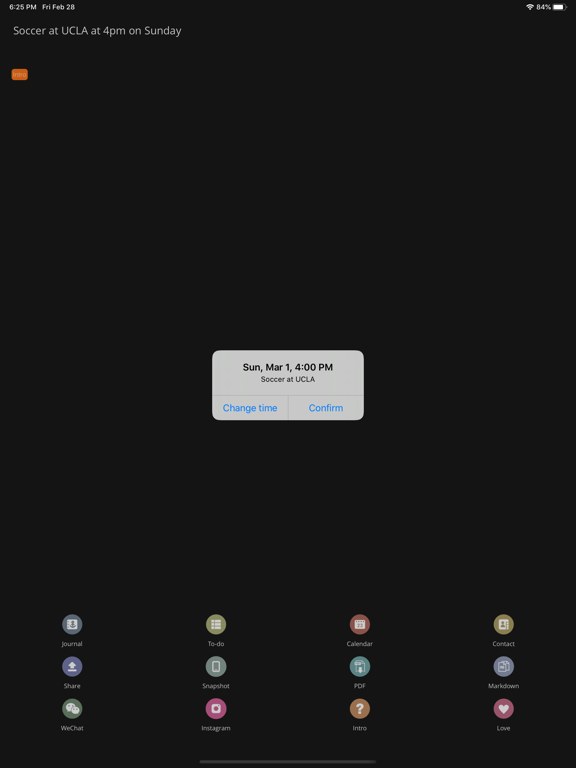
# 50K reviews at 4.9 star globally; 10+ times featured by App Store # Pendo 7 brings our own AI - Catbot to accompany you with writing, learning, translating and whatever you want! Got an idea? Be it a journal, to-do, calendar event or something to share, you can write it down smoothly in Pendo. So... what's unique about Pendo? • Calendar Event IQ: Write (or say) complex plans like "Swim every Monday & Friday at 8pm for 3 weeks", tap the calendar button, then it’s added to your iOS calendar & synced to your calendar accounts. • To-do List: Write down your grocery lists or study tasks, then check them directly on Timeline & Widget. Recurring tasks? Repeat cycles can be set effortlessly. • One Timeline to organize & search all your journals, notes, to-dos & calendar events. • Uniquely designed Calendar View, where you can see how many notes of each type any day at a glance. Still reading? Pendo got more to show off - • Tags give you the flexibility to categorize notes in whatever way you like - more flexible than folders ;) • Pinch your note to adjust font size intuitively. • Layout your journal with pictures, then snapshot it & share as a long image. • Paste an email sender's contact info and type 'Co', then the info will be parsed and a new Contact is created. • Pendo uses your own iCloud storage to sync notes among your iPhone, iPad and Mac, and your data is as safe as iCloud gets :) For the Ultimate Pendo’ers: • Commands: After a plan is written, start a new line then type 'C' (first letter of 'Calendar') and return - done! Similarly, type 'T' to create a to-do list, 'Share' to share and so on - once you get used to it, you'll never look back :] • Details, details, & more subtle details: e.g. when sharing your to-do list with a friend, she just needs to paste it into Pendo and it will be recognized as a to-do right away; when you crossed a to-do item, it drops to the bottom to keep the list clear and organized - read some reviews and you'll know how people love different aspects of Pendo. Lots of more surprises for you to explore - Enjoy Writing! Mmm? You got this far?! Well here are some treats just for you: • Swipe left or right on the bar of buttons above keyboard, and you can move the typing cursor easily. • Long press the star button, and you can activate its spinning mode where the screen won't lock by itself. • Use "Star" command to star a note, which will be kept flashing in today's time range until you unstar it. Hope you like them so far - have a great day!!
Latest release
What’s New
Fixed markdown selector, Year & Month picker in Calendar, more robust AI chat, tweaks for iOS 26 and more!
Audience growth
Ratings growth
Baseline captured. Growth appears after the crawler observes a changed rating count.
Momentum comes from crawler snapshots for the tracked storefront. “Viral growth signal” means unusually fast recent rating gains; it is an indicator, not download data.
Price tracking
Price intelligence
- First observed Aug 1, 2026 · 1:25 PM Free
Screenshots