About this app
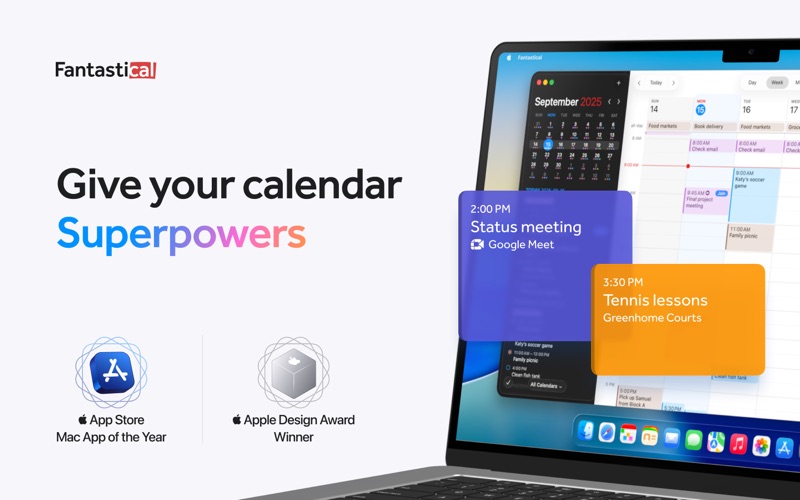
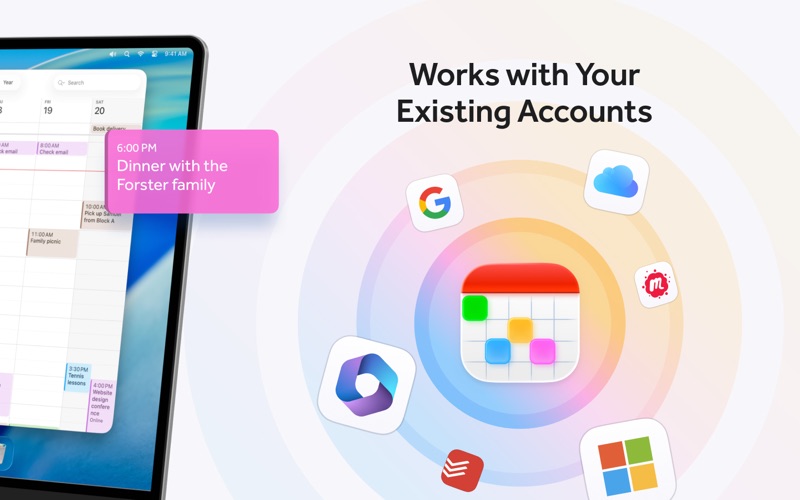
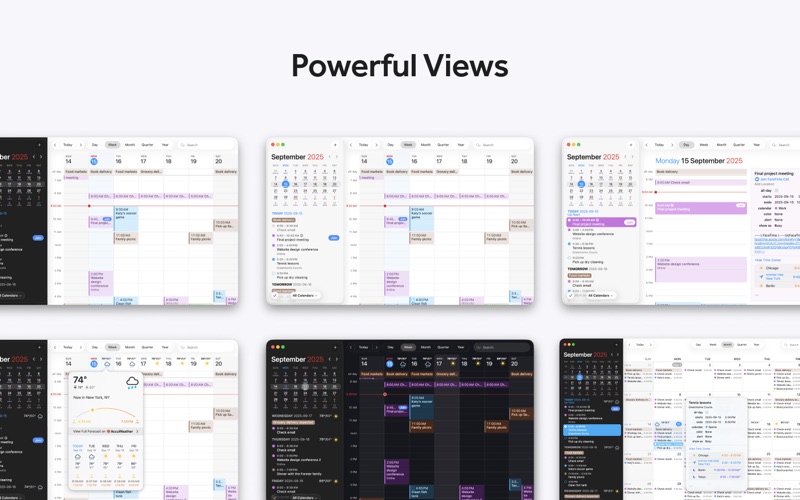
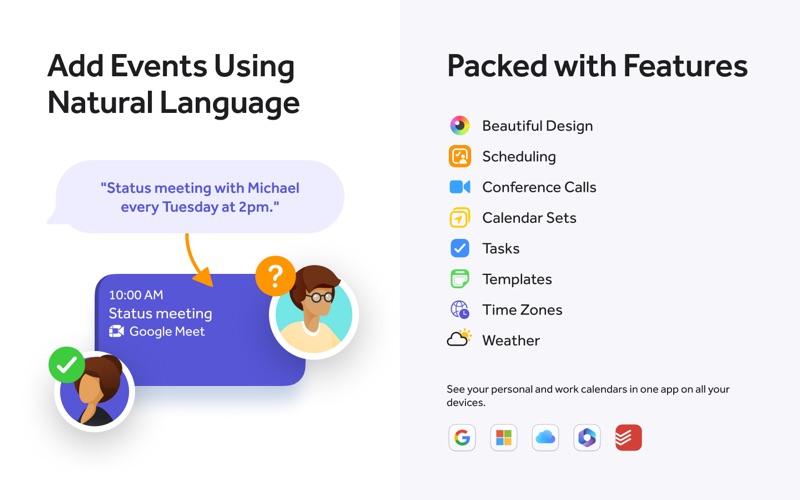
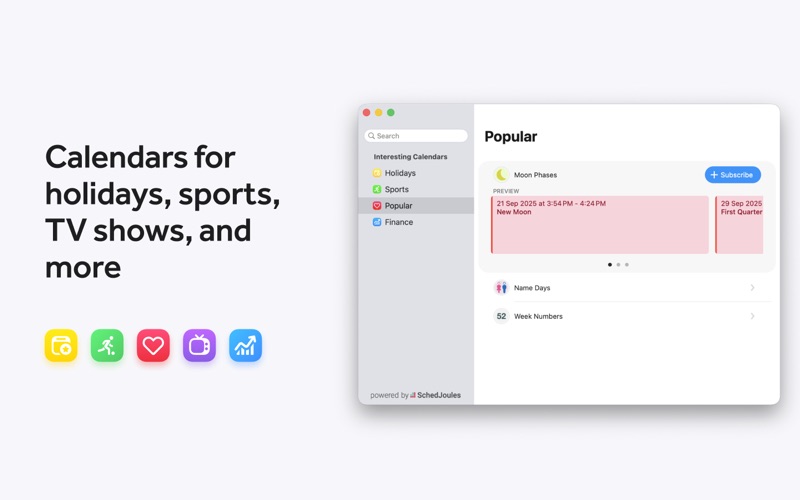
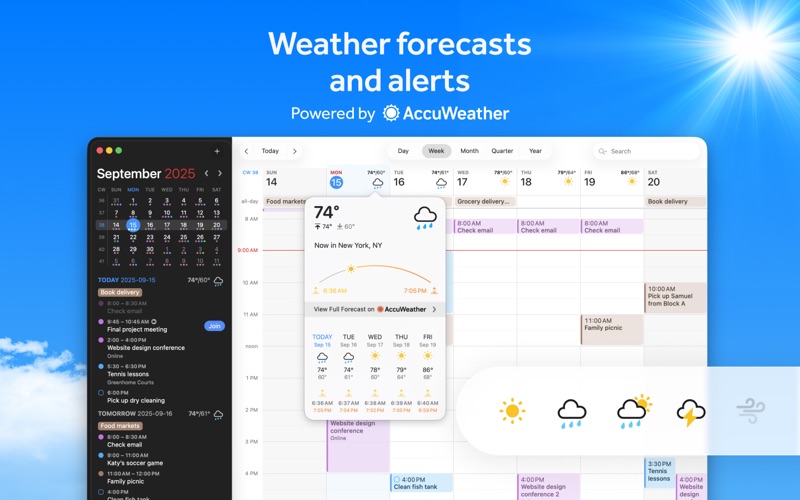
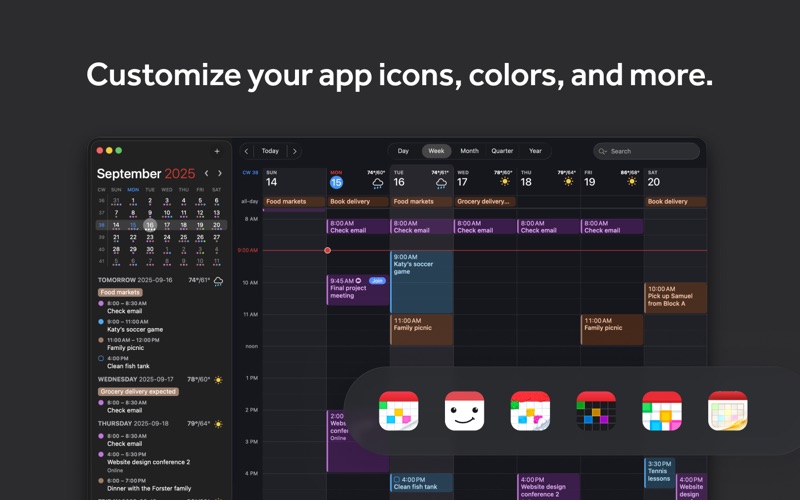
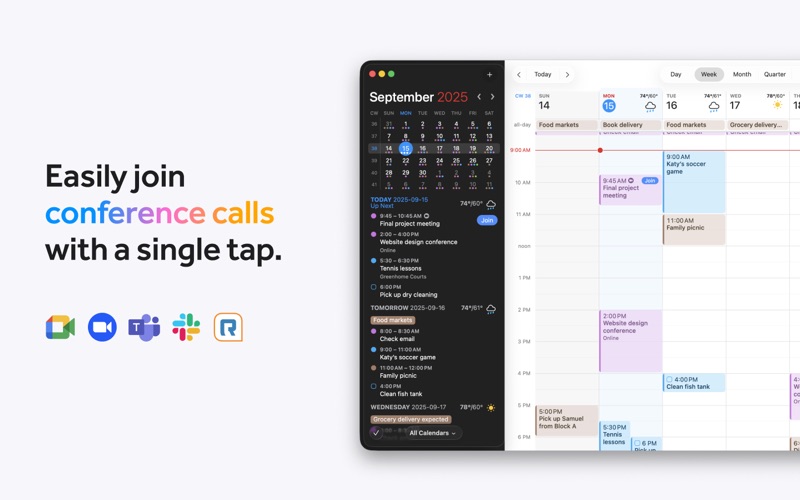
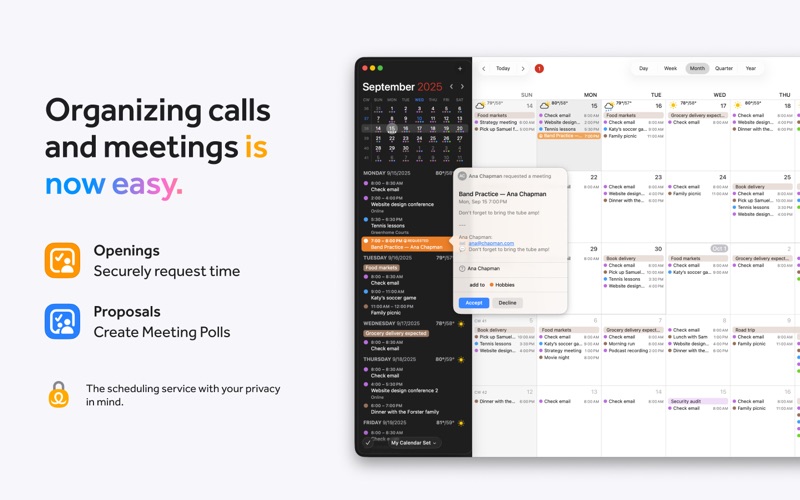
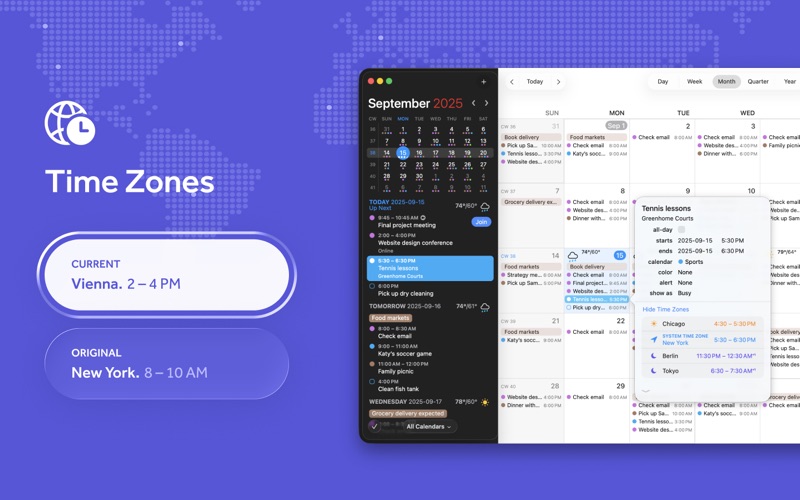
Fantastical is the multiple award-winning calendar app with powerful features including intuitive natural language text parsing, a full calendar window with day, week, month, quarter and year views, an ultra-quick access mini window, tasks, time zone support, and much, much more. Fantastical's natural language event and task creation, beautiful calendar views, and ultra-smart event list make it the best calendar and tasks app you'll ever use. Just type in that you have "Lunch with John on Friday at 1pm" and Fantastical will schedule it! Or type in "remind me to Buy Milk on Tuesday" and Fantastical will create a task with a due date! TRY FANTASTICAL FOR FREE • Beautiful, clean, and easy to use calendar app allowing you to manage basic events • Use the mini window to quickly check your schedule with customizable keyboard shortcut • Full screen day, week, month, quarter, and year views • Full task support including Todoist and Google Tasks • 3 day weather forecast (powered by AccuWeather) • 14 day free trial for Flexibits Premium UPGRADE TO FLEXIBITS PREMIUM FOR EVEN MORE (requires subscription) • Includes Fantastical on all platforms: Mac, iPhone, Apple Watch, and iPad • Openings: Schedule events based on your availability • Proposals: Create meeting polls • Add Zoom, Google Meet, Webex, and Microsoft Teams calls • Extended 10 day weather forecast with RealFeel and MinuteCast up-to-the-minute weather data (powered by AccuWeather) • Browse and instantly subscribe to interesting calendars, including sports, TV shows, holidays, and much more (powered by SchedJoules) • Calendar sets - quickly toggle multiple calendars on or off with a simple click or automatically when you leave or arrive, based on location • Event and task templates • Sync calendar sets and templates across devices • Apple Watch app with Up Next and Weather (and works over LTE) • Parser autocomplete recommendations for invitees, locations, and calendars/task lists • Propose multiple times to easily ask people when they can meet • Combine duplicate events across multiple calendars • Invitees and availability lookups • Respond to event invitations • Default alerts • Time zone override • Favorite time zones • Push updates for Google and Exchange • Set event travel time and receive time to leave notifications • Custom event colors • Hide events without deleting them • Add attachments to events on iCloud, Google, and Exchange • Priority email support THE EASIEST WAY TO ADD EVENTS AND TASKS • Open Fantastical with a single click or keystroke • Type in your details or use dictation and watch your words magically turn into an actual event or task! • Powerful parser features, including: - Create tasks by starting your sentence with “task” ”reminder", "todo", or "remind me to" - Powerful and expressive repeating events such as third Thursday of every month, every weekend, last weekday of the month, and more - Create alerts with phrases like "remind me tomorrow at 3PM", "alert 1 hour before", or "alarm 3PM" WORKS THE WAY YOU DO • Connects to your favorite calendar services including iCloud, Google, Exchange, Office 365, Todoist, and more • Automatically add alarms to your new events • Fantastical is fully localized in English, French, German, Italian, Japanese, Spanish, and Portuguese • Start typing your event or task in any of these languages and Fantastical will automagically understand! EVEN MORE FANTASTICAL • Lots and lots of macOS Widgets • Share Extension • Handoff support between Fantastical for Mac, iPhone, and iPad • Time zone support including floating time zone support • Dark and light themes • And much, much more!
Latest release
What’s New
- Added emoji to templates - Added emoji badges to notifications - Added a setting to control the visibility of events created using Calendar Mirroring - Improved the appearance of some calendar colors in dark mode - Improved support for displaying multiple additional time zones in Day and Week views - Improved sync reliability for shared iCloud calendars - Improved birthday and anniversary notifications so dismissing one on a device also dismisses it on your other devices - Improved the drag and drop experience in the list view - Improved detection of conference call URLs that don't start with https - Improved Fantastical's MCP server, which is now included and can be used by any AI app that supports MCP - Fixed an issue that prevented item selection in Day view and Week view when using VoiceOver - Fixed some issues that could cause tasks to show up on the wrong day in Month view - Fixed an issue where Zoho accounts could not be added - Fixed some shared calendars not syncing all events with Graph - Fixed Room availability for Graph accounts - Fixed an issue where Meet With wouldn't load more than 500 events for a person on Google - Fixed an issue preventing Calendar Mirroring from working for non-premium users - Fixed an issue where certain events would show an incorrect location of zero degrees latitude and longitude - Fixed the window controls not working on the availability window on macOS Sequoia - Fixed an issue where Fantastical might make too many Zoom API requests and exceed the API limit - Fixed a visual issue in Calendar Mirroring settings when many rules are created - Fixed an issue where people with really long email addresses couldn't be removed from Meet With - Fixed an issue where moving a recurring event past its recurrence end date with drag and drop could make it disappear - Fixed a hang in Month view if there are hundreds of events per day - Various fixes and improvements By the way, App Store reviews are very helpful to us. If you think Fantastical is worthy, would you mind taking a moment to write a nice review? We'd greatly appreciate it. Thanks for using Fantastical! :)
Audience growth
Ratings growth
Baseline captured. Growth appears after the crawler observes a changed rating count.
Momentum comes from crawler snapshots for the tracked storefront. “Viral growth signal” means unusually fast recent rating gains; it is an indicator, not download data.
Price tracking
Price intelligence
First snapshot captured. The trend line starts after the next crawler price observation.
- First observed Aug 1, 2026 · 9:35 AM Free
Screenshots