About this app
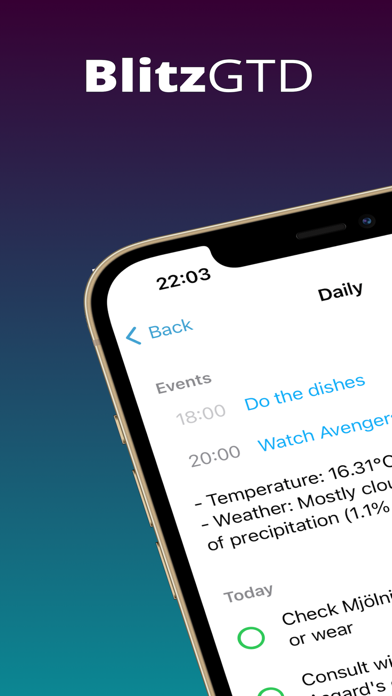
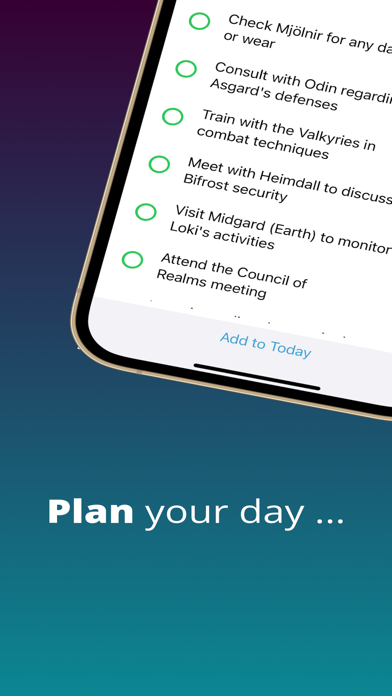
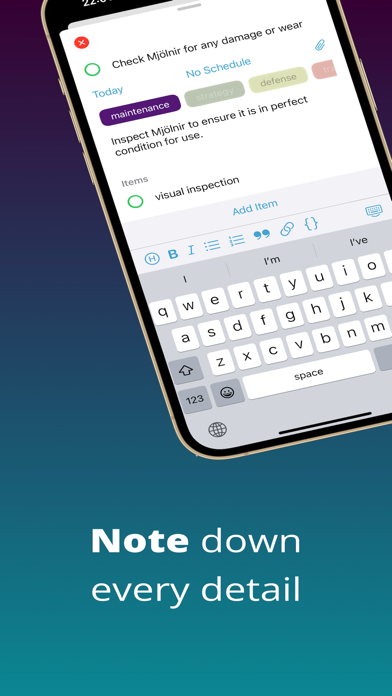
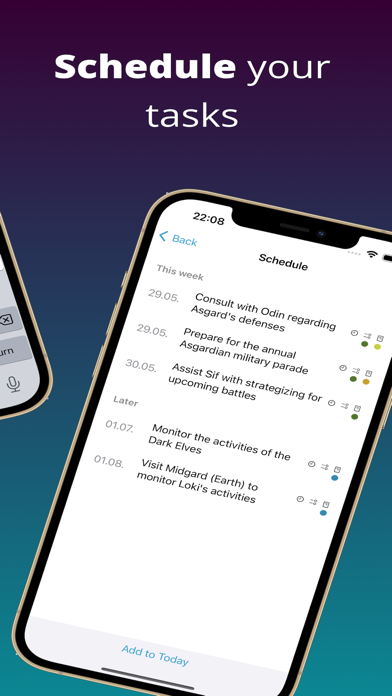
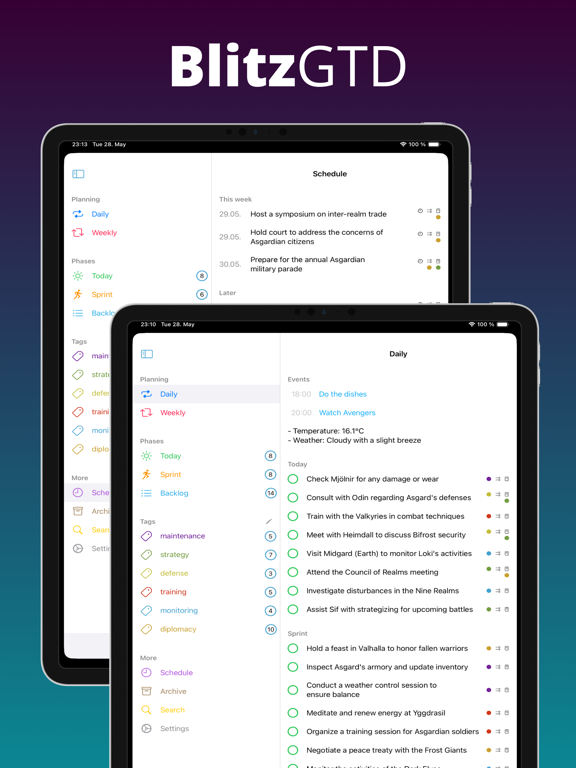
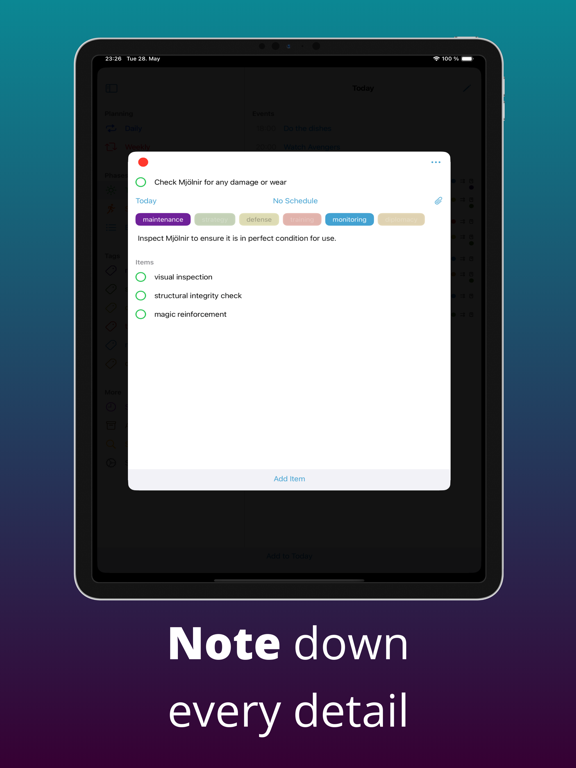
Are you weary of drowning in never-ending to-do lists and productivity tools that only add to the complexity? It is time to reclaim your time and energy with BlitzGTD, the ultimate personal productivity system designed to help you achieve more in less time! Forget about getting lost in convoluted methodologies and overwhelming task management. BlitzGTD takes the best principles from GTD (Getting Things Done) and supercharges them with a streamlined approach that will revolutionize the way you work. So, what sets BlitzGTD apart? Turbocharged Phases for Maximum Efficiency BlitzGTD introduces a powerful phased approach that aligns your tasks with modern agile methodologies: Today: Seize the Day Start every day fresh with the Today phase. Throw everything that comes your way in your Today list, keeping it short and focused. Prioritize, categorize, and handle tasks one by one. With BlitzGTD, you'll be in control, and tasks will flow smoothly from start to finish. Sprint: Accelerate Your Progress The Sprint phase is where you have tasks for the week. After completing your Today list, turn to the Sprint list for your next challenges. Keep it reasonable and stay on track towards your goals. Backlog: Fuel for the Future The Backlog phase is your treasure trove of ideas and tasks for future sprints. Store everything you want to tackle later. But don't let it become a graveyard! BlitzGTD keeps your Backlog active and tidy, ensuring you never lose sight of important tasks waiting for their time to shine. Archive: Remember Your Triumphs While others leave completed tasks in the dark, BlitzGTD celebrates your victories in the Archive phase. Preserve valuable information for years to come. You'll be amazed at how it aids recall and frees up mental space, especially when requests about past work come knocking. Schedule: Time Your Success For tasks with specific deadlines or time-sensitive requirements, the Schedule phase is your trusty ally. Pinpoint when tasks should be pushed to your Today list. Add reminders or set up recurring schedules effortlessly. Stay on top of your commitments with ease. Unleash Your Potential with Smart Planning BlitzGTD's planning events empower you to take charge of your day and week: Daily Event: Conquer Each Day Start your day with the Daily event. Once a day, dive into your calendar, Today, and Sprint lists. With a clear vision of what lies ahead, you'll arrange tasks strategically, ensuring a productive day ahead. No more aimless scrambling—BlitzGTD keeps you focused on what matters most. Weekly Event: Command Your Week Before each week unfolds, the Weekly event grants you the power to harness its potential fully. Take a dedicated moment to review your calendar, Sprint, and Backlog. Fine-tune your plan, ensuring a well-structured, intentional week. Say goodbye to overwhelm and hello to balanced productivity. BlitzGTD provides versatile features to tackle even the most complex tasks effortlessly: Simple hierarchy: Where Complexity Finds Clarity No more going into the rabbit hole. Tasks have Sub-Tasks and that's it. You work on a complex project? Yeah, that's the task. The detailed planning is done in the linked project planning tool, which does it the best. Embrace simplicity like never before, while keeping your workflow simple and organized. Tags: Context, Simplified Forget about rigid folders and categories. BlitzGTD embraces the power of tags as first-class citizens. Use 1-2 tags to add context and gain a holistic overview of your tasks. No more decision paralysis—simply tag and go! Attachments: Secure what is necessary Upload images or files that are part of the task to have everything in one place. No more searching for the screenshot! See https://blitzgtd.fa-krug.de/blitzgtd/ for an even deeper introduction. Also available on MacOS with full real-time sync! Attributions - https://hotpot.ai/ Legal Notice: https://blitzgtd-krug.de/legalnotice/
Latest release
What’s New
New repeating scheduler A brand-new interface is available for creating and updating recurring schedules, now with the added capability to set up schedules such as "every second Monday". New submit button A new submit button has been added on MacOS to enable submission using the mouse. Bugfixes Fixed several bugs.
Audience growth
Ratings growth
Baseline captured. Growth appears after the crawler observes a changed rating count.
Momentum comes from crawler snapshots for the tracked storefront. “Viral growth signal” means unusually fast recent rating gains; it is an indicator, not download data.
Price tracking
Price intelligence
First snapshot captured. The trend line starts after the next crawler price observation.
- First observed Aug 1, 2026 · 1:25 PM Free
Screenshots