About this app
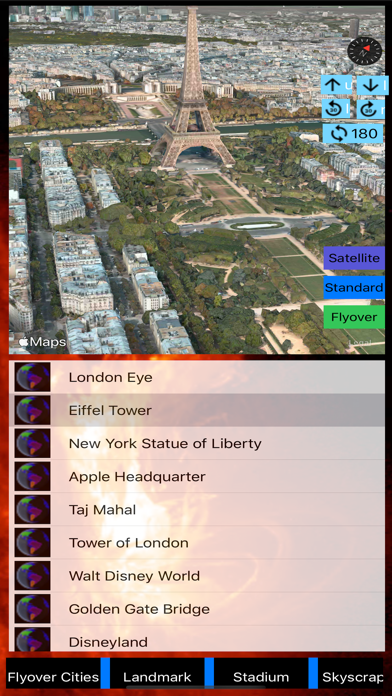
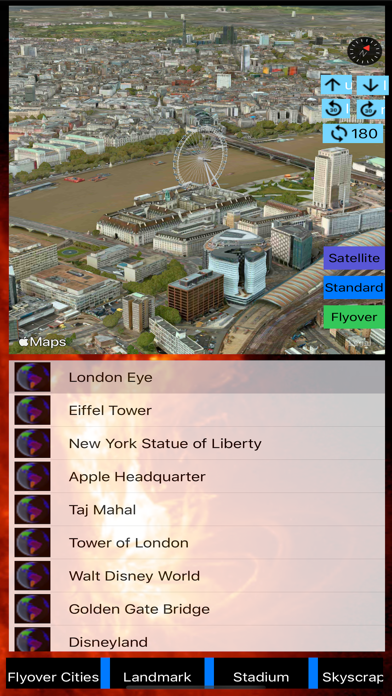
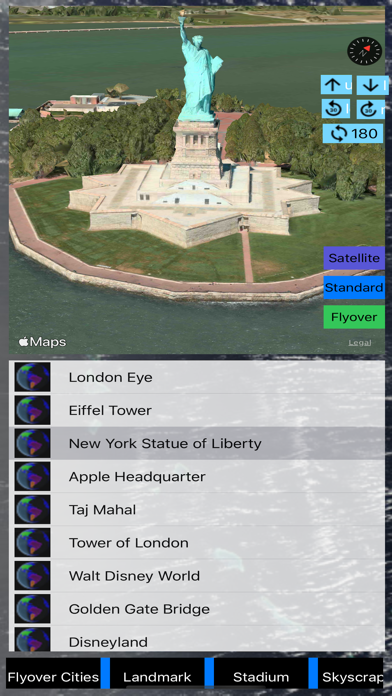
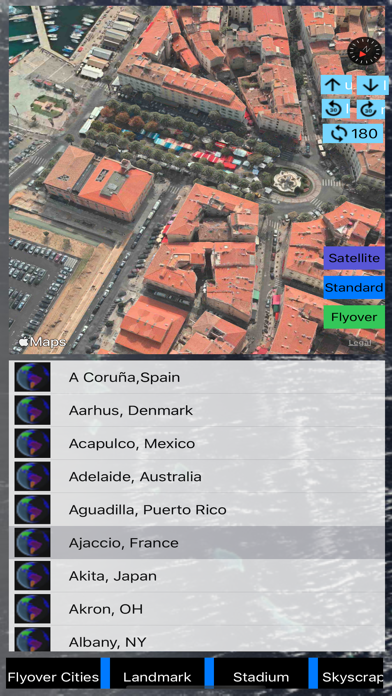
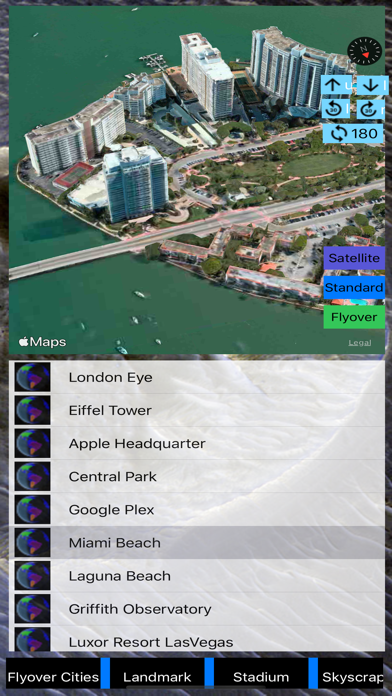
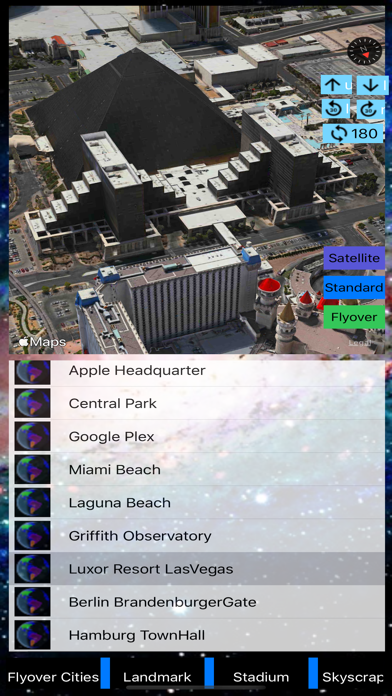
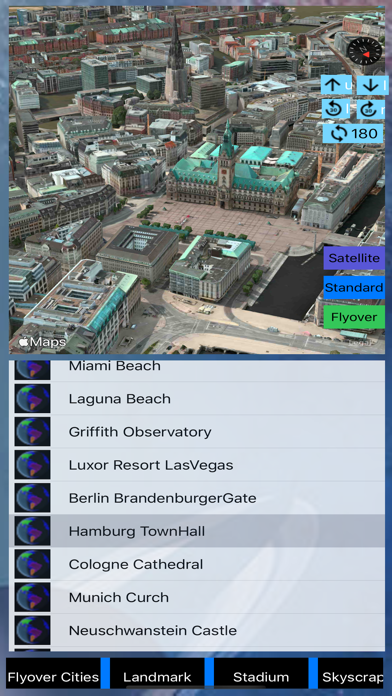
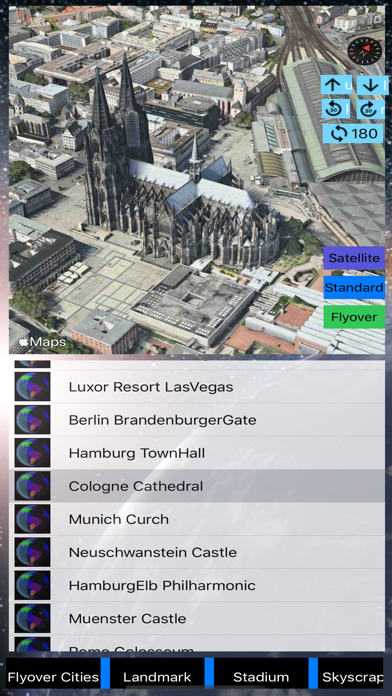
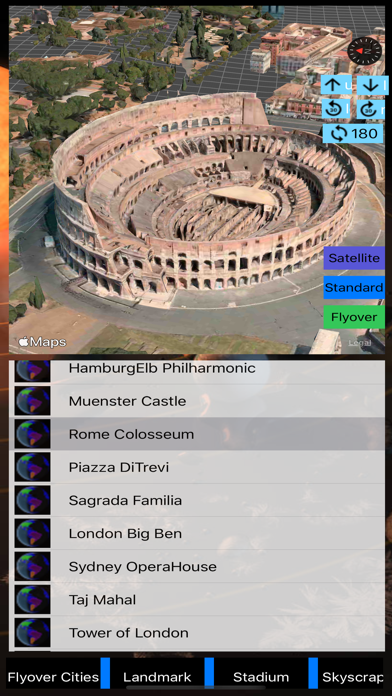
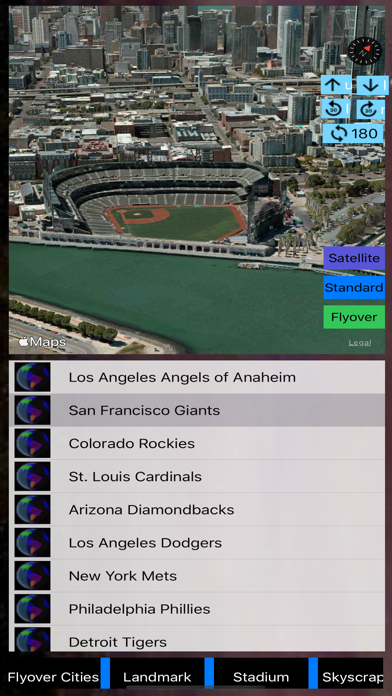
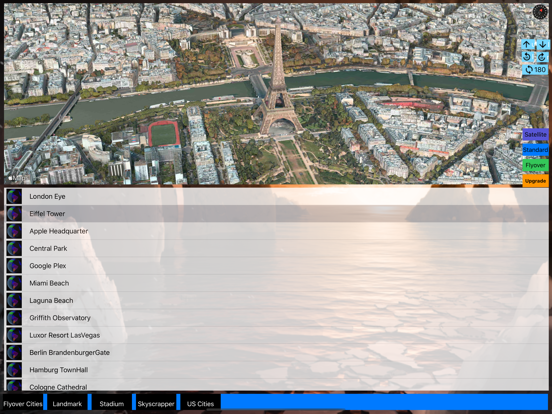
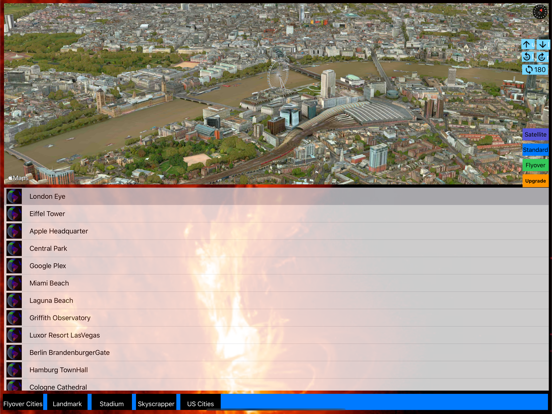
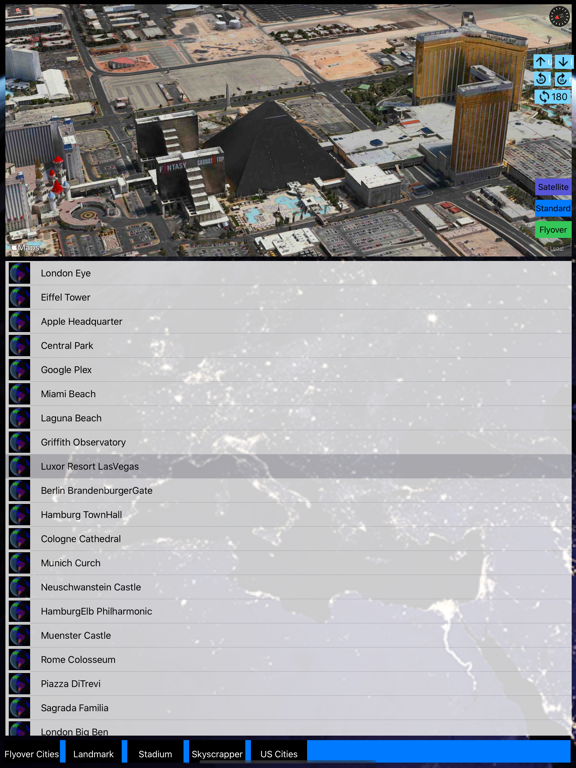
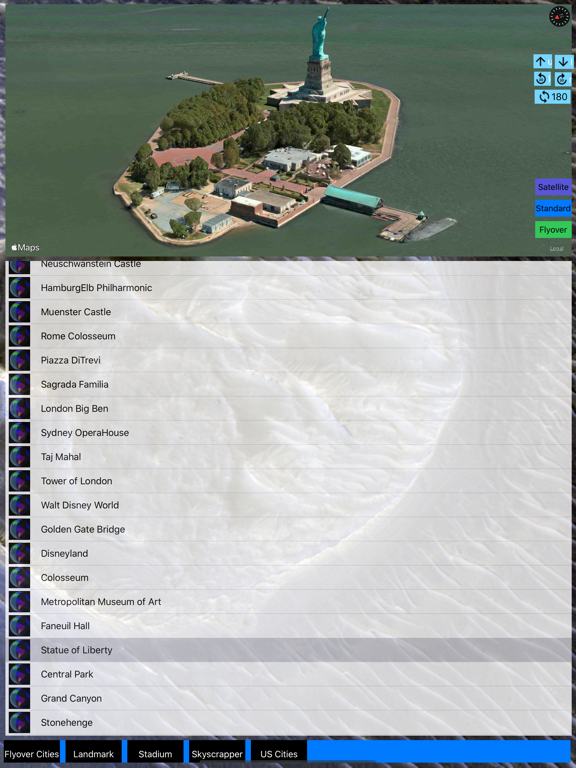
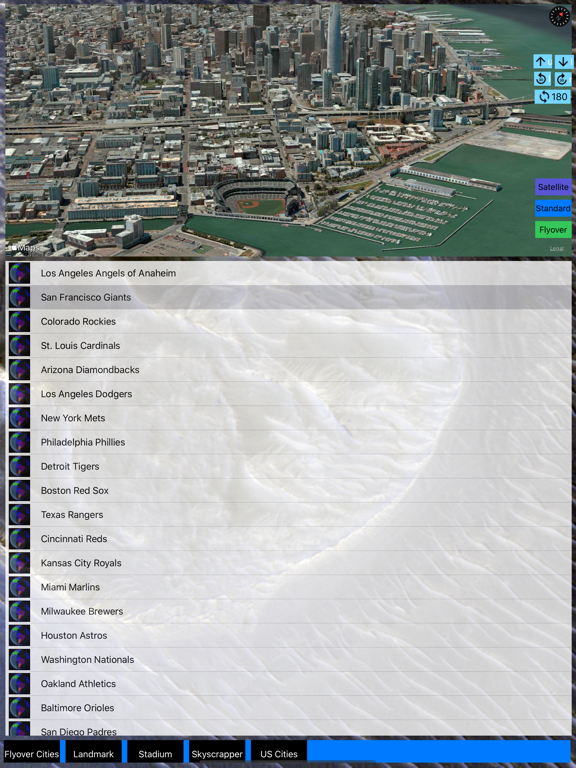
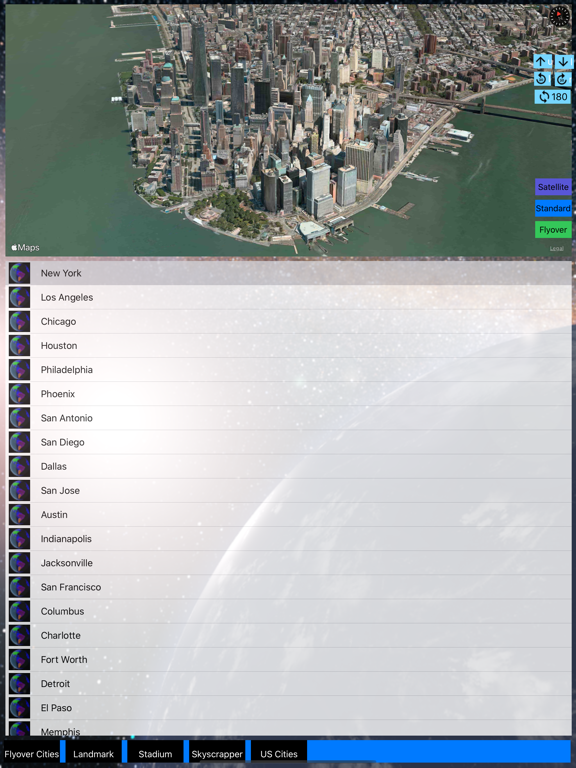
In the past, 3D Modeling requires state-of-the-art computing machines and advanced graphic programming for a building or object. With Apple Map flyover, 3D Cities and Places around the worlds are now available on your iOS devices. (This app is part of the Universal Purchase. With one purchase, you will be able to see the 3D Cities and Places on your iOS, Watch OS and Apple TV devices.). The motivation of this app is to get your the quickest access to the cities and places you can start to explore the fantastic 3D View and explore cities and places in a wonderful experience. iOS App Quick Started: > Cities and Places with flyover support around the globe are listed. Zoom in/out and select any city/place to see the 3D View. > From the right sidebar, flyover locations are listed in alphabet order. Click on any location and ready to see the 3D View. > Smart tip: from the "Normal" map view to find out any POI and enable the 3D Building View (two-fingers gesture to change viewing angles: zoom in/out, rotate, swipe up/down for 3D View) and then click on "Flyover" to switch to 3D Flyover View. > To see the "New York City" in 3D View, follow the steps below: 1. Select "New York City" from the map or from the table. 2. "New York City" 3D View should appear. 3. You can use two-fingers gesture to change viewing angles: zoom in/out, rotate, swipe up/down for viewing the city details. > To see specific POI such as "Eiffel Tower" in 3D View, follow the steps below: 1. Select "Paris" from the map or from the table. 2. Switch to "Normal" map view and find the "Eiffel Tower" on the map. 3. You can use two-fingers gesture to change viewing angles: zoom in/out, rotate, swipe up/down for 3D View. 4. Switch back to "Flyover" view to see the 3D View. Watch App Quick Started: > Launch the Watch App and the app will communicate with the iOS App to get the nearest city/place and also notify the iOS App to select and view the city/place. Click on the "Nearest" button if you would like to search the nearest city/place again. Introduction: This app integrates the following technologies and data together: - The latest Apple MapKit features such as Traffic, Buildings, POI and 3D Model - Apple Watch Integration with iPhone. - Apple TV integration (Universal Purchase: one purchase to get the app on iOS, Apple Watch and Apple TV) - Databases with built in information. This app provides the following features: - One click City/Place selection by selecting the right sidebar and click on a location. - This app provides the Apple Watch Integration - This app will provide Apple TV integration.
Latest release
What’s New
Update the code to support iOS 16.0.
Audience growth
Ratings growth
Baseline captured. Growth appears after the crawler observes a changed rating count.
Momentum comes from crawler snapshots for the tracked storefront. “Viral growth signal” means unusually fast recent rating gains; it is an indicator, not download data.
Price tracking
Price intelligence
First snapshot captured. The trend line starts after the next crawler price observation.
- First observed Aug 24, 2026 · 1:34 AM $1.99
Screenshots