About this app
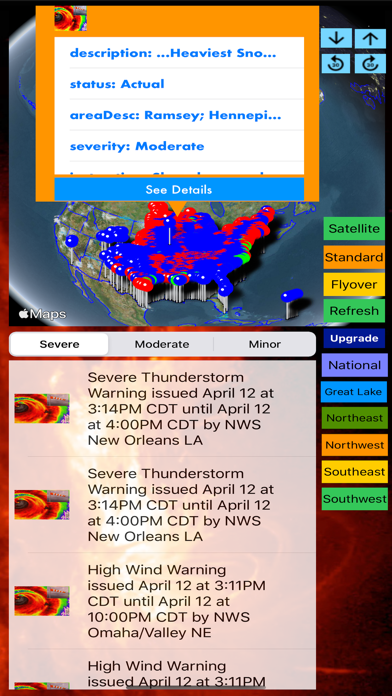
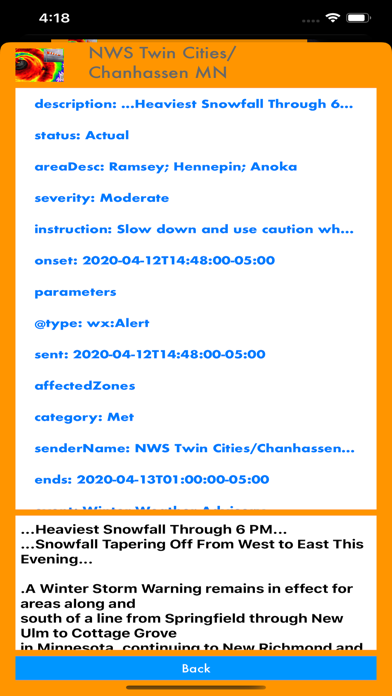
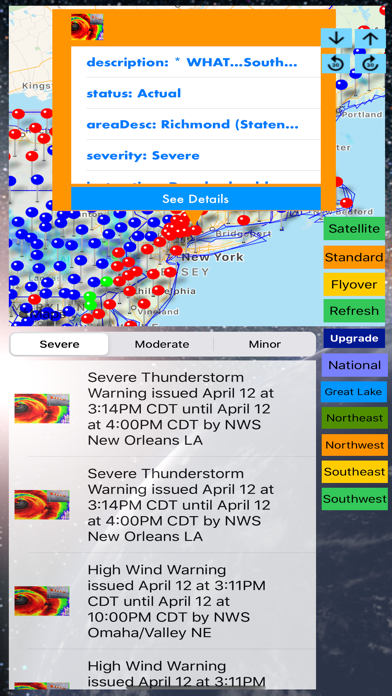
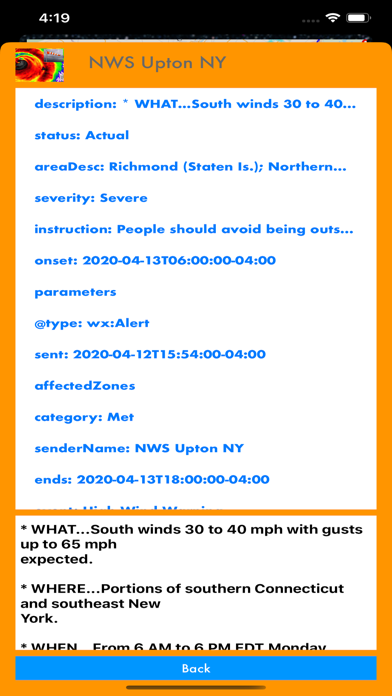
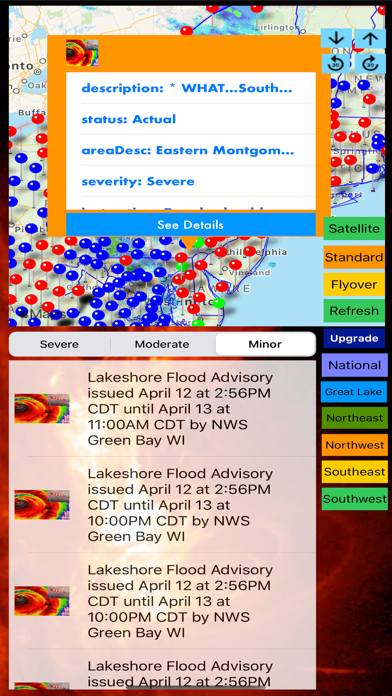
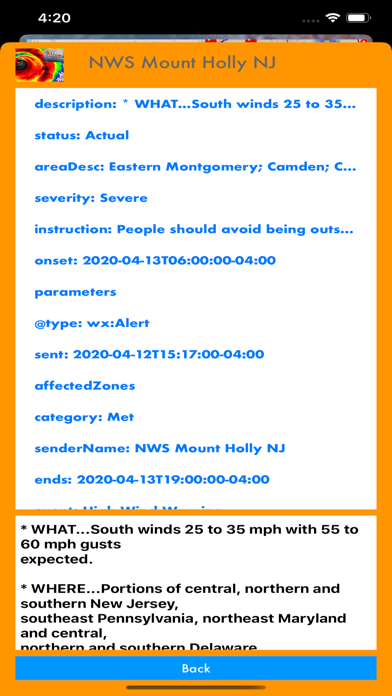
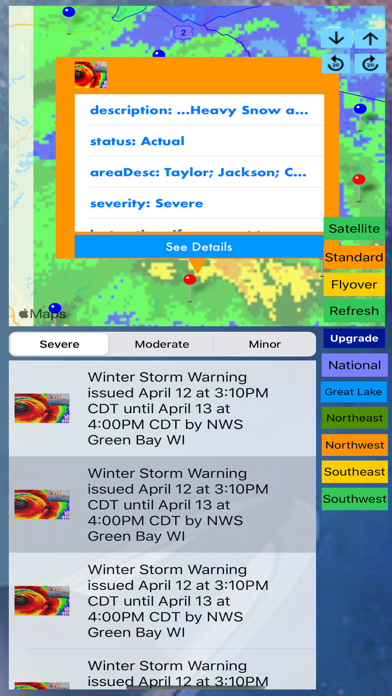
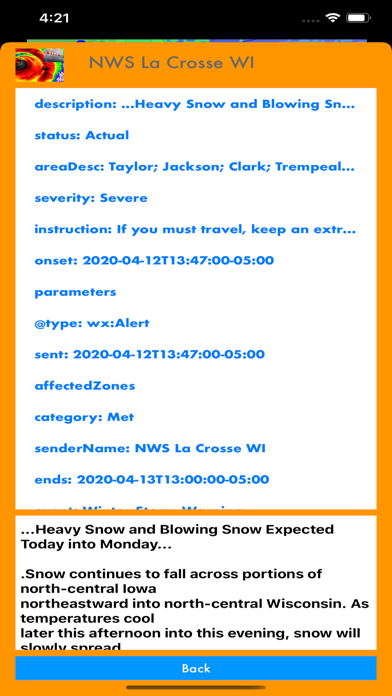
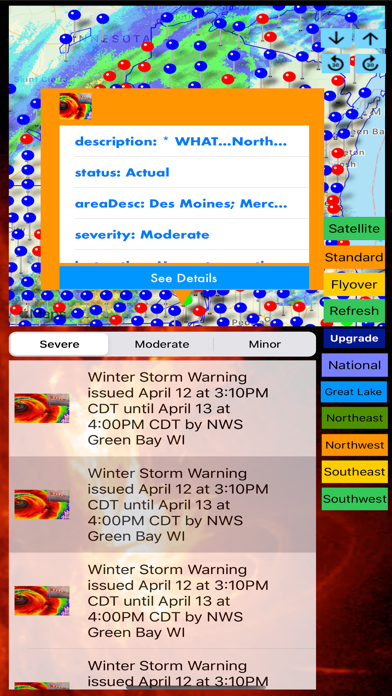
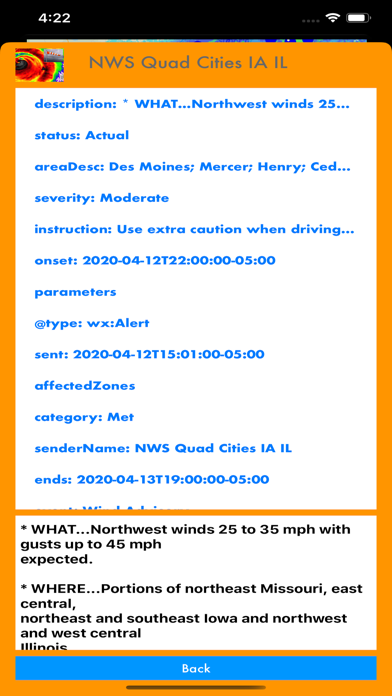
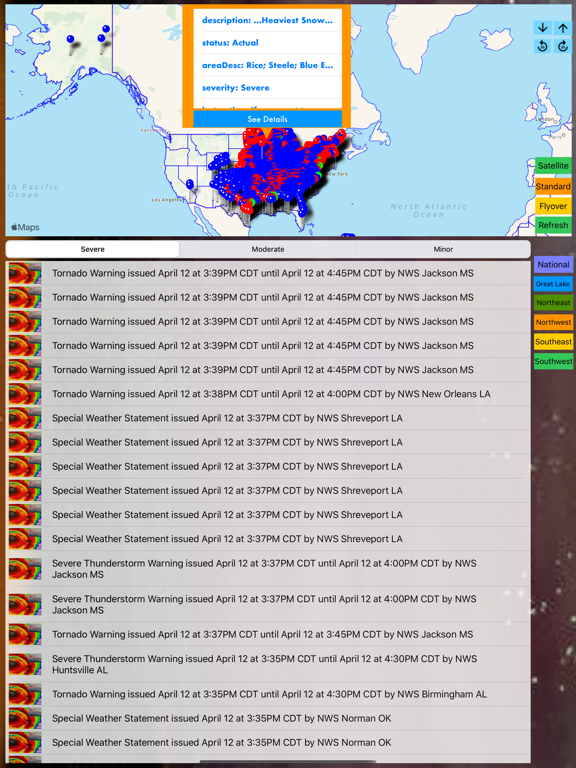
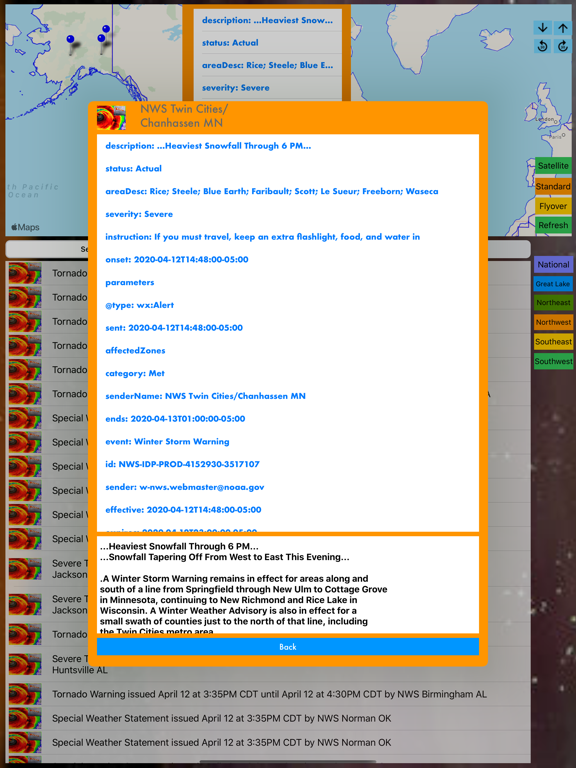
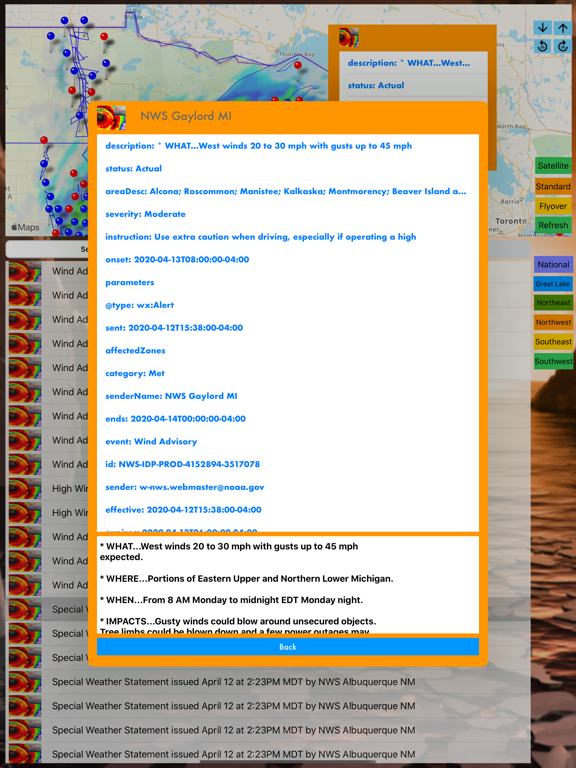
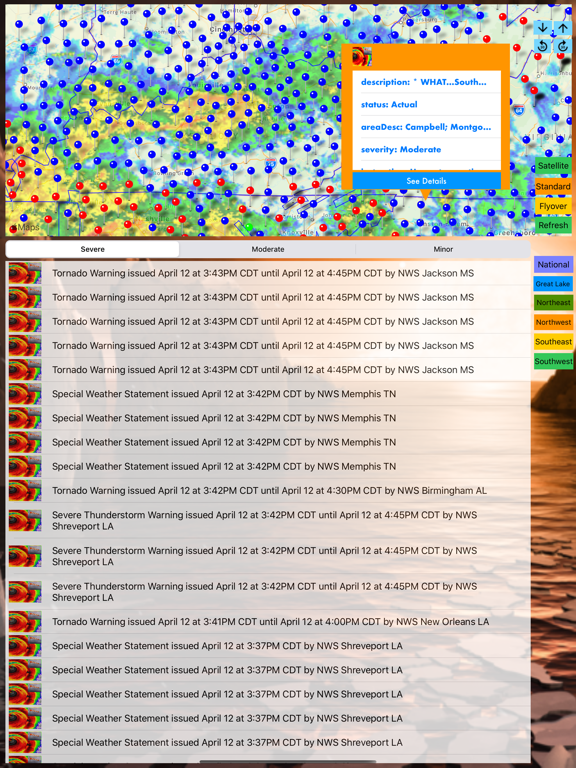
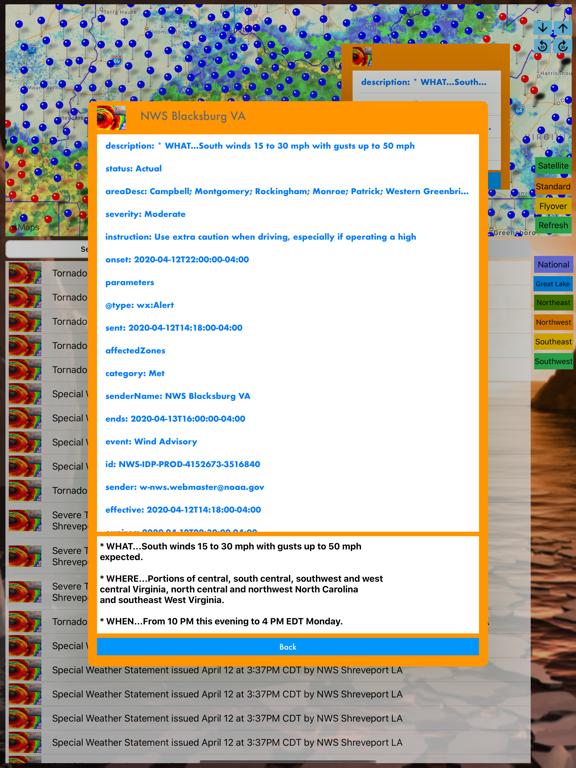
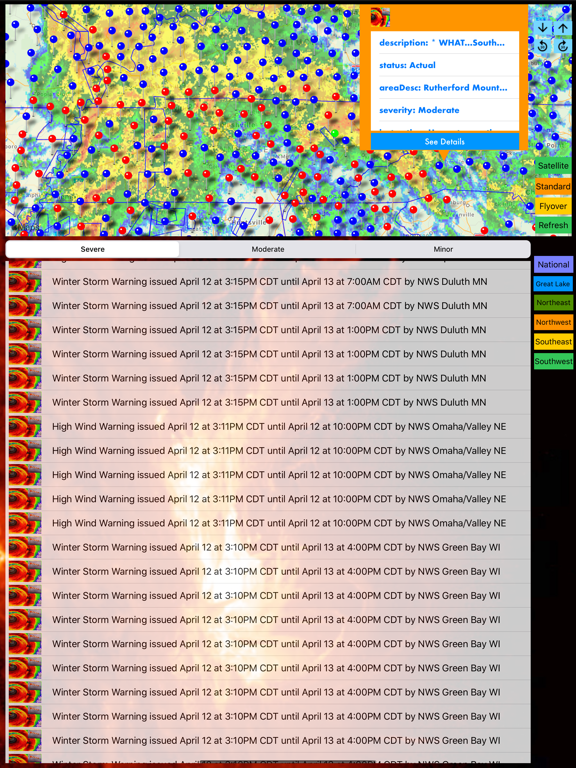
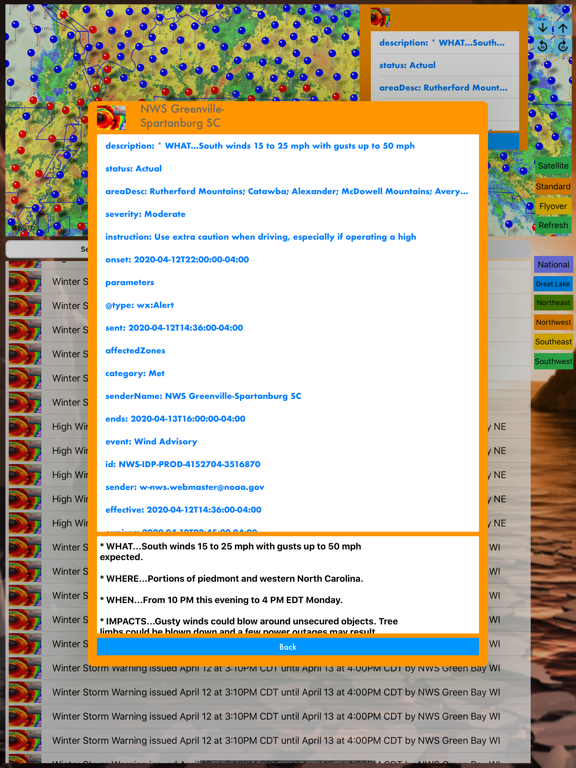
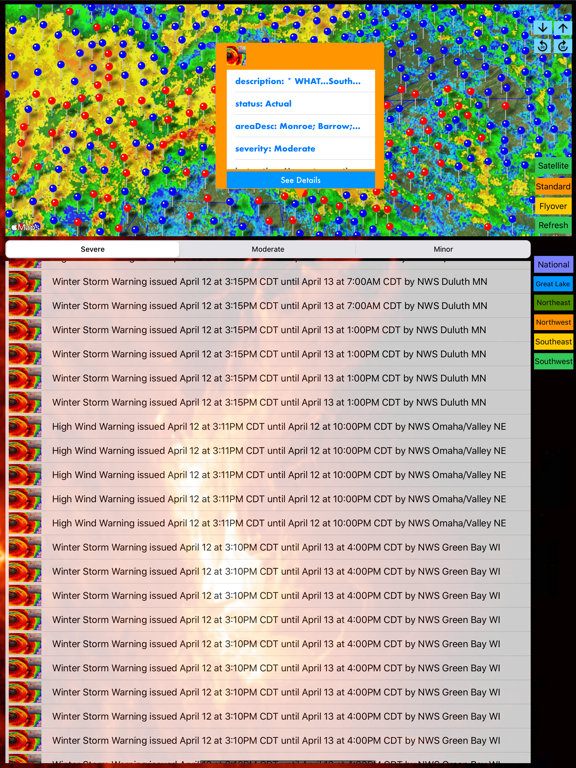
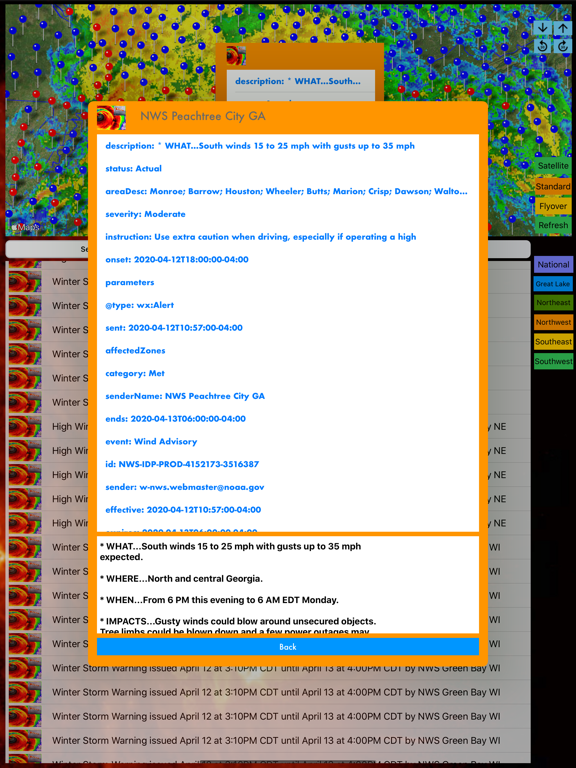
This is a free version with limited features and alerts. For full features and TVOS App, please look for the Pro version. The Next Generation of NOAA Alerts and NOAA Radar app is here (This app is part of the Universal Purchase. With one purchase, you will be able to see the NOAA Alerts on your iOS, Watch OS and Apple TV devices.). NOAA Alerts provide you the latest active weather alerts. iOS App Quick Started: > By default, alerts are loading once the app is launched. Alerts are listed based upon "Date". Once alerts are loaded, you can select "Importance" on the top to list the alerts based upon the severity. Select any alert to see the alert details. > Click on the Map tab and Alerts around the globe are listed. Zoom in/out and select any alert to see the latest weather information. Please notice alerts are being loaded dynamically, you can use "Refresh" button to refresh the latest alerts on the map. If you prefer to view alerts in different map type (Normal, Satellite, Hybrid and Flyover). Click on the "Map Type" to start to switch to different map type. > Click on the Alert Categories/Filters to select all categories or one specific category, then only alerts for the selected category will be listed. Click on "Refresh" button on the Map view and only selected category will appear on the map. > US NOAA Radar images will be loaded when the app is launched and will be refreshed every 10 minutes. And you are ready to see the latest real time radar images on the map. Zoom in and out to see the whether across multiple states. Click on the "Radar" button to enable/disable radar images. Slide the slider to change the transparency of radar images. > To see the Alerts in 3D View, follow the steps below: 1. By default, Select the Map tab and 3D View is enabled and you should be able to see the Alerts in 3D View. 2. You can use two-fingers gesture to change viewing angles: zoom in/out, rotate, swipe up/down for 3D View 3. Click on any Alert and the app will automatically zoom into the alert area. Click on the information button to see the alert details. Watch App Quick Started: > Launch the Watch App and the app will communicate with the iOS App to get the nearest Alert information and also notify the iOS App to select and view the Alert. Click on the "Nearest Alert" button if you would like to search the nearest Alert again. Introduction: This app is the Next Generation of NOAA Alerts and NOAA Radar app by integrating the following technologies and data together: - The latest Apple MapKit features such as Traffic, Buildings, POI and 3D Model - Apple Watch Integration with iPhone. - Apple TV integration (Universal Purchase: one purchase to get the app on iOS, Apple Watch and Apple TV) - NOAA Alerts - Real Time NOAA Radar - Databases with built in information. This app provides the following features: - The first app to integrate both NOAA Alerts and the latest national Radar images together. - The first app to provide NOAA Alerts and Radar images in 3D view. - This app provides the Apple Watch Integration - This app will provide Apple TV integration.
Latest release
What’s New
New features and bug fixes
Audience growth
Ratings growth
Baseline captured. Growth appears after the crawler observes a changed rating count.
Momentum comes from crawler snapshots for the tracked storefront. “Viral growth signal” means unusually fast recent rating gains; it is an indicator, not download data.
Price tracking
Price intelligence
First snapshot captured. The trend line starts after the next crawler price observation.
- First observed Aug 22, 2026 · 5:44 AM Free
Screenshots