About this app
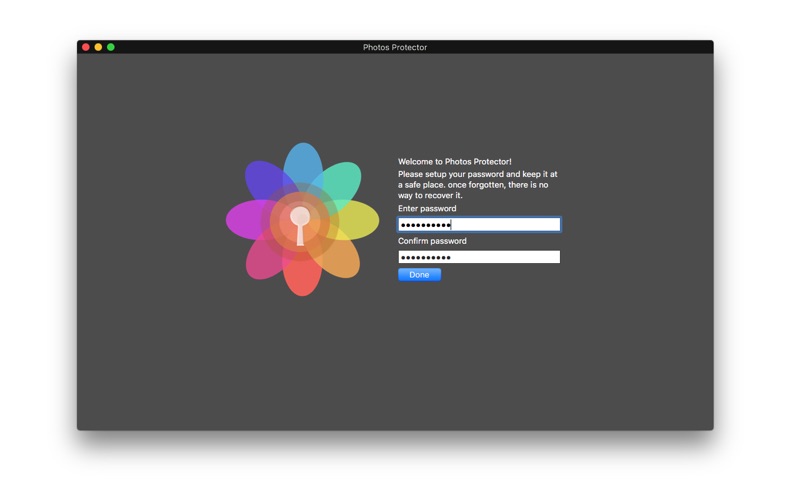
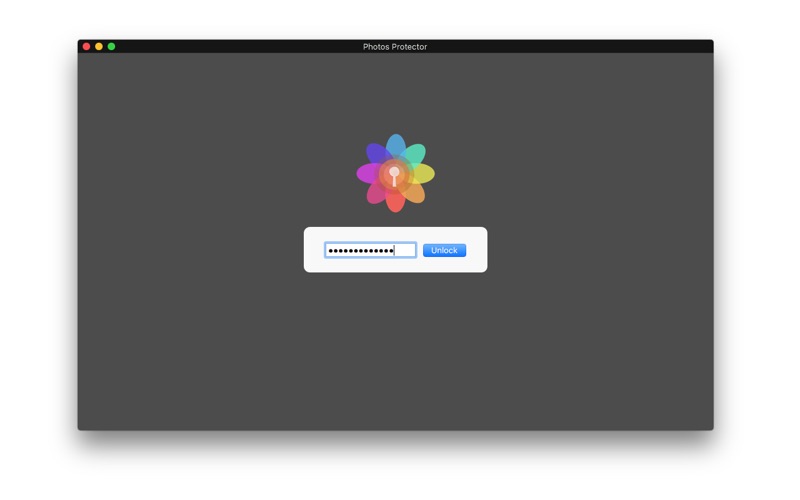
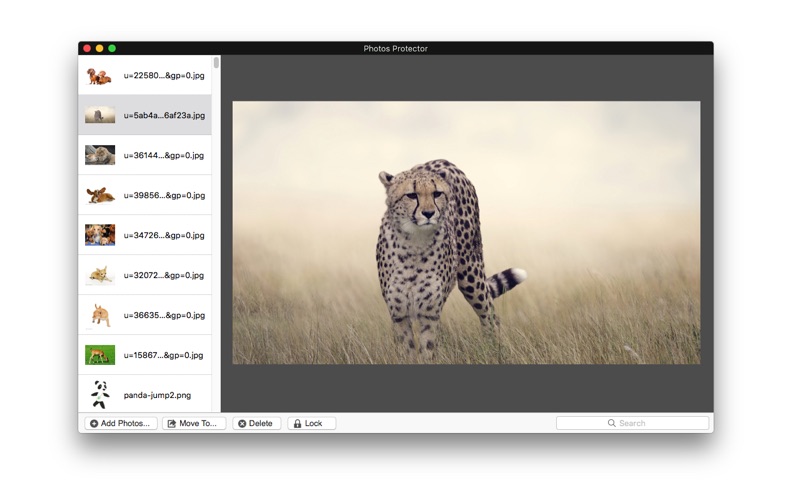
Photos Protector is an easy to use utility to store and encrypt your privacy photos. Store and encrypt photos - 2 Steps: 1. Launch "Photos Protector", set your password. (First time required). 2. Click the 'Add Photos...' button to add photos. If you choose a directory, you will add all the photos below. Supports nearly every image format(png,jpg,tiff,gif,etc…). Once photos are added to the application, they are password-protected and can only be accessed by entering a user-defined password. This helps to prevent other people from viewing private photos and ensures higher protection against thefts. 100 privacy photos can be stored and encrypted for free. Unlimited photos storage and encryption.(in-app purchase required). Decrypt and move photos - 1 step: 1. Click the ’Move to…’ button to decrypt and move photos to other directories. Delete useless photos - 1 step: 1. Click the ‘Delete’ button to delete the useless photos. Lock the Application - 1 step: 1. Click the ‘Lock’ button to lock the app immediately.
Latest release
What’s New
Fixed minor bugs.
Audience growth
Ratings growth
Baseline captured. Growth appears after the crawler observes a changed rating count.
Momentum comes from crawler snapshots for the tracked storefront. “Viral growth signal” means unusually fast recent rating gains; it is an indicator, not download data.
Price tracking
Price intelligence
First snapshot captured. The trend line starts after the next crawler price observation.
- First observed Aug 8, 2026 · 12:08 AM Free
Screenshots