About this app
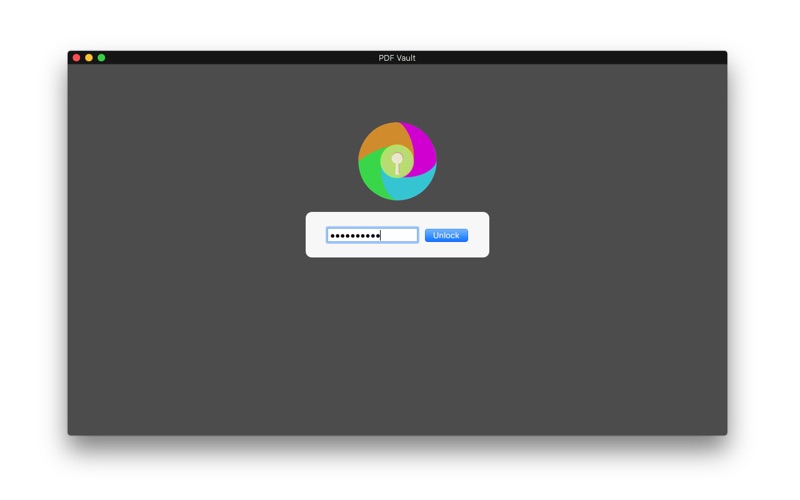
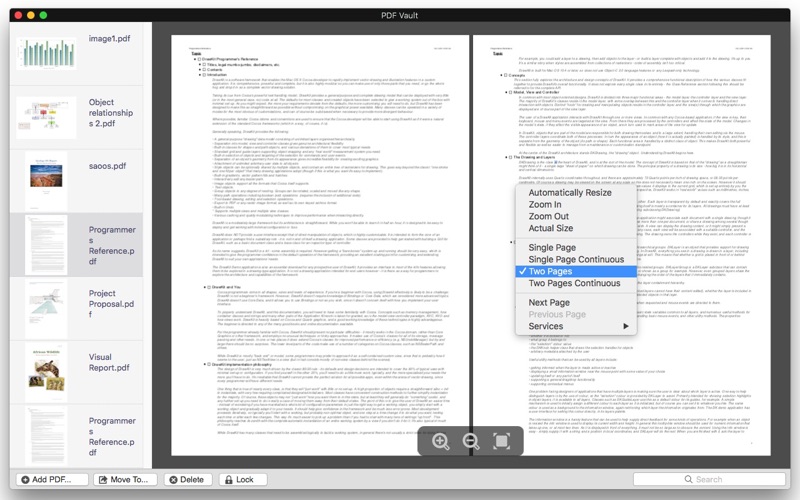
PDF Vault is an easy to use utility to store and encrypt your PDF files. Store and encrypt PDF files - 2 Steps: 1. Launch "PDF Vault", set your password. (First time required). 2. Click the 'Add PDF...' button to add PDF files. If you choose a directory, you will add all the PDF files below. After adding pdfs to the app, they are password-protected and can only be accessed by entering a user-defined password. This helps to prevent other people from seeing private pdfs and ensures higher protection against thefts. 5 PDFs can be stored and encrypted for free. Unlimited PDF files storage and encryption.(in-app purchase required, $1.99). Decrypt and move PDF files - 1 step: 1. Click the ’Move to…’ button to decrypt and move the selected PDF files to other directories. Delete useless PDF files - 1 step: 1. Click the ‘Delete’ button to delete the useless PDF files. Lock the Application - 1 step: 1. Click the ‘Lock’ button to lock the app immediately.
Latest release
What’s New
Fixed minor bugs.
Audience growth
Ratings growth
Baseline captured. Growth appears after the crawler observes a changed rating count.
Momentum comes from crawler snapshots for the tracked storefront. “Viral growth signal” means unusually fast recent rating gains; it is an indicator, not download data.
Price tracking
Price intelligence
First snapshot captured. The trend line starts after the next crawler price observation.
- First observed Aug 8, 2026 · 12:08 AM Free
Screenshots