About this app
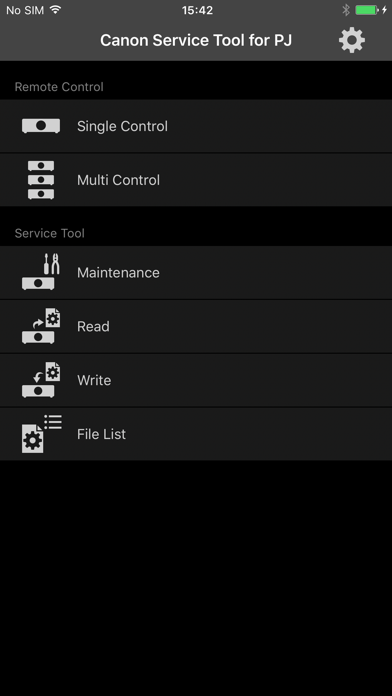
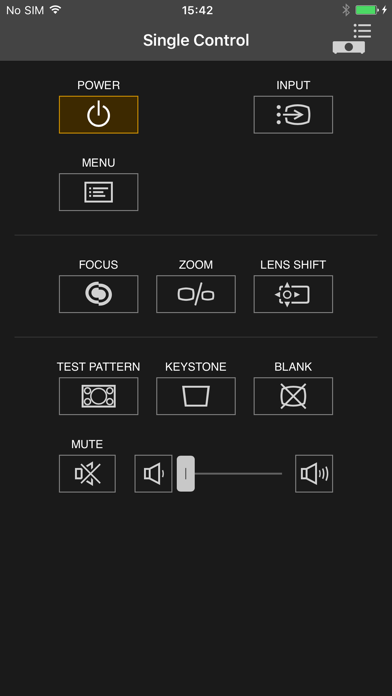
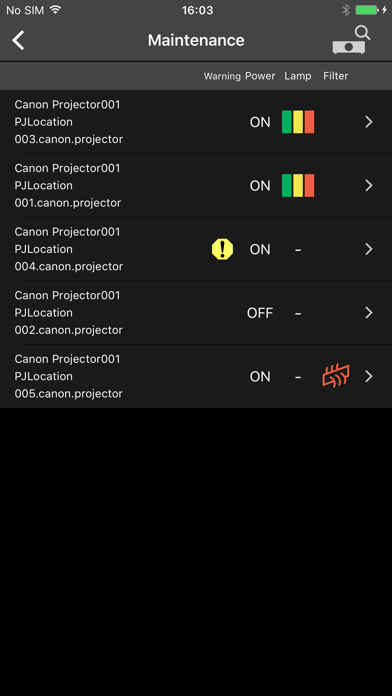
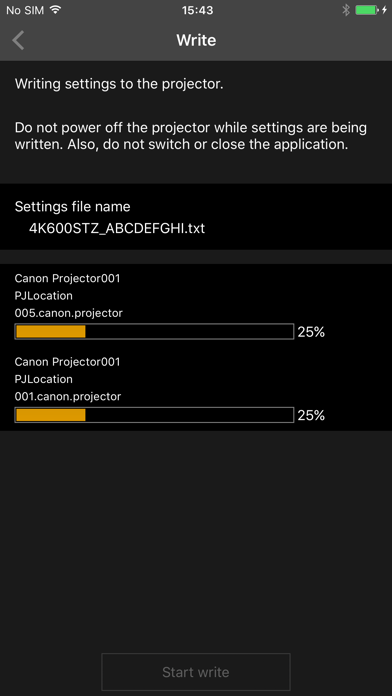
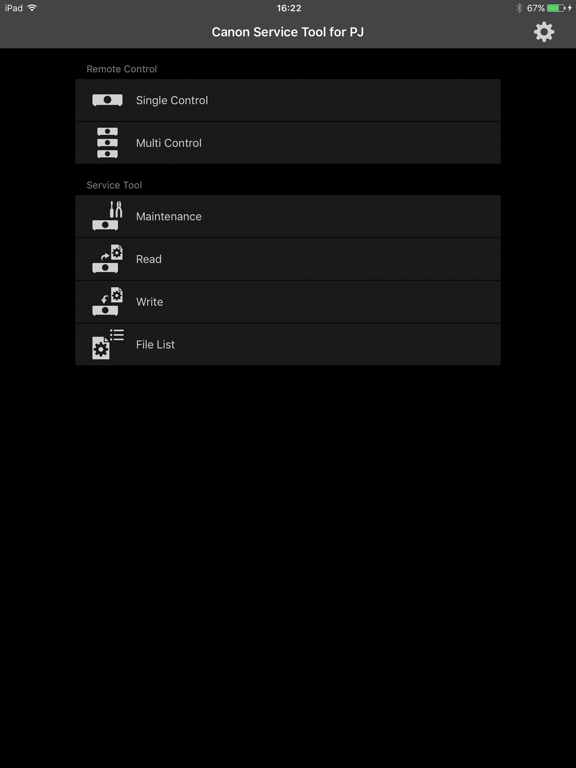
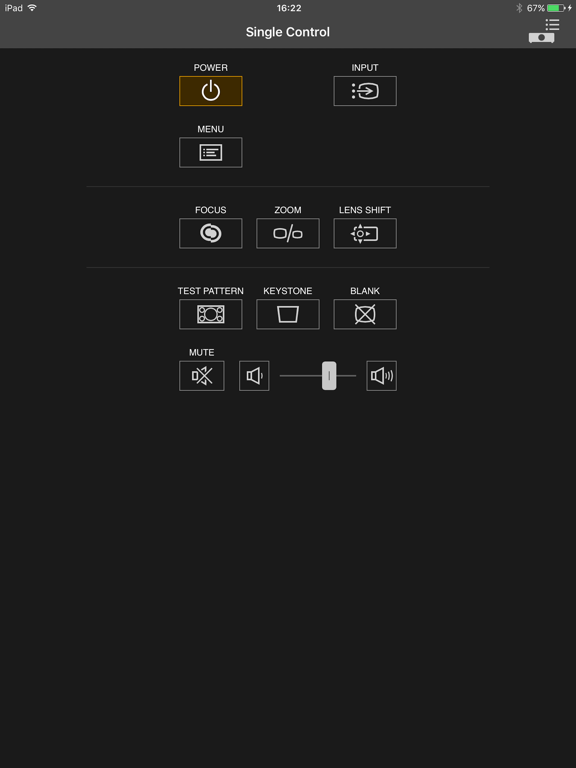
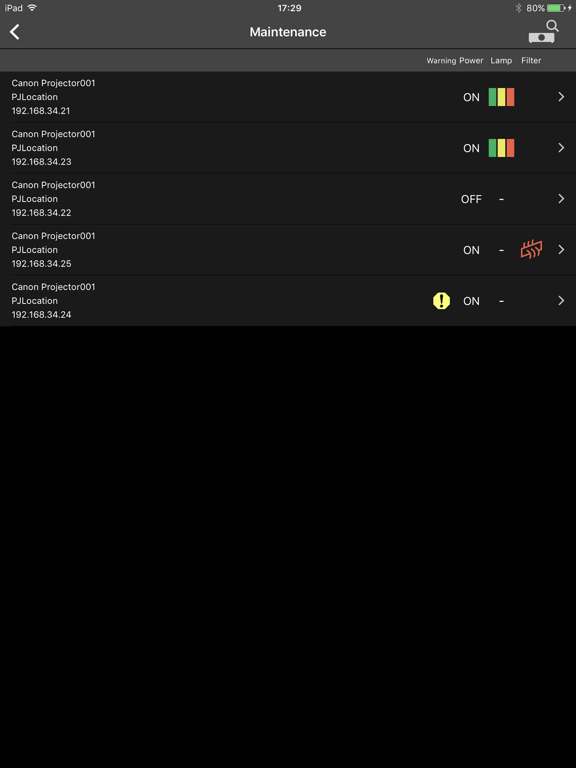
Canon Service Tool for PJ is a free application that allows you to connect to Canon projectors (see below for compatible models) via Wi-Fi*, and remotely operate and control the projector. * Use the projector as an access point, or use the existing access point to connect to the projector. ■ Main features • You can automatically search for the projector, and connect to a supported device by using the projector as an access point, or by using the existing access point. - Single Control / Multi Control This function allows you to remotely operate a single or multiple supported devices simultaneously for up to 9 units. - Maintenance In addition to projector status indicators (alert status, power status, lamp status, and filter status), troubleshooting information are also displayed on the supported device in case of errors. - Read/Write The application allows for reading the projector setup information, and saving it as a file on the supported device. The file can be used to edit settings on other projectors. ■ Compatible models - Canon 4K600STZ projectors* * The following models support Multi Control remote operations only: WUX450,WX450ST,WX520,WUX400ST,WUX6000,WUX500,4K500ST,WUX6010,WUX450ST,4K501ST ■ Supported OS iOS 9.3/10.1 ■ Notes • If the application does not operate properly, force-quit, and restart. • Available functions differ depending on the model. • Make sure you have the password for the projector before using. For details about setting a password, refer to the operating instructions of the projector. • The operation may fail if the projector is operated from other devices in the process. • Search for the projector manually if its wireless LAN function is enabled and yet does not appear in the auto search results. • It takes about 7 minutes for Read, and 15 minutes for Write function. Do not turn off the power while reading/writing.
Latest release
What’s New
This update from Apple will improve the functionality of this app. No new features are included.
Audience growth
Ratings growth
Baseline captured. Growth appears after the crawler observes a changed rating count.
Momentum comes from crawler snapshots for the tracked storefront. “Viral growth signal” means unusually fast recent rating gains; it is an indicator, not download data.
Price tracking
Price intelligence
First snapshot captured. The trend line starts after the next crawler price observation.
- First observed Aug 10, 2026 · 6:05 PM Free
Screenshots