About this app
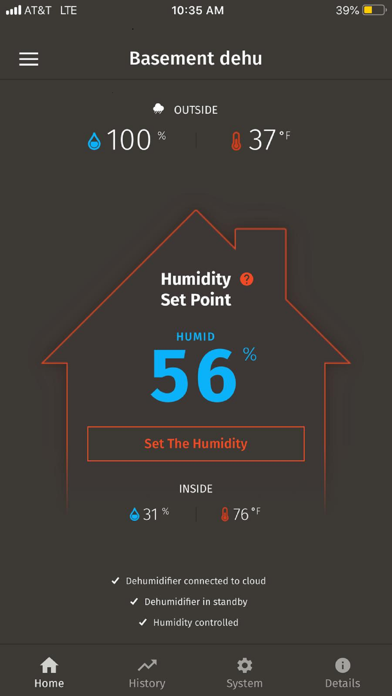
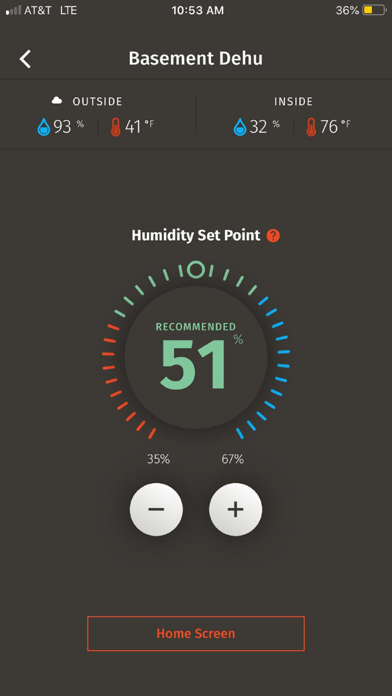
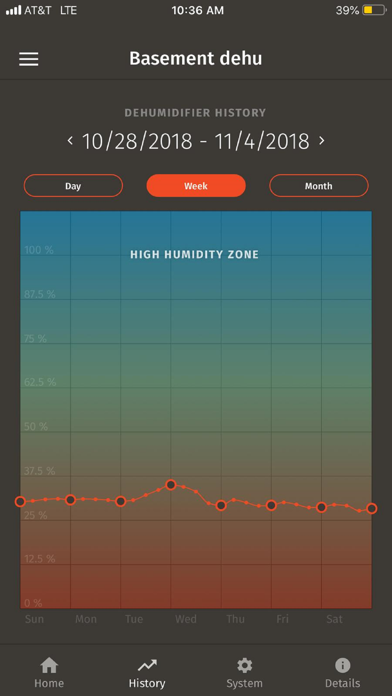
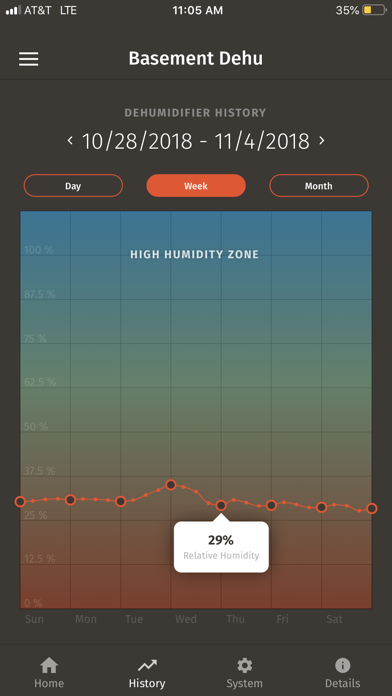
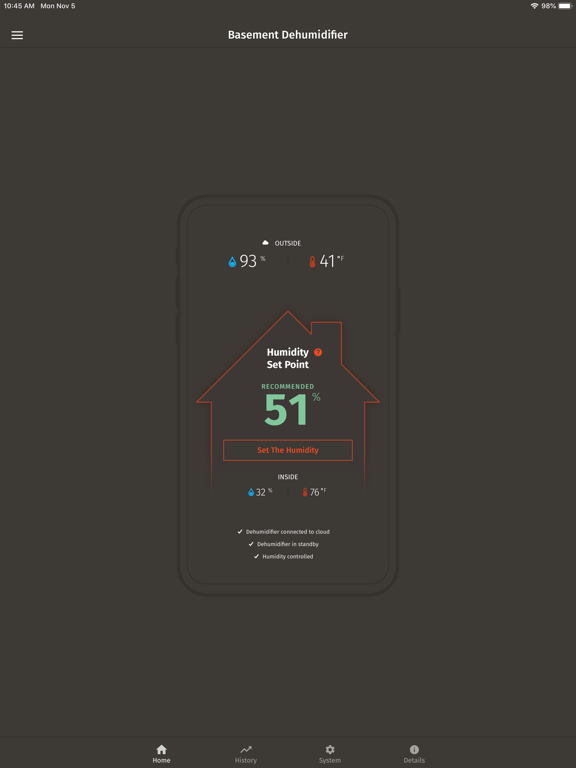
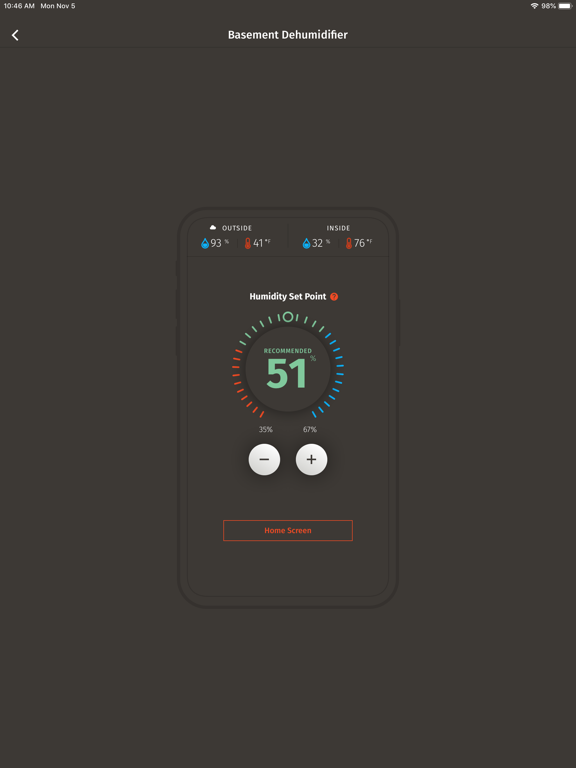
Monitor and control your Santa Fe Dehumidifier through the Santa Fe Connect app! The Santa Fe Connect allows you to control, monitor and live with peace of mind that your home is protected. With the Santa Fe Connect app you can: Control your dehumidifier remotely: • Turn your dehumidifier on and off • Set your Relative Humidity • Control more than one dehumidifier in your home • Set to sleep mode for one to four hours • Control your dehumidifier to high or low mode depending on conditions of space Monitor your home environment and dehumidifier remotely, including: • The current relative humidity and temperature in the space of your dehumidifier • The current relative humidity and temperature outside • Actual operating hours Receive notifications through the app, email or text • If your Santa Fe Connect is offline • Water is detected near your dehumidifier • When there is a possible mold warning – Relative Humidity is over 65% for more than 24 hours • If there is an overflow from the drain pan • It is time to change your filter in your dehumidifier And much more! The Santa Fe Connect app requires installation of a Santa Fe Connect WiFi module to your Santa Fe Dehumidifier. Working WiFi and an internet connection are also required for installation. To learn more about our Santa Fe Dehumidifiers and our line of moisture control products go to www.Santa-Fe-Products.com
Latest release
What’s New
Welcome to Santa Fe Connect version 1.2. This update adds requests for the Location and Bluetooth access information required to perform the Santa Fe Connect installation of the Wi-Fi credentials onto the Connect monitor device.
Audience growth
Ratings growth
Baseline captured. Growth appears after the crawler observes a changed rating count.
Momentum comes from crawler snapshots for the tracked storefront. “Viral growth signal” means unusually fast recent rating gains; it is an indicator, not download data.
Price tracking
Price intelligence
First snapshot captured. The trend line starts after the next crawler price observation.
- First observed Oct 13, 2026 · 3:46 PM Free
Screenshots