About this app
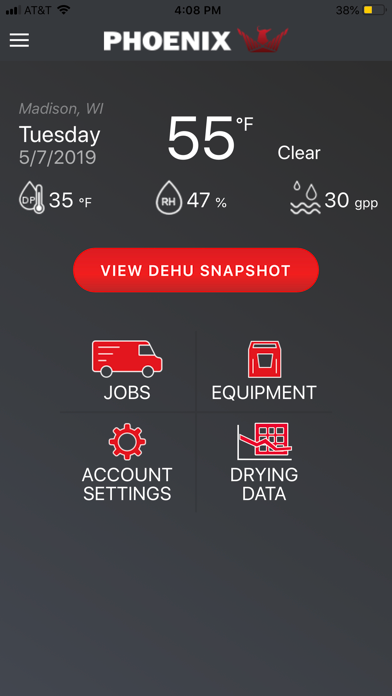
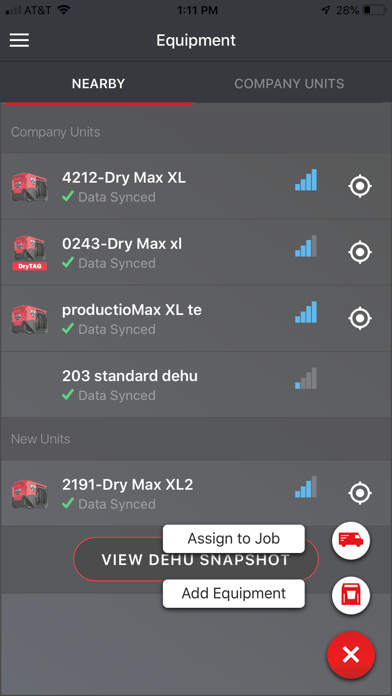
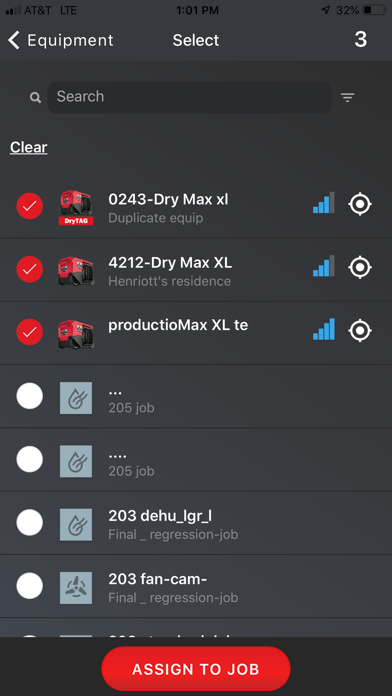
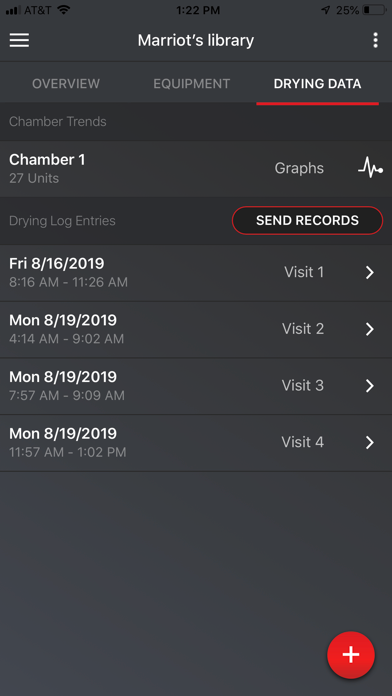
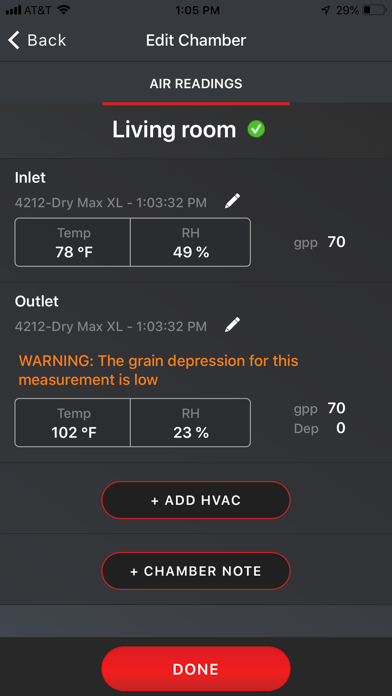
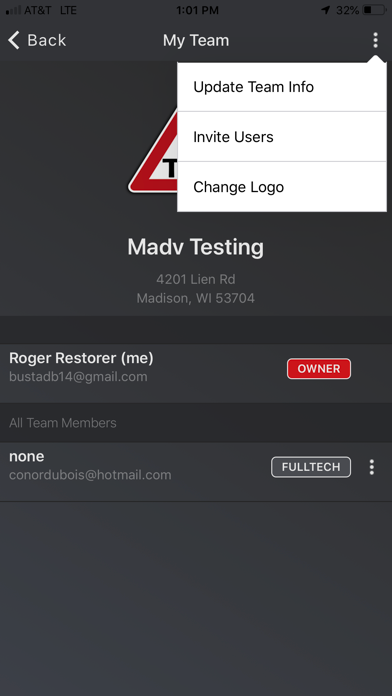
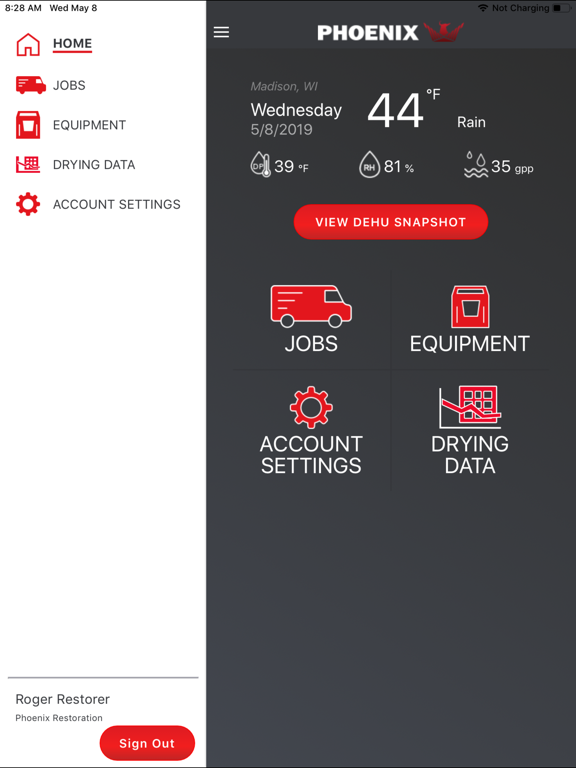
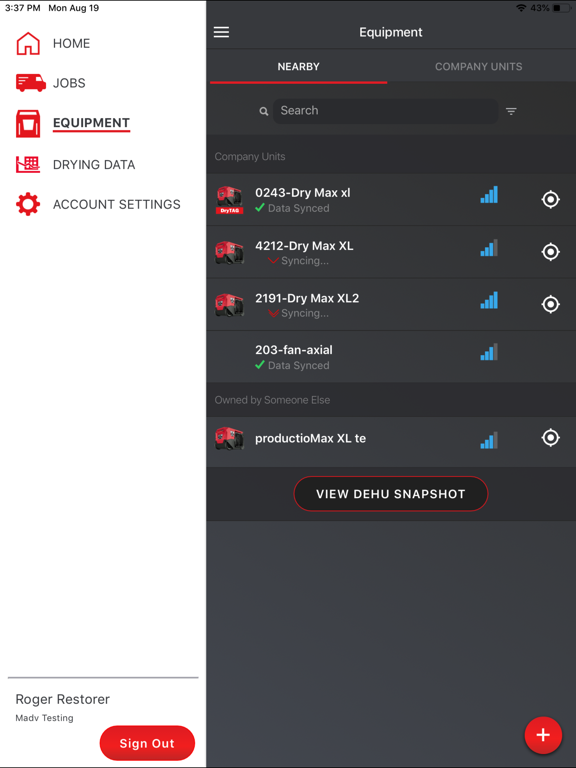
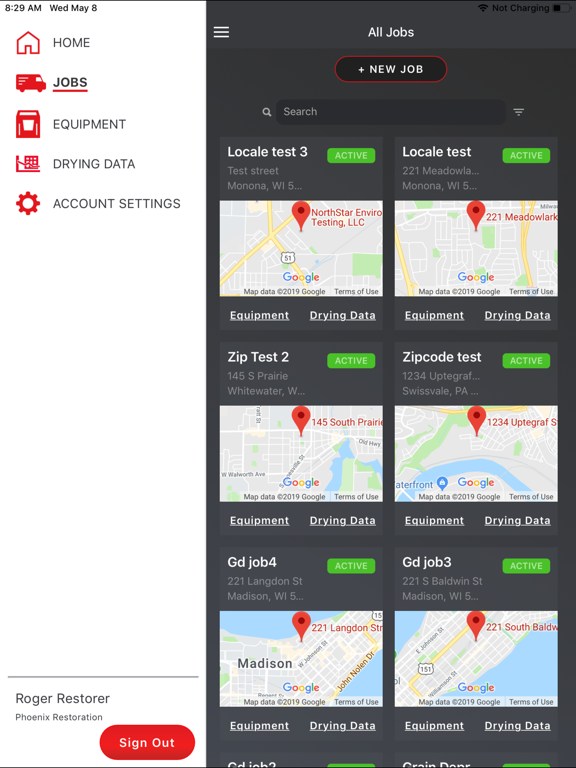
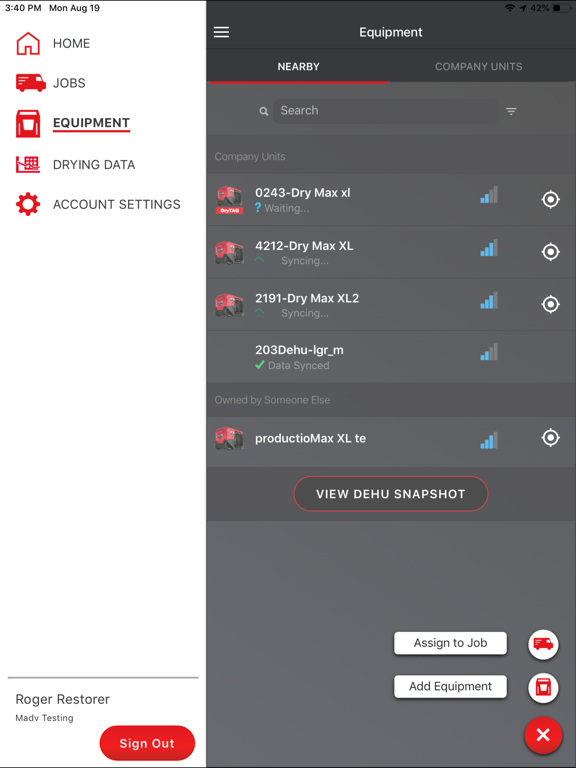
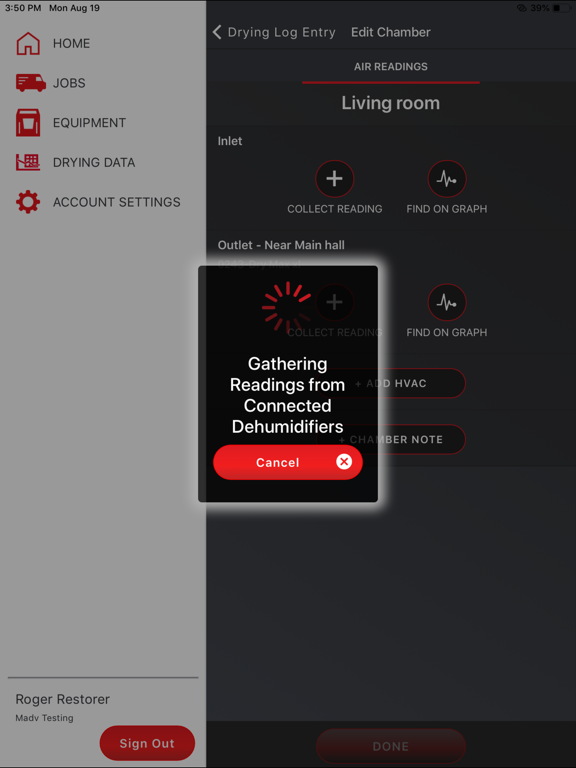
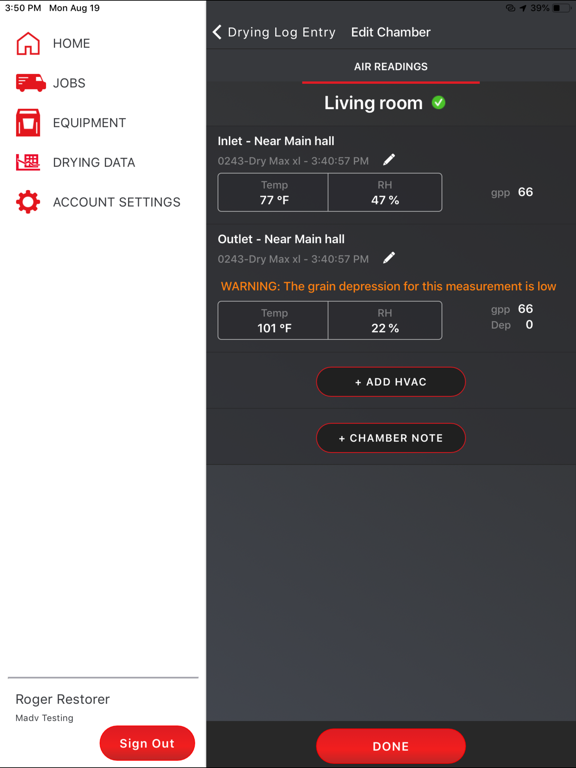
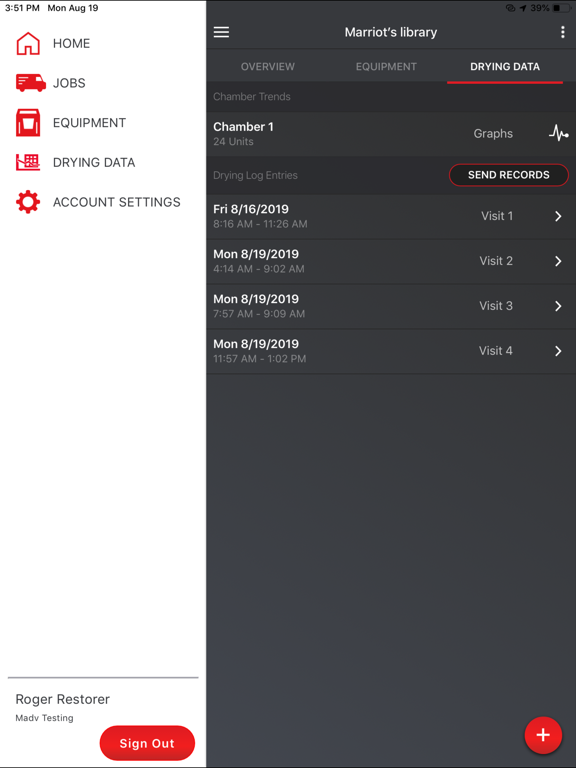
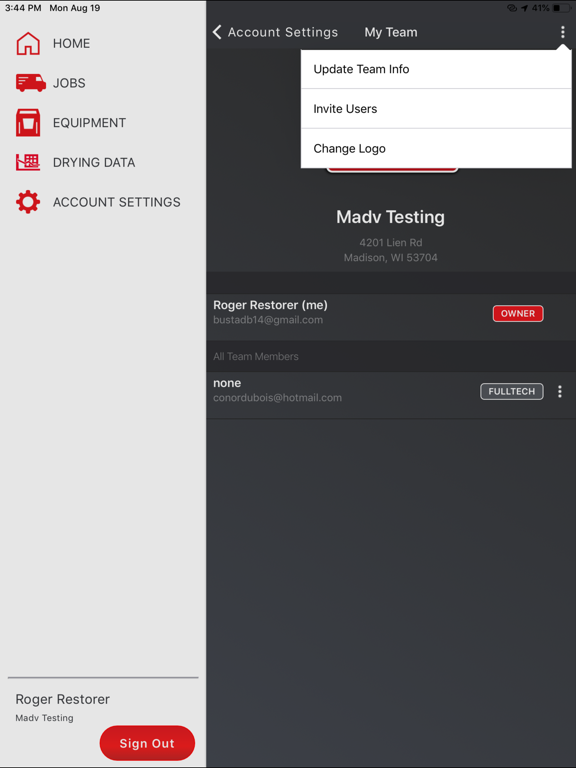
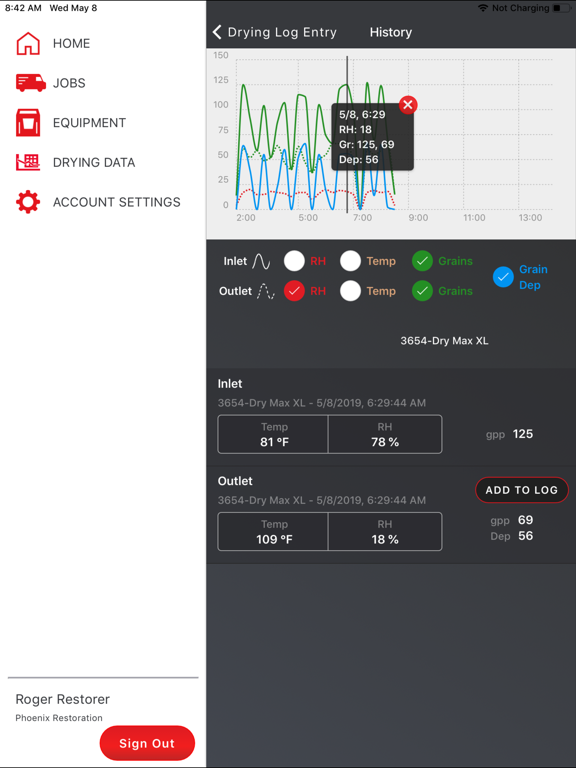
DryLINK is the world’s first restoration app with Bluetooth connectivity to smart dehumidifiers and other DryLINK enabled equipment... E3 is now integrated into DryLINK. Use this revolutionary technology to transform your business. Have complete control of any loss, regardless of the class, category, outside conditions, or equipment used. With the Phoenix DryLINK app you can: Upload and Share Data with Your Team • Create One Company Account with Multiple Users • Connects by Bluetooth to Smart Dehumidifiers and other DryLINK enabled equipment • Make any dehumidifier “smart” with DryTAG RH • Automate the affected area, unaffected area, or an HVAC reading with DryTAG RH • Automate your moisture point readings with DrySENSE • See the Last Known Location of your DryLINK enabled equipment • Add Non-Smart Equipment to Your Company’s Inventory • Log Manual Psychrometric or Moisture Material Levels for Non-Smart Equipment • Record More Than One Visit in a Day • Connects to the DryLINK Cloud Through your Device's Cell Service or Wi-Fi • Stores Data Locally if no Internet is Available • Uploads Data When an Internet Connection is Restored • Use the Job Mapping Feature with your Device's Native Phone App Create and Share Drying Reports • Stunning New Report • Add Your Company’s Logo • Add Rooms and Chambers with Dimensions and add Chamber Notes • Optionally, Use the Built in IICRC Equipment Recommendations • Save Job Setup Time by Auto Selecting Nearby, Running, Smart Equipment • Automatically Import Readings from Smart Dehumidifiers • Create and Share the Drying Log Link by Text or Email • View Data Graphically • Manually Enter Readings from Non-Smart Dehumidifiers and Other Devices Remote monitoring with DryPHONE - Optional DryPHONE Required for these features • Enter daily readings remotely • Plan daily visits based on job site conditions • Receive real-time alerts of your choice Use Alerts to Stay Informed – DryPHONE Required for some alerts • Equipment Alerts – Equipment turned off, last known location, filter, DryTAG battery level • Job Status Alerts – monitor temperature, RH, GPP, and provide notifications if out of range • Job Management Alerts – Job started, completed, not completed on time. Connect to and Control Your Smart Dehumidifiers • Get the Current Psychrometric Readings • Turn Quiet Mode On/Off • Enable Humidistat Mode • Get Notifications of New Firmware and Install it Using Your Phone • Set Filter Reminders Based on Hours of Use • Locate the Smart Dehumidifier to Which You Are Connected • Purge the Water • Turn the Dehumidifier On or OFF • Check for Alerts • Run Diagnostics Mode And much more! To learn more about the entire Phoenix product line please visit www.UsePhoenix.com.
Latest release
What’s New
Bug fixes related to iPhone 17 models.
Audience growth
Ratings growth
Baseline captured. Growth appears after the crawler observes a changed rating count.
Momentum comes from crawler snapshots for the tracked storefront. “Viral growth signal” means unusually fast recent rating gains; it is an indicator, not download data.
Price tracking
Price intelligence
- First observed Oct 13, 2026 · 3:46 PM Free
Screenshots