About this app
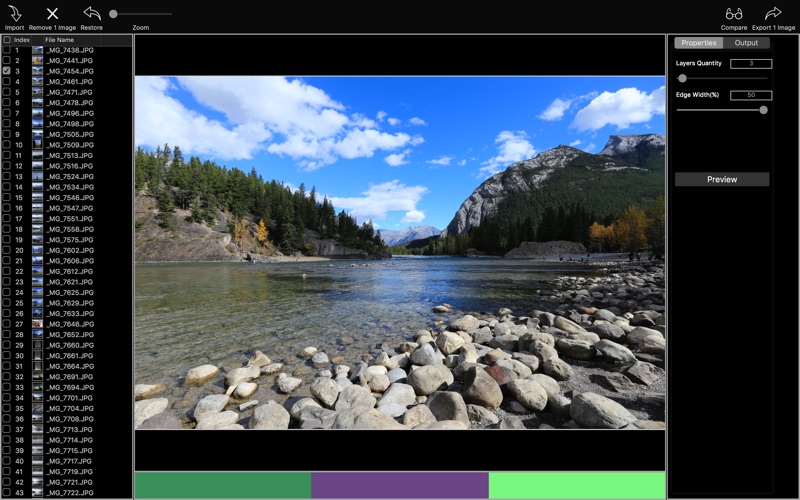
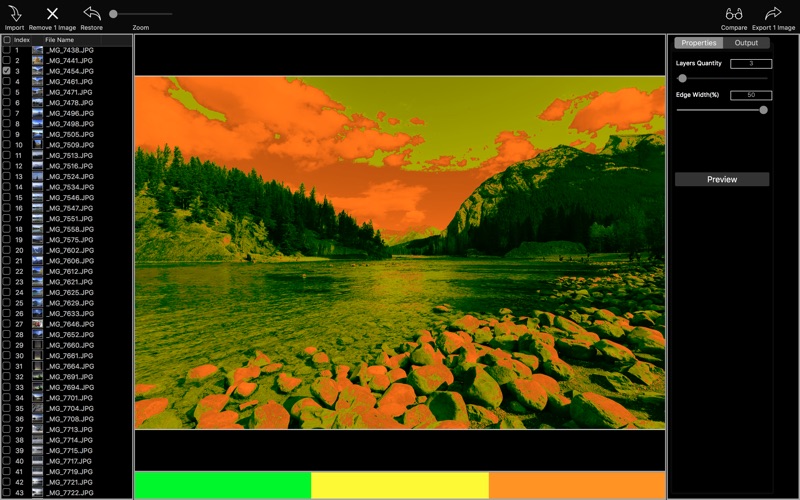
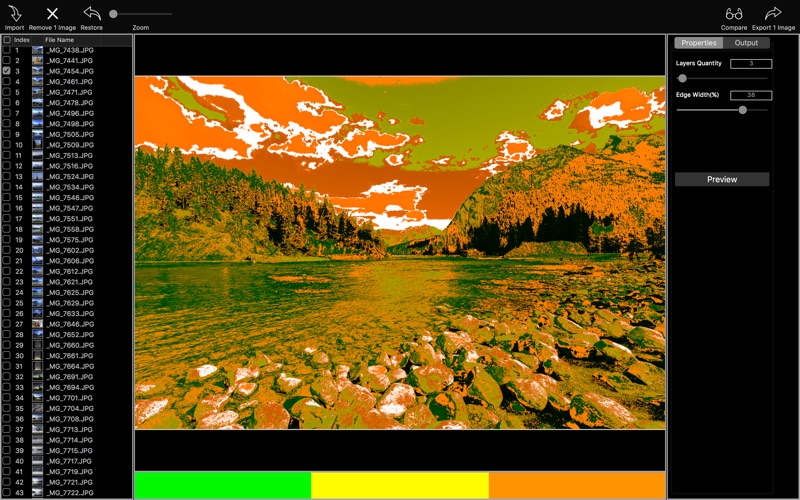
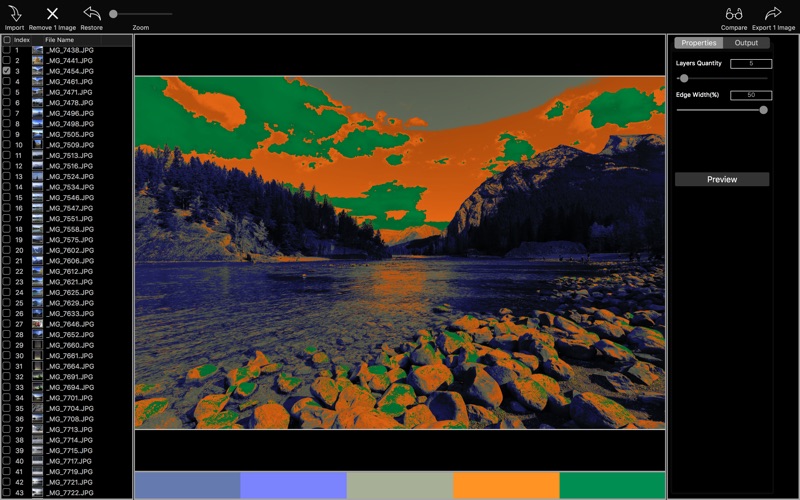
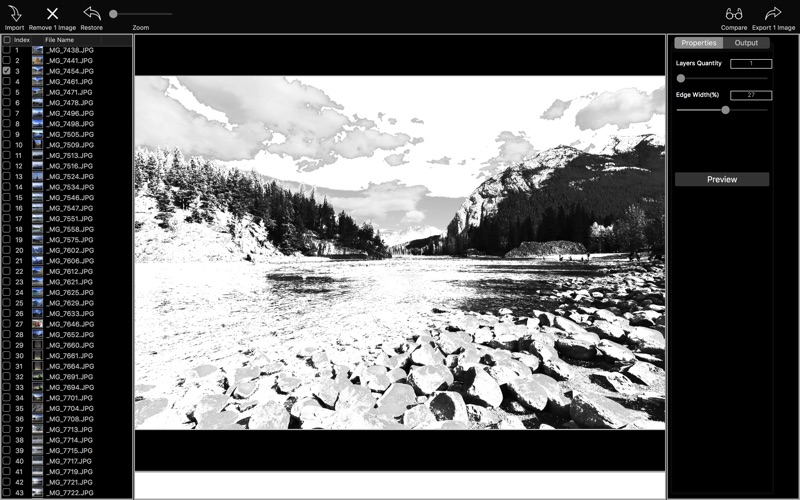
Batch to convert photos to ink paintings. How to use? 1. Drop photos or folders onto Import icon from toolbar 2.Ajust parameters 3.Click on color tile to change color and drag color tile to adjust its order. 4.Press Preview button to preview or drag the Export icon from toolbar out to save the result Extra features: - Enable to embed original EXIF into output image - Enable to keep the output's file create time as same as the source - Enable to set DPI and copyright Input image type: | JPG | JPEG | PNG | TIF | TIFF | DNG | RAW | 3FR | PPM | DCR | ORF | ARW | RAF | NEF | CR2 | RW2 | IIQ | MEF | MRW | PEF | MOS | ERF | BMP | GIF | ICNS | ICO | JP2 | J2K | JPF | JPX | JPM | MJ2| Output image type: | JPG | JPEG | PNG | TIF | TIFF | IIQ | BMP | GIF | JP2 | J2K | JPF | JPX | JPM | MJ2|
Latest release
What’s New
Compatible update for Mojave
Audience growth
Ratings growth
Baseline captured. Growth appears after the crawler observes a changed rating count.
Momentum comes from crawler snapshots for the tracked storefront. “Viral growth signal” means unusually fast recent rating gains; it is an indicator, not download data.
Price tracking
Price intelligence
First snapshot captured. The trend line starts after the next crawler price observation.
- First observed Sep 21, 2026 · 2:55 AM Free
Screenshots