About this app
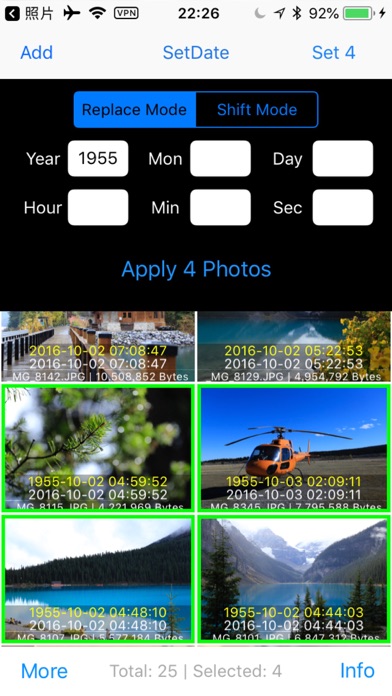
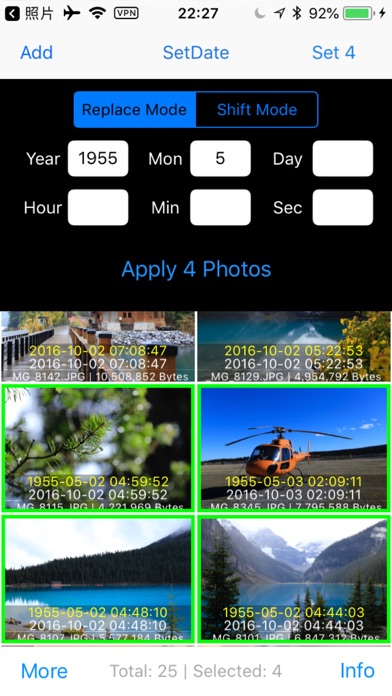
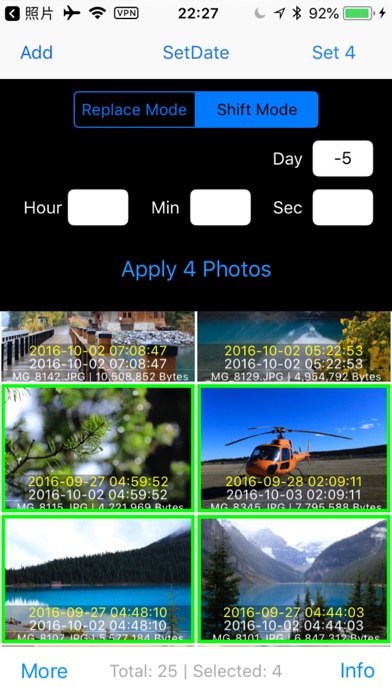
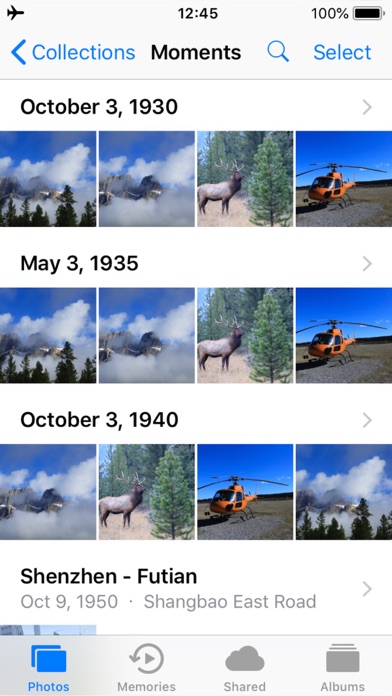
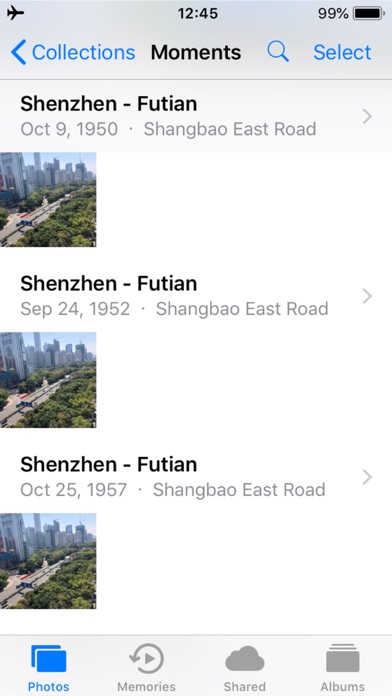
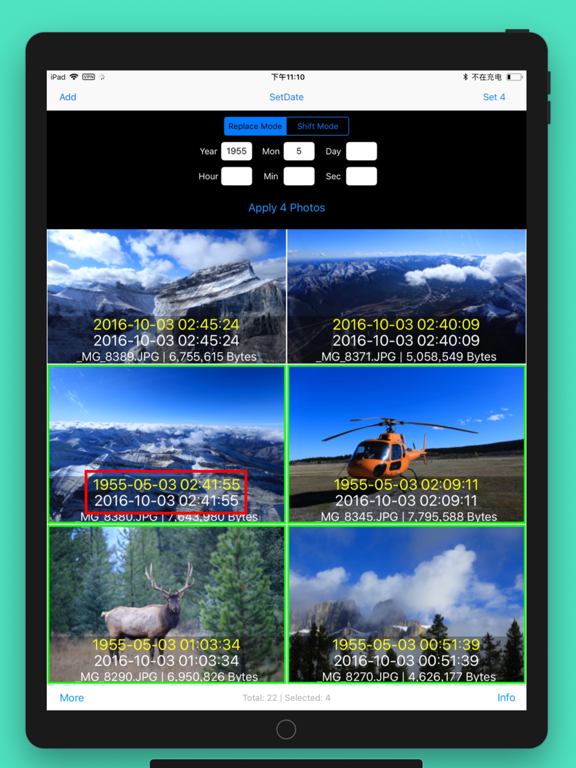
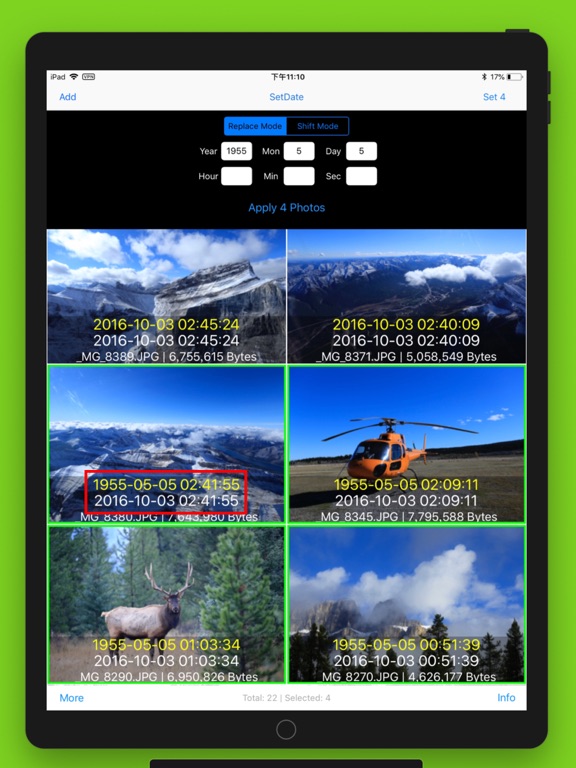
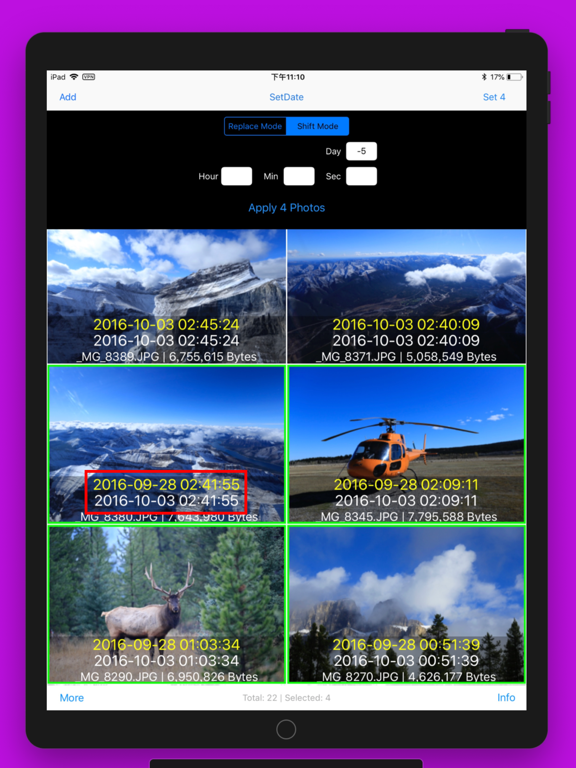
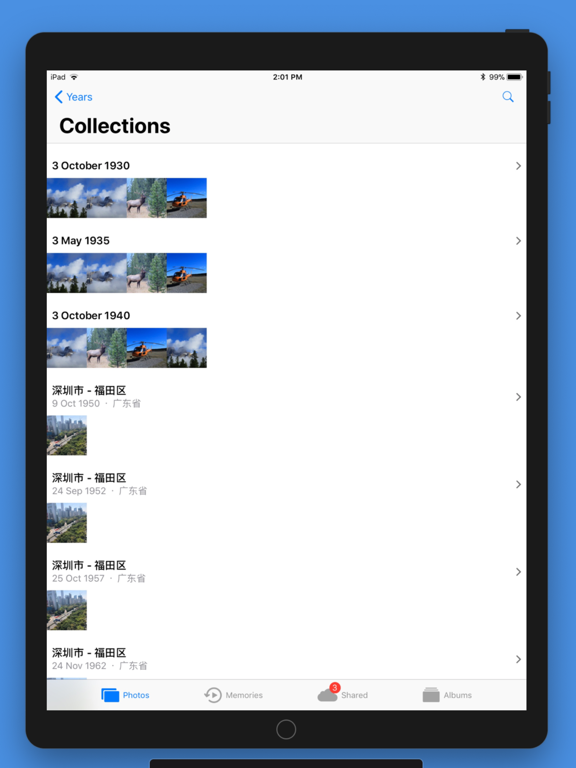
Batch to change photos' shot date! Features: - Replace Year | Month | Day | Hour | Minute | Second with a new value independently. For example: You can change Year only. Changing time: --Replace Mode: Replace image's time with a new value For example: Set the Year with value of 2018 to change two photos' date from 2016-03-05 and 2017-06-12 to 2018-03-05 and 2018-06-12 --Shift Mode: Increase or decrease photos' time based on its original time For example: Set the Day with value of -2 to change two photos' date from 2016-03-05 and 2017-06-12 to 2016-03-03 and 2017-06-10 This app will reserve photo's original EXIF,only change its time information from EXIF. Saving image file: --Duplicate Mode: Duplicate photos first, then modify those new photos with new date. The output file size will be kept with its original size under the Duplicate Mode. --Overwrite Mode: Modify the photos' time with new date directly. If you want to restore photos after changing its date, you should open those changed photos in Photos and click Edit -> Revert The output file size would be compressed under the Overwrite Mode. Available Formats: JPG | HEIC The macOS version named Image Date Changer is also available in Mac App Store.
Latest release
What’s New
Fixes and improvements
Audience growth
Ratings growth
Baseline captured. Growth appears after the crawler observes a changed rating count.
Momentum comes from crawler snapshots for the tracked storefront. “Viral growth signal” means unusually fast recent rating gains; it is an indicator, not download data.
Price tracking
Price intelligence
First snapshot captured. The trend line starts after the next crawler price observation.
- First observed Sep 21, 2026 · 2:55 AM $4.99
Screenshots